Athena NGFW (Next-Generation Firewall)

Athena NGFW (previously known as Network Secure) provides comprehensive protection for every network perimeter, ensuring the safety of your valuable assets, data, and users from emerging threats.
{{sendMatomoQuery("Athena NGFW (Next-Generation Firewall)","Upgrade Using Sangfor Updater 6.2")}}

Upgrade Using Sangfor Updater 6.2

{{ $t('productDocDetail.updateTime') }}: 2026-04-03

Sangfor Updater 6.2 can be obtained from https://community.sangfor.com/plugin.php?id=service:download&action=tool

Steps
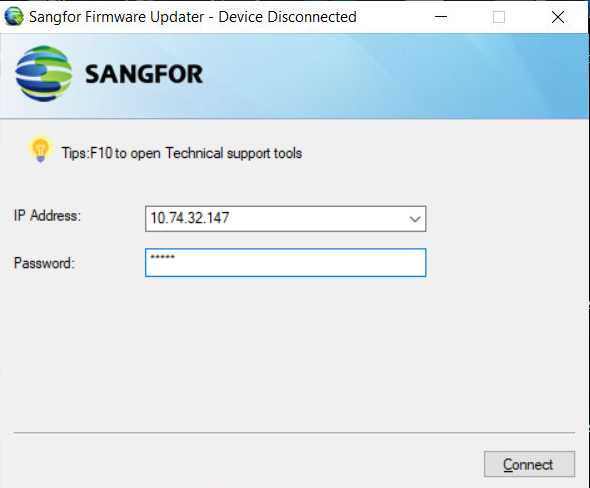
  1. Enter the device IP address and administrator password, then click Connect.

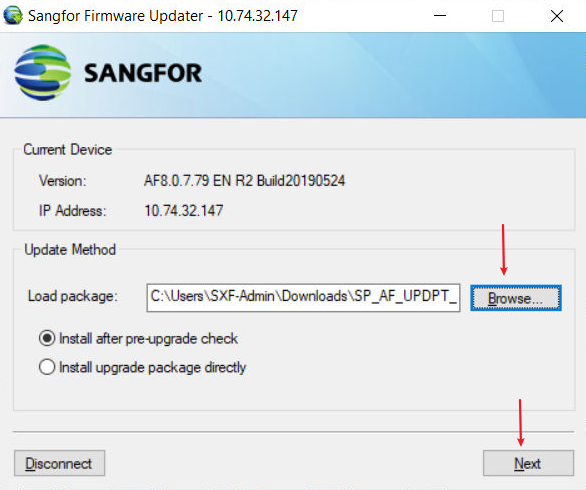
  1. Click Browse... to select the corresponding SP package and click Next.

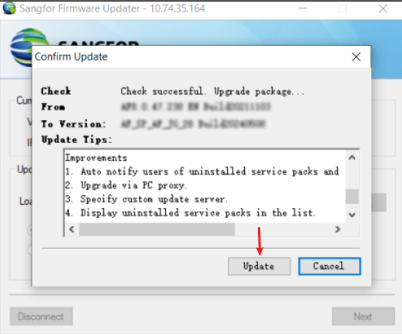
  1. Click Update.

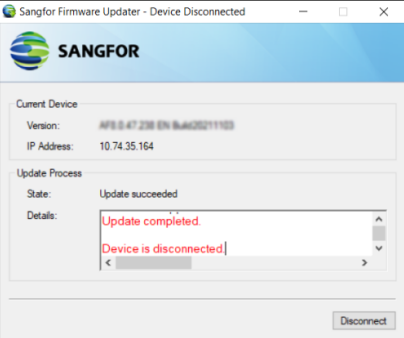
  1. Wait for the update to complete.

Single Node

  1. Check whether the network is properly connected.
  2. Complete backup configuration.
  3. Load the .ssu package using Sangfor Updater 6.2 for the upgrade.
  4. If NGAF is connected to Cyber Command, Central Manager, or other Sangfor products, their security SPs also need to be installed accordingly.

HA

  1. Check whether the deployment is in HA mode.
  2. Both the active and standby nodes must have the same SP installed. Otherwise, version inconsistencies will cause configuration synchronization to fail. This SP must be installed on the active node before being installed on the standby node.

Note: Sangfor Updater 6.2 supports only packages in .ssu format, not .bin format.