


{{ secondMenu.name }}






After deploying one SCP in HCI primary site and one in DR site, logging in the SCP running on the primary site go to Reliability > SCP Status Check > SCP Failover click New.
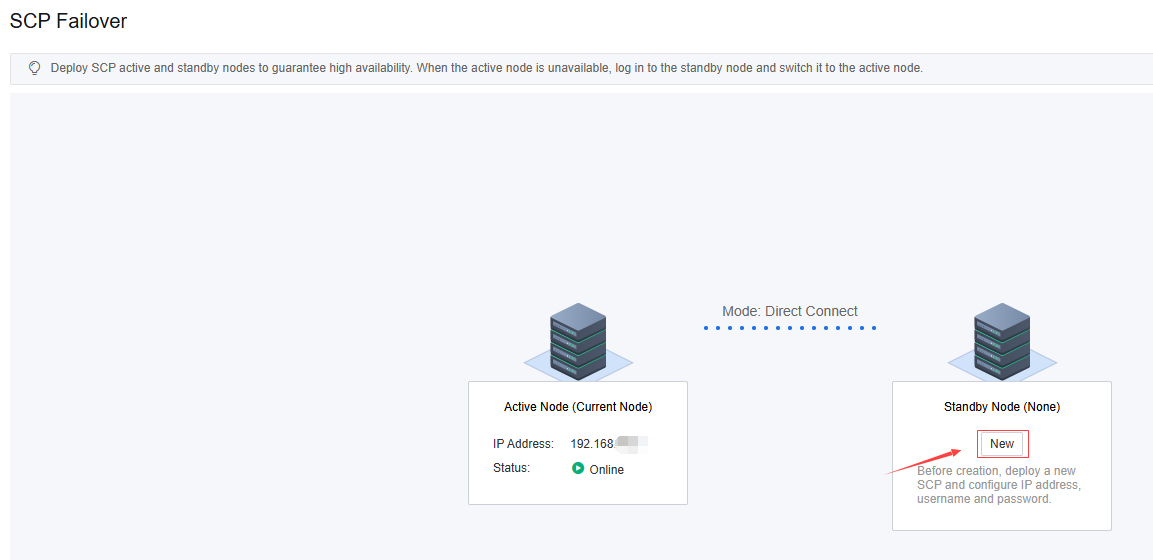
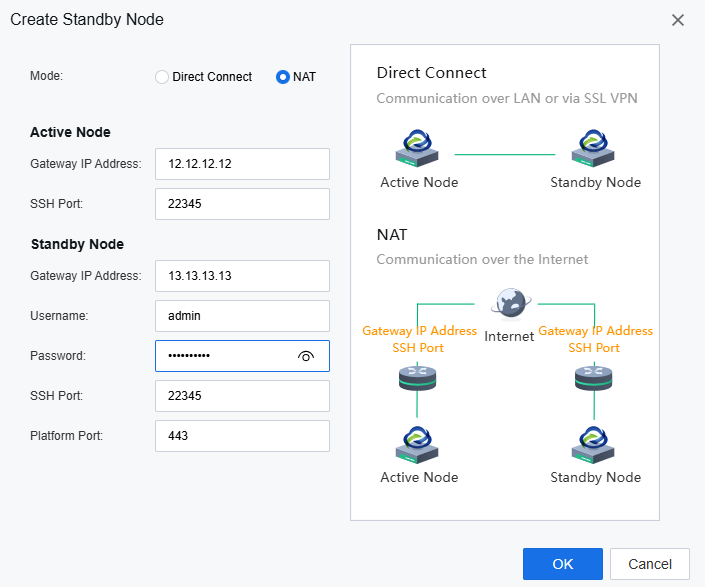
There are two methods you can choice one is direct connect the other one is NAT.
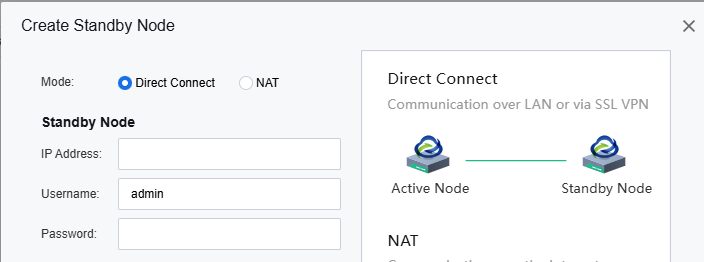
Direct Connect mode: Direct Connect mode requires the two SCP can communicate with each other via LAN or VPN. When you select you need to fill in the secondary node IP address and the password of the admin account.
NAT mode: The two SCP nodes also can connect with each other by NAT
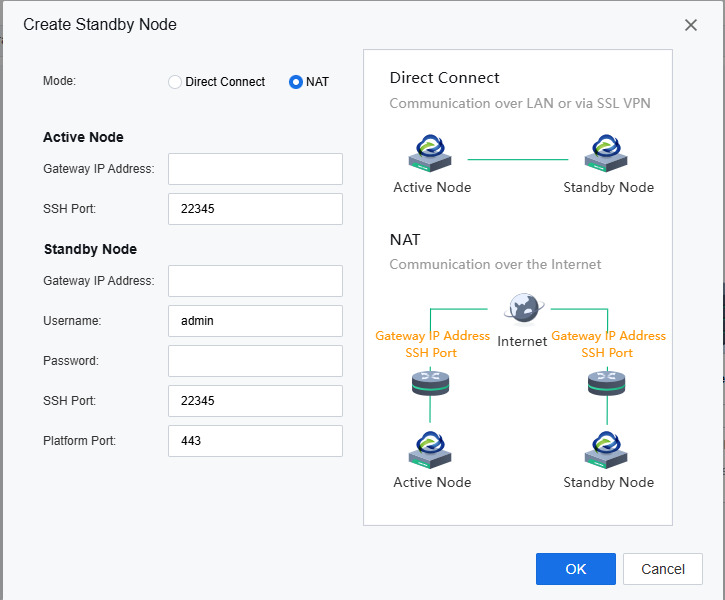
Make sure the two SCP nodes can communicate with each other through the SSH port and the platform login port. Fill in the outbound IP address and the ports exposed to the outside after NAT for the SSH port and the platform login port.
Here is an example: the egress IP is the gateway IP address.
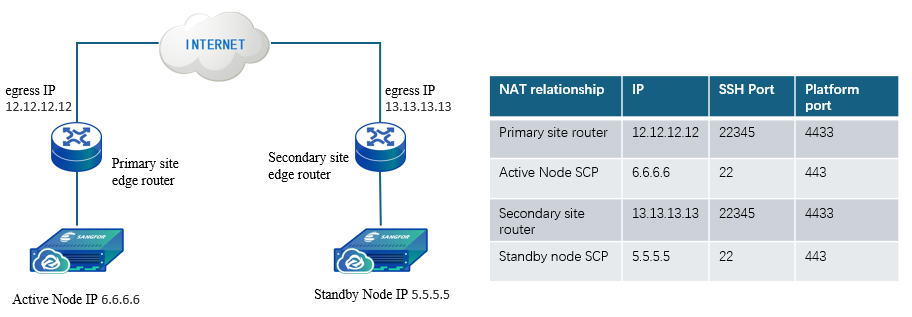
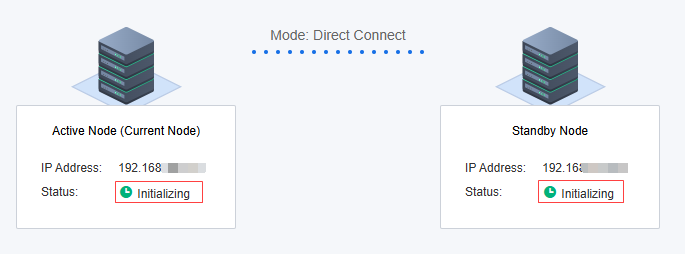
After selecting the mode and filling in the related information click OK, if everything is ok the process will enter the initialization state.
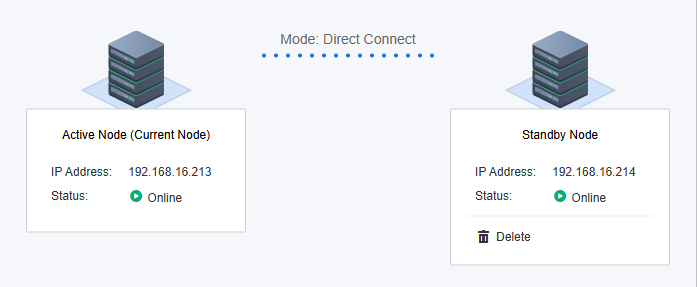
After the failover cluster has created success, the status will turn to Oline.


 {{ $t('index.defaultHeader.chromeBrowserTip') }}