


{{ secondMenu.name }}






You may click Restore to Factory Defaults to restore Sangfor HCI to its factory defaults. All nodes will be restored to factory defaults and removed from Sangfor HCI. You need to add them again. Sangfor HCI will also be restored to factory defaults, including Cluster Settings, System Administrators and Permissions, VM Backup and Recovery, User Experience Improvement Program, Date and Time, and Alarm Options. 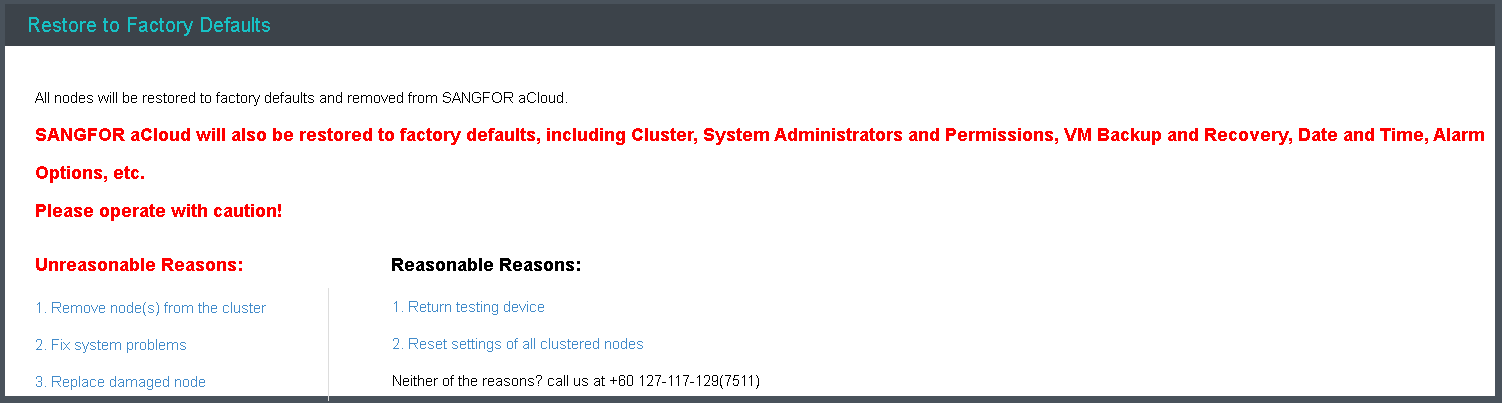
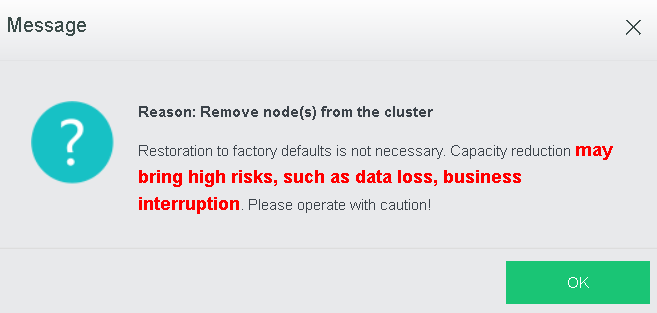
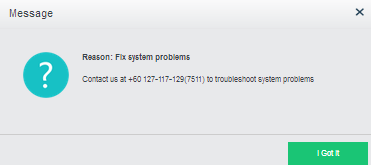
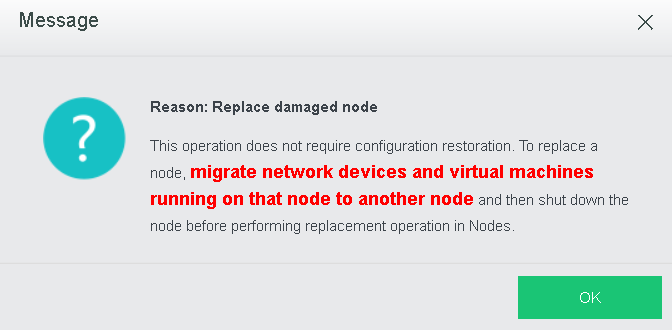
The following are unreasonable reasons for restoration operation:
The following are reasonable reasons for restoration operation:
Before returning testing device, make sure all data on clustered nodes have been backed up and business system has been migrated, to prevent data loss, business interruption, since the operation is not irrevocable. Please operate with caution.
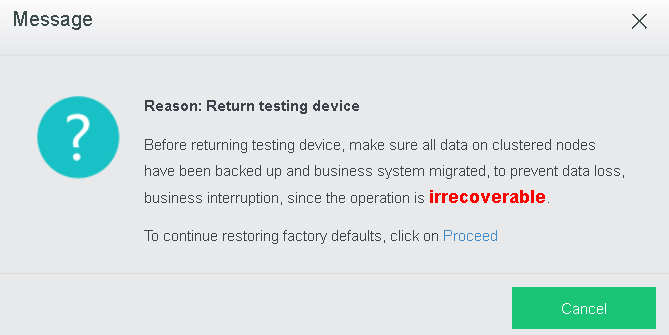
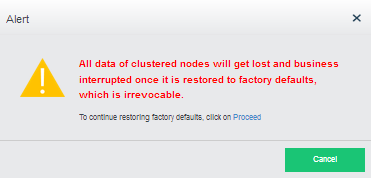
All data of clustered nodes will get lost and business interrupted after this operation which is irrevocable. Please operate with caution.
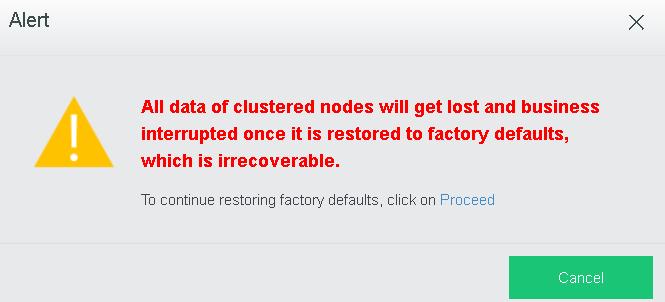
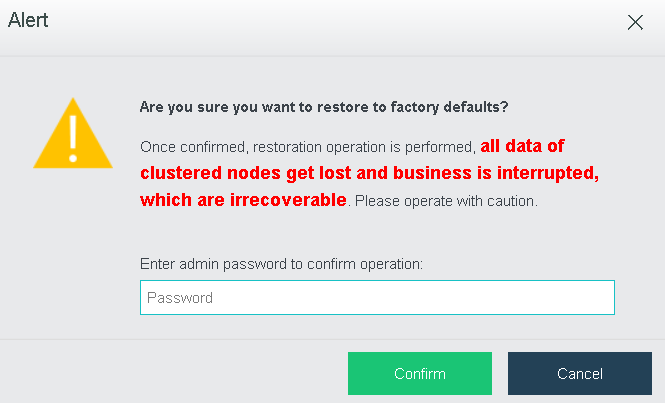
Click OK to start restoring factory defaults. All data of clustered nodes will get lost and business interrupted after this restoration operation, which is irrevocable. Enter password of the current username to confirm operation: 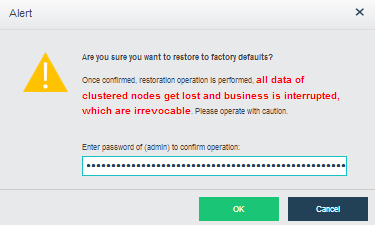
Before resetting cluster settings, make sure all data on clustered nodes have been backed up and business system has been migrated. All data of clustered nodes will get lost and business interrupted after this restoration operation, which is irrevocable.
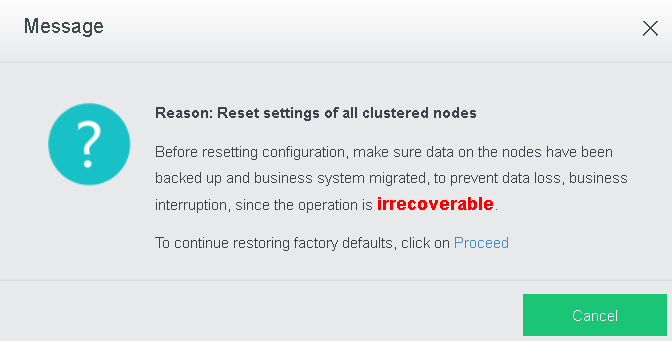
All data of clustered nodes will get lost and business interrupted after this restoration operation, which is irrevocable.
If you have other reasons, contact us at +60 127-117-129(7511)


 {{ $t('index.defaultHeader.chromeBrowserTip') }}