


{{ secondMenu.name }}






Overlay network interface will be used for inter-nodes communication for the virtual devices and virtual machines. 
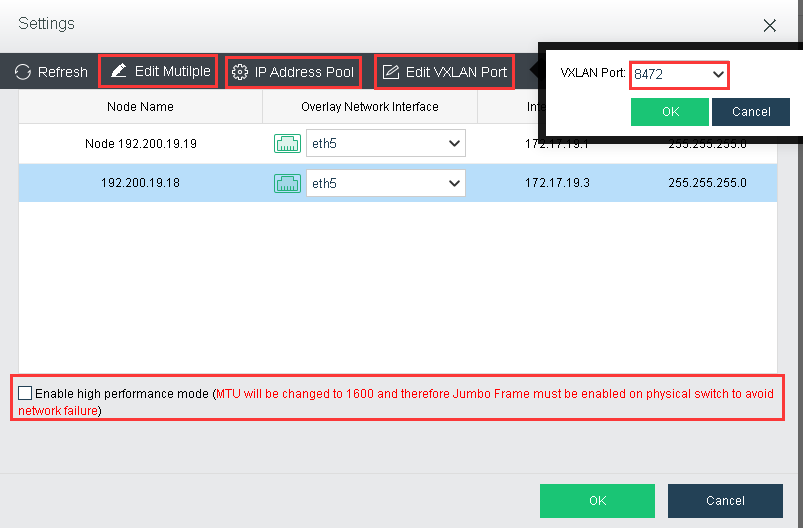
Edit Multiple: Allow to edit the physical interfaces for all nodes. 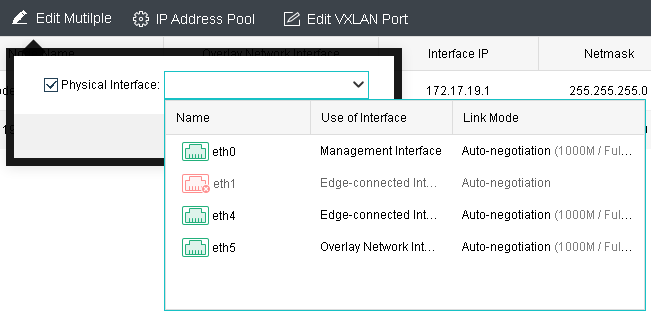
IP Address Pool: Configure the IP Pool for the overlay network. 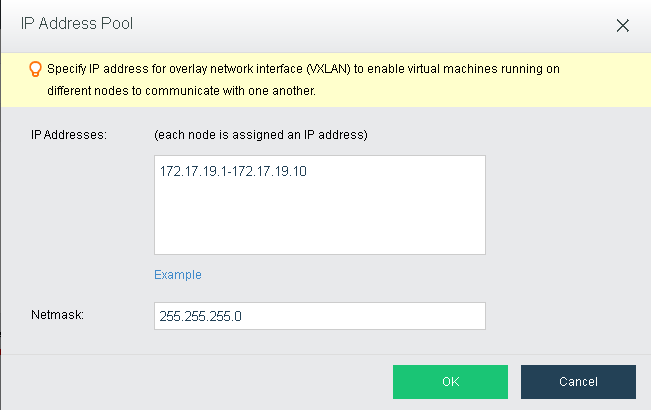
Edit VXLAN Port: Change the VXLAN port. By default it will be 8472 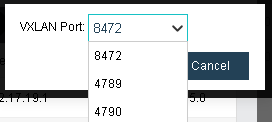
Overlay Network interface: Change the physical interface for overlay network on corresponding nodes.
Enable high performance mode: MTU will be changed to 1600 to improve performance for overlay network. Connected switch are required to enabled Jumbo Frame if this option has been enabled.


 {{ $t('index.defaultHeader.chromeBrowserTip') }}