


{{ secondMenu.name }}






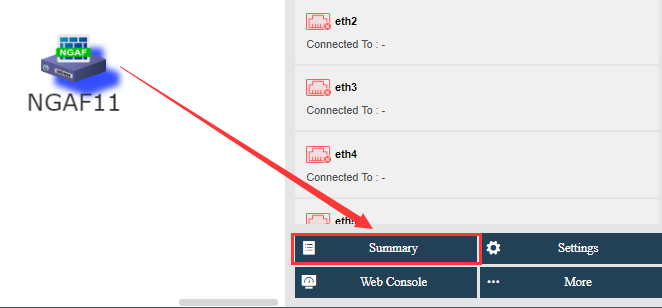
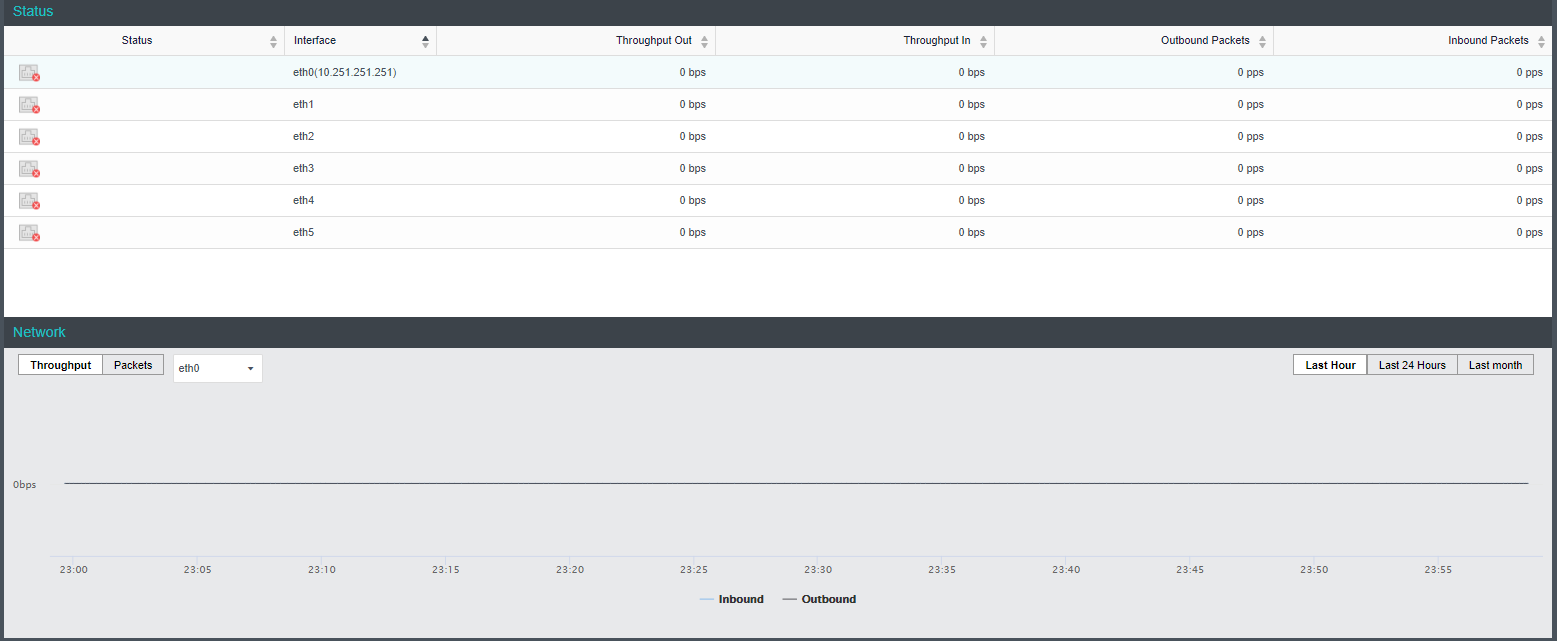
You may view detailed information of virtual network device by selecting that device and clicking Summary button. The following information are displayed on the Summary page: device status, sessions, connection status, and inbound and outbound rate. On the Admin Logs page, you can view detailed operation logs.
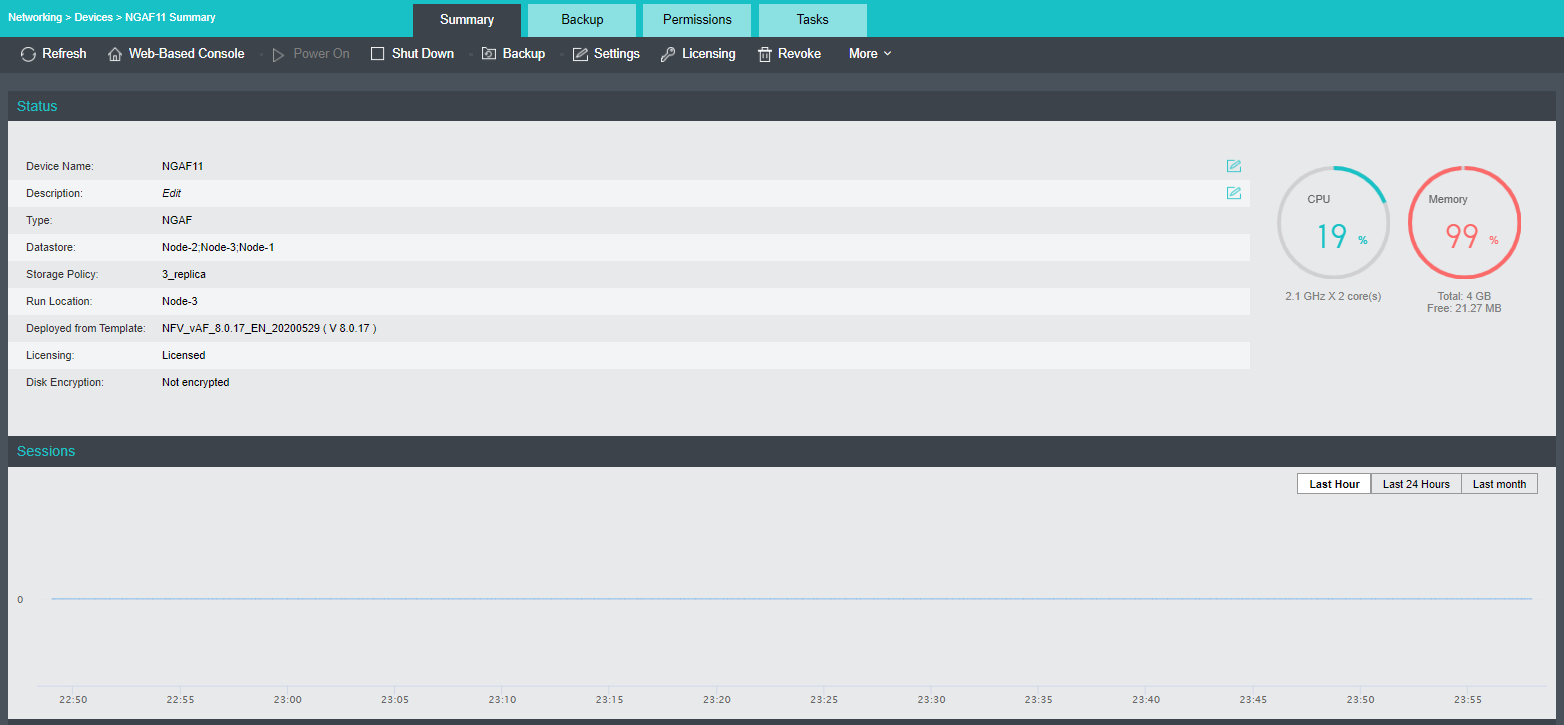
On the above page, you can perform the following operations: Refresh, Web-based Console, Power On, Shut Down, Backup, Settings, Licensing, and Revoke. Click More to perform more operations, such as Power Off, Migrate, Clone, and Encrypt VM.



 {{ $t('index.defaultHeader.chromeBrowserTip') }}