


{{ secondMenu.name }}






Virtual machines in VMware vCenter can be recovered on Sangfor HCI platform or recovered to VMware vCenter. Enter the name of the virtual machine and select destination location, as shown below: 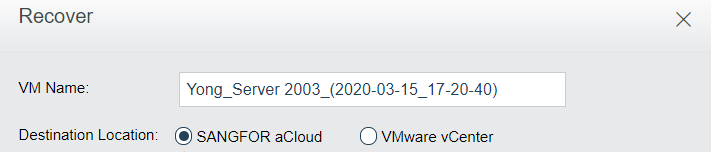
To recover virtual machine to Sangfor HCI, select Sangfor HCI as Destination Location, as shown below: 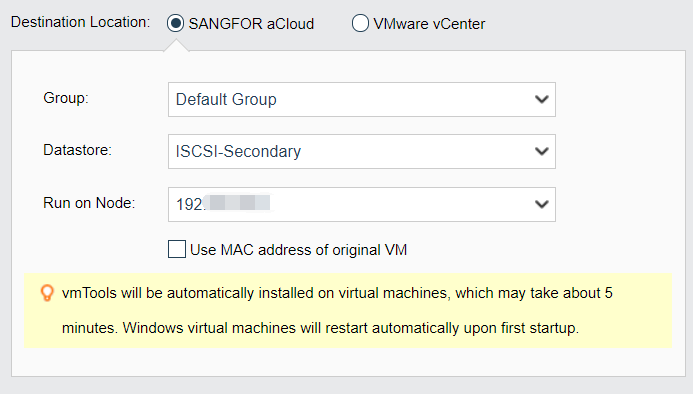
Specify Group, Run on Node and Datastore, click OK, and then a new virtual machine will be created. 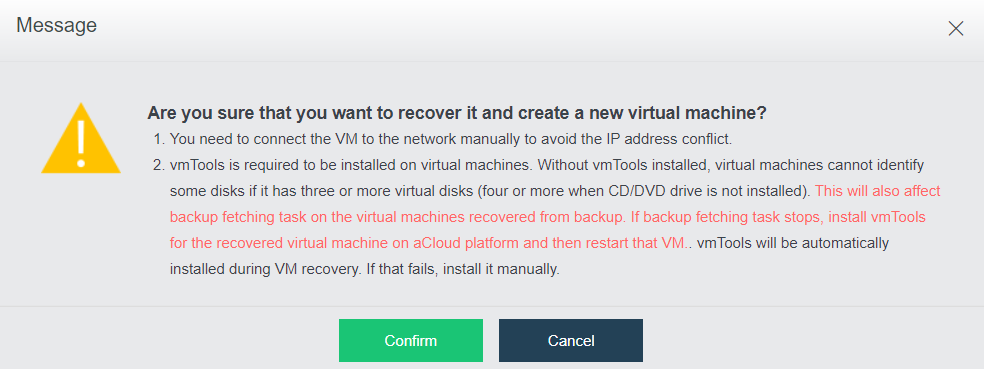

-You need to connect the VM to the network manually to avoid the IP address conflict.
-Install vmTools on the recovered virtual machine to support IP address restoration and improve performance of virtual machine, otherwise, some disks will not be identified if virtual machine has three or more virtual disks.
You may view recovery progress in Tasks. 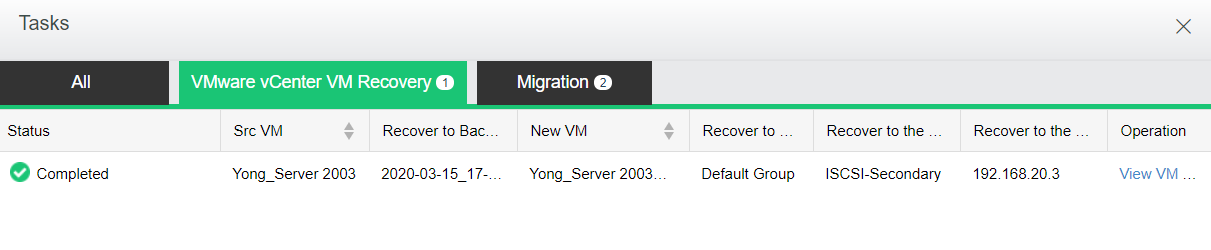
Recover virtual machine to VMware vCenter, as shown below: 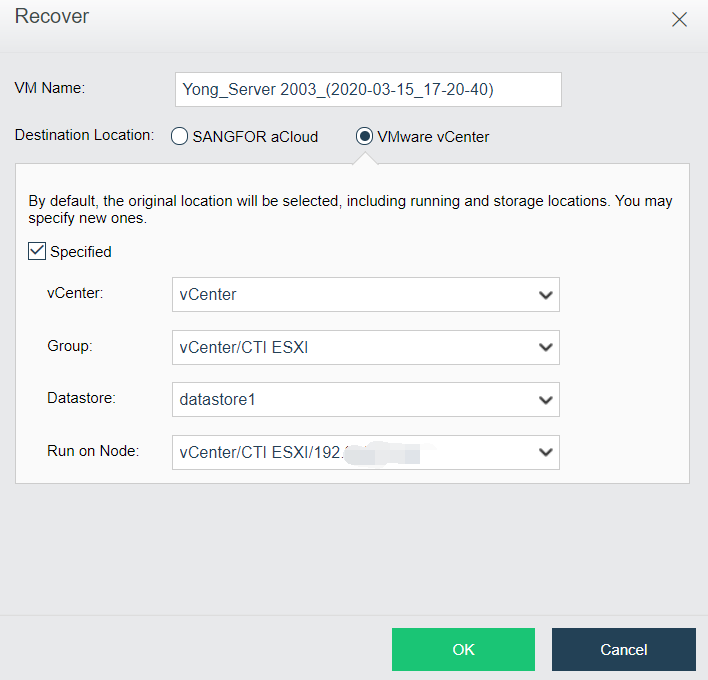
Specify vCenter, Group, Run on Node and Datastore, click OK, and then a new virtual machine will be created. You may view recovery progress in Tasks 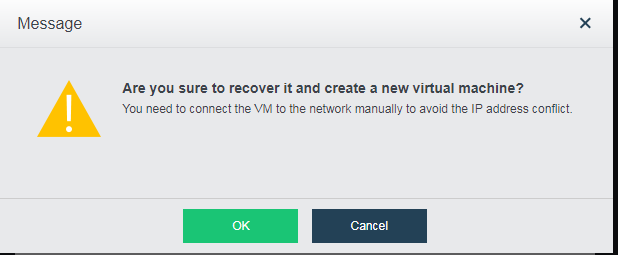
By default, the original location will be selected, including running and storage locations. You may specify new ones.

You need to connect the VM to the network manually to avoid the IP address conflict.


 {{ $t('index.defaultHeader.chromeBrowserTip') }}