


{{ secondMenu.name }}






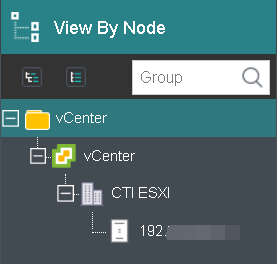
 In Compute, all VM groups can be expanded or collapsed by clicking on the button. To expand or collapse a specific group, click on the button
 next to that group.
You can get the following information on virtual machine panel: power status (powered on or powered off), CPU, memory and disk usage. Blue VM icon indicates virtual machine is powered on, while gray VM icon indicates virtual machine is powered off. 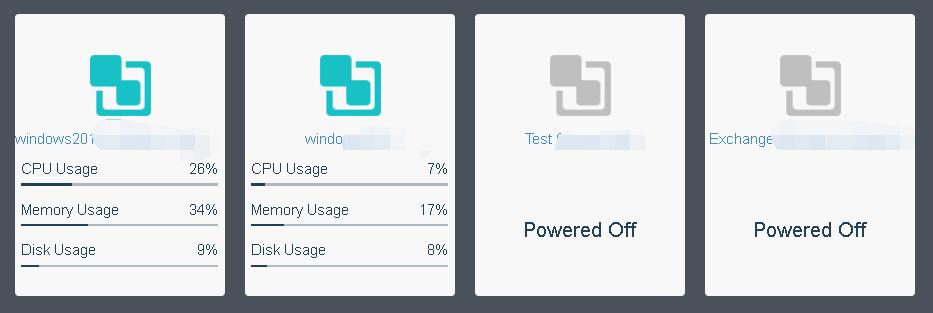
Move the cursor onto VM panel and the following buttons will appear on that card, as shown in the following figure: 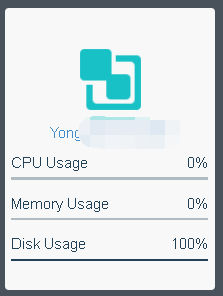
To perform more operation against virtual machine, click More, as shown below: 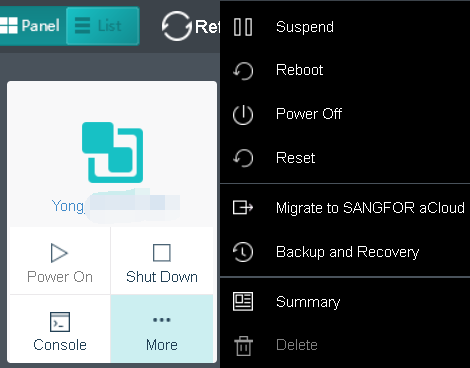
For virtual machine details, you may click on VM name to redirect to the Summary page, as shown below: 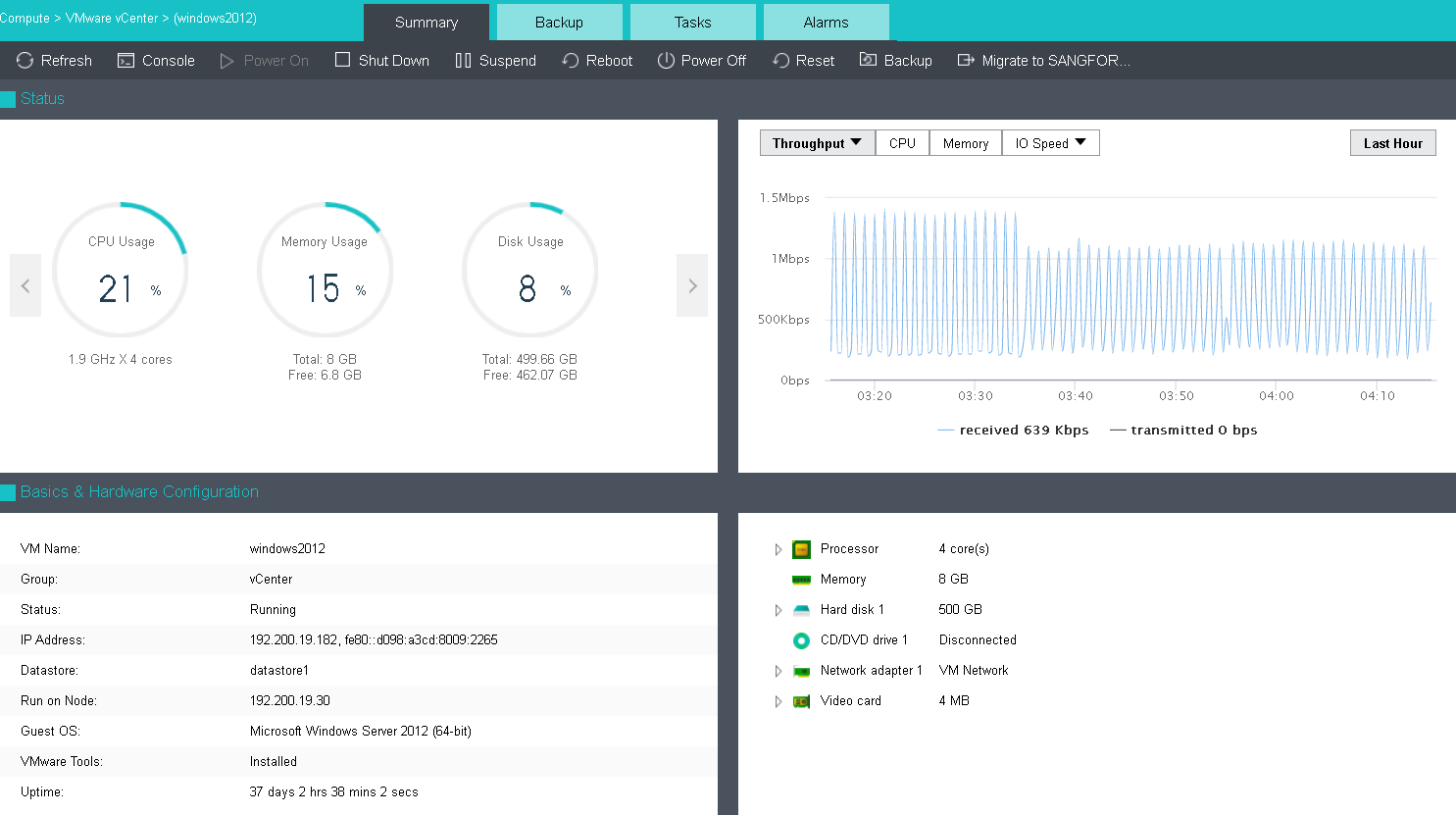


 {{ $t('index.defaultHeader.chromeBrowserTip') }}