


{{ secondMenu.name }}






Virtual machines can be sorted by Name, CPU Usage, Memory Usage, Disk Usage. 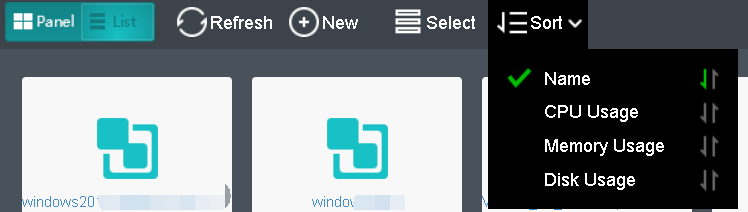
 To sort virtual machines by name, select Sort > Name in Compute. You may click on the arrow to sort VMs in ascending or descending order.
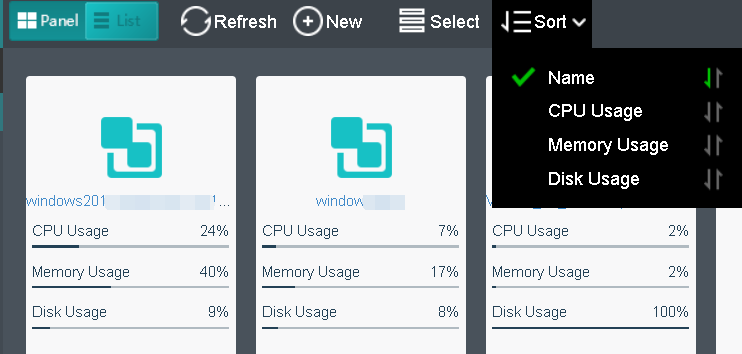
To sort virtual machines by CPU usage, select Sort > CPU Usage in Compute. By clicking on that arrow, virtual machines can be sorted based on CPU usage in ascending order or descending order. The following figure shows that the virtual machines are sorted by CPU usage in a descending order. 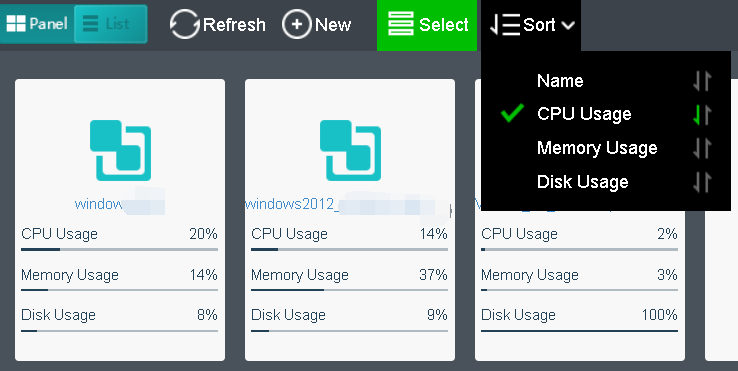
To sort nodes by memory usage, select Sort > Memory Usage. By clicking on that arrow, node can be sorted by memory usage in ascending order or descending order. The following figure shows that the virtual machines are sorted by memory usage in a descending order.
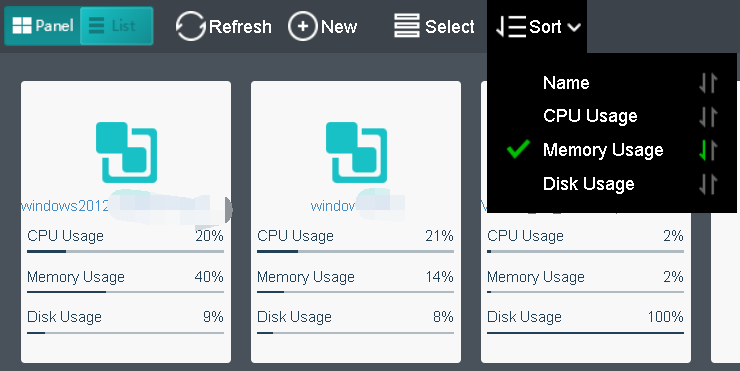
To sort virtual machines by disk usage, select Sort > Disk Usage in Compute. By clicking on that arrow, virtual machines can be sorted by disk usage in ascending or descending order. The following figure shows that the virtual machines are sorted by disk usage in a descending order. 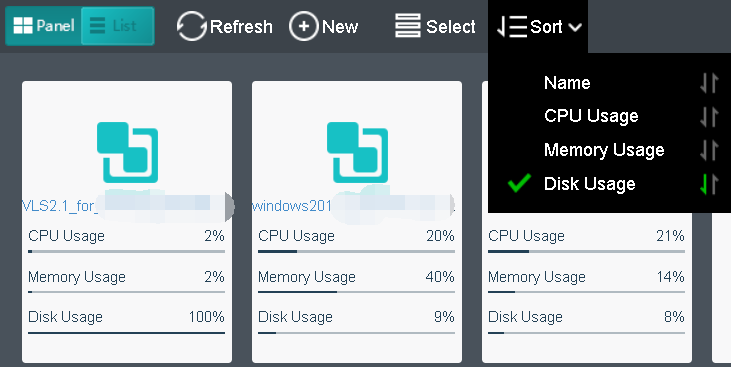


 {{ $t('index.defaultHeader.chromeBrowserTip') }}