


{{ secondMenu.name }}






Virtual machines can be viewed by Panel or List. By default, virtual machines are displayed by Panel. To view VMs by List, click on List, as shown below: 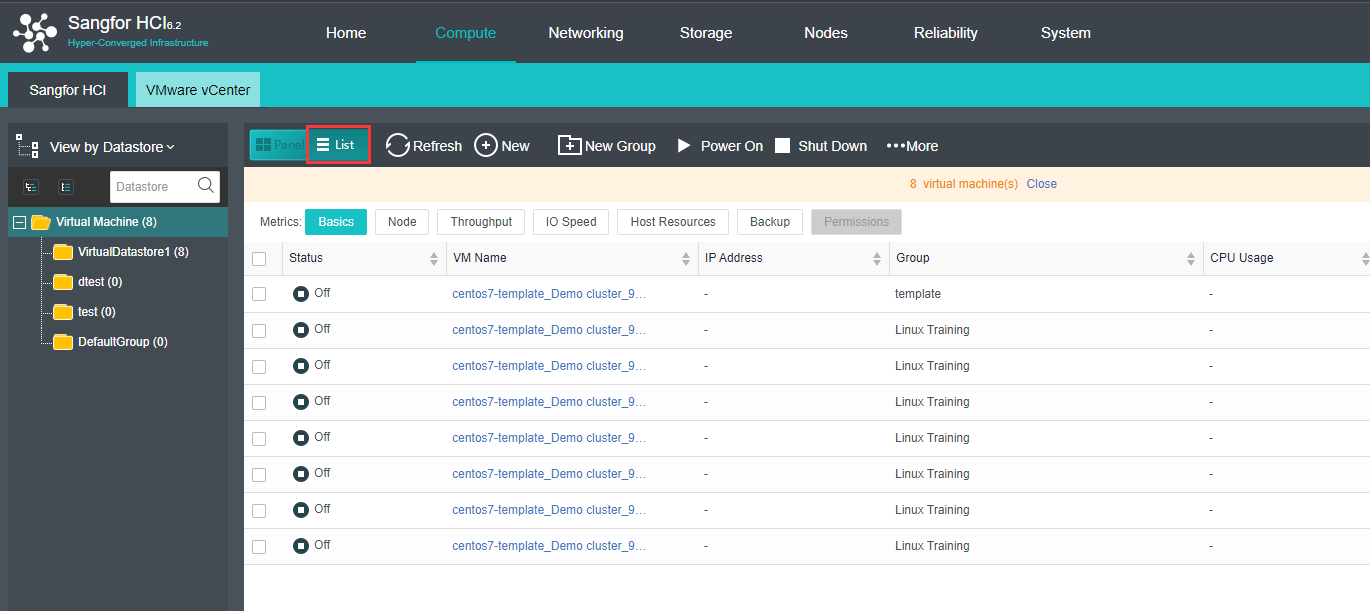
VM details are displayed, as shown below:
Basics: Displays basic information of virtual machines. 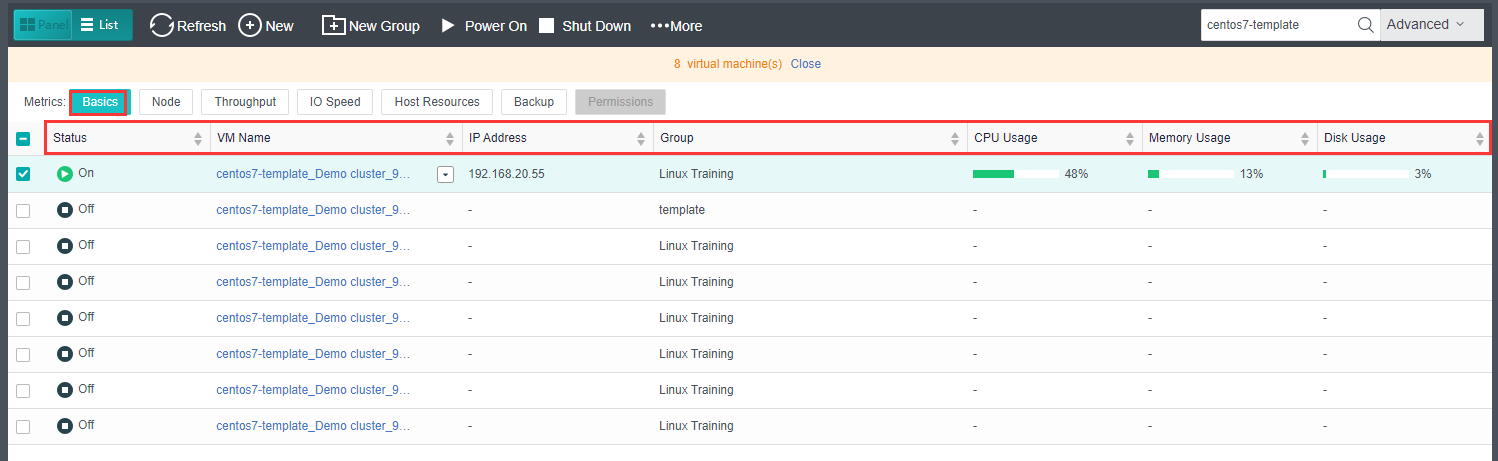
Node: Display the node where the VM is running on. 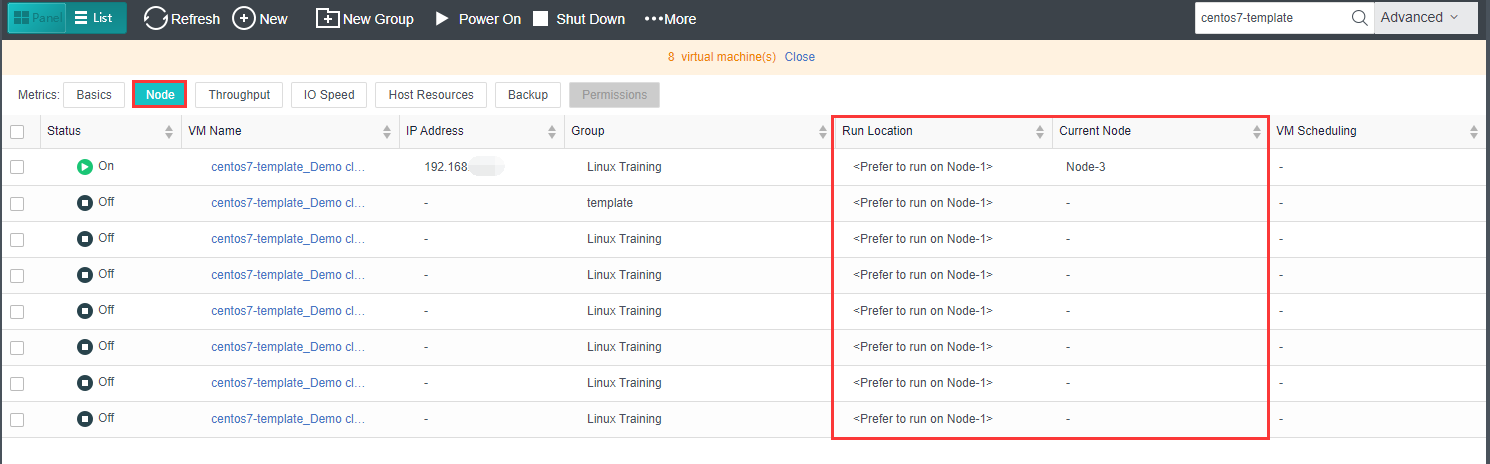
Throughput: Displays outbound and inbound speed. 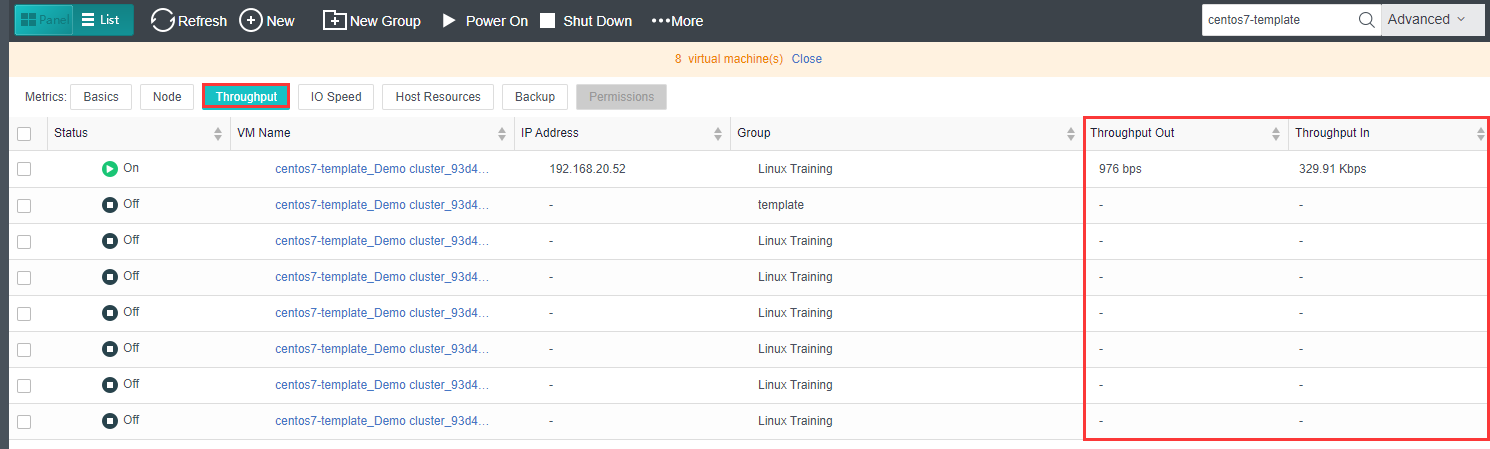
IO Speed: Displays IO speed. 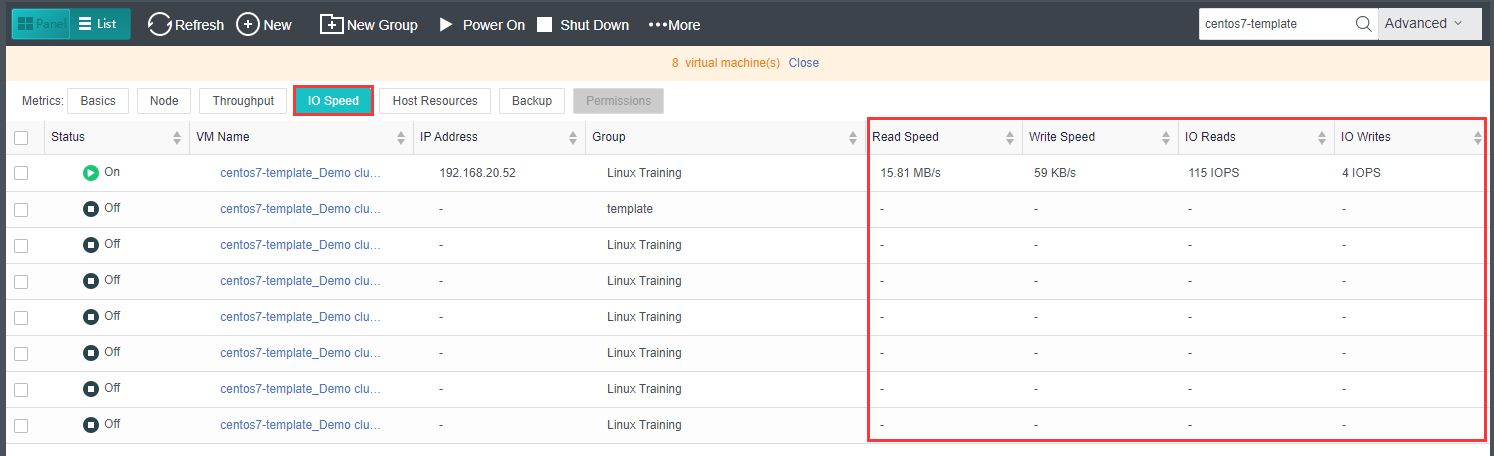
Host Resources: Displays used resources and downtime. 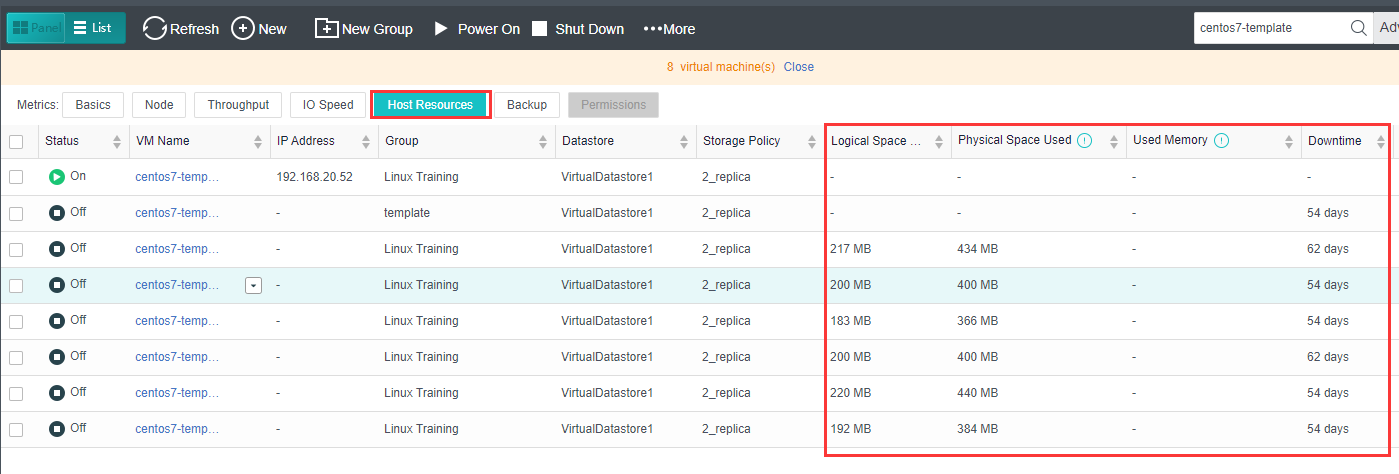
Backup: Displays backup information of virtual machines and backup file size. 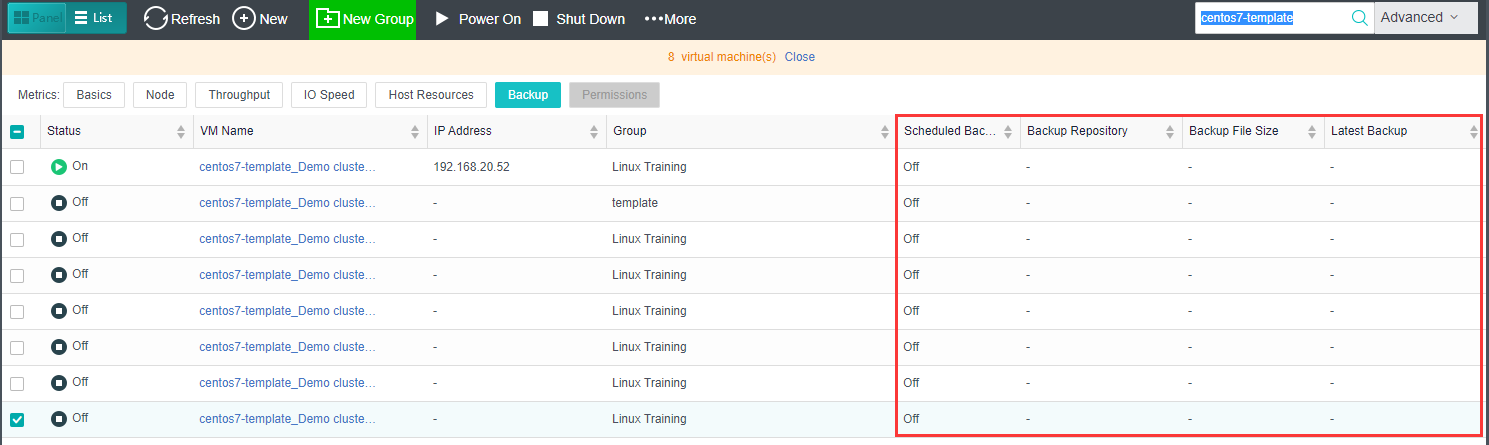
Permissions: Displays admin permissions. 


 {{ $t('index.defaultHeader.chromeBrowserTip') }}