


{{ secondMenu.name }}






Under Nodes> VMware vCenter, there are two tabs, VMware vCenter and Nodes. vCenter servers can be added, monitored and deleted
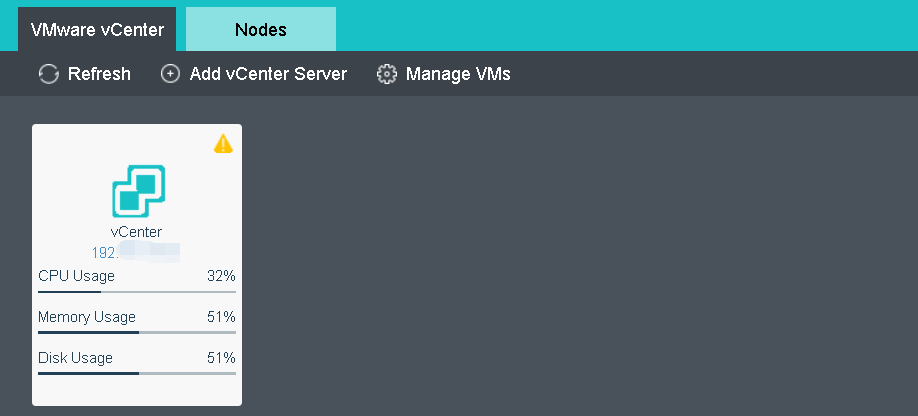

Currently only vCenter server 5.0, 5.1, 5.5, 6.0,6.5 and 6.7can be added.
To add a vCenter server, click Add vCenter Server to enter the following page and specify Name, Address, Username, Password, Port and Description, and then click OK to start adding vCenter server and check whether the vCenter server has been added successfully.


 {{ $t('index.defaultHeader.chromeBrowserTip') }}