


{{ secondMenu.name }}






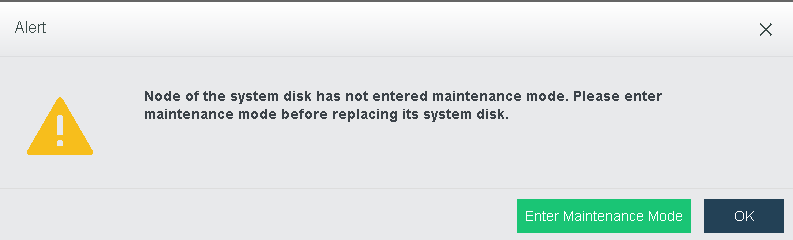
Starting from aCloud6.0.0., system disk can be replace individually without replacing the whole node, including the storage disk.
The business integrity and availability can be ensure by replacing the system disk through the following steps:
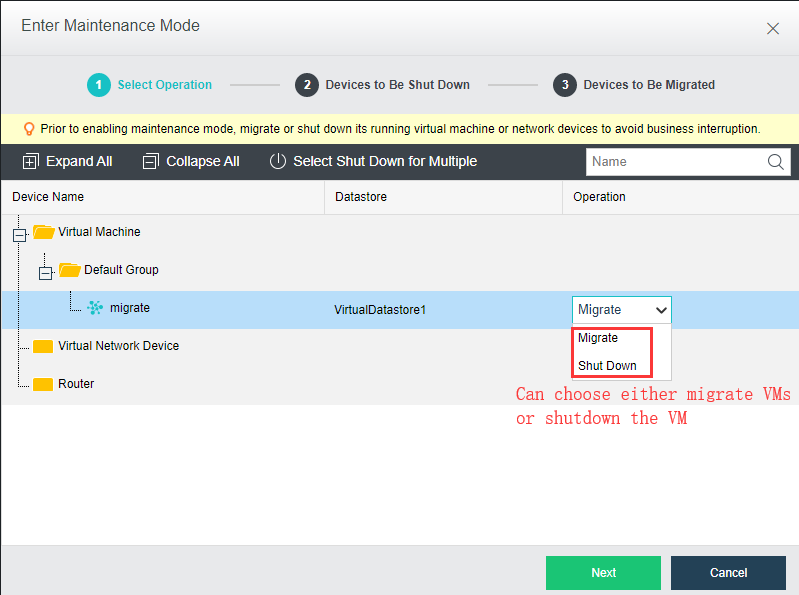
Step 1.Migrate VM
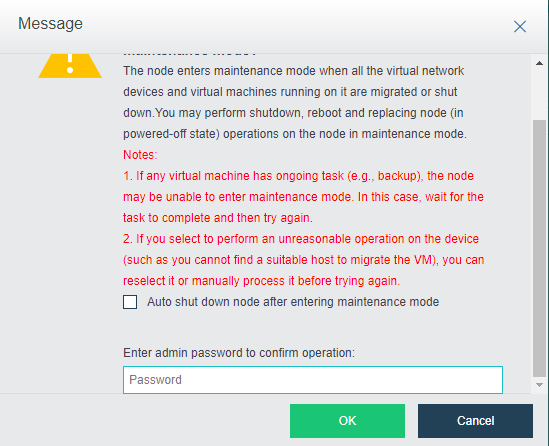
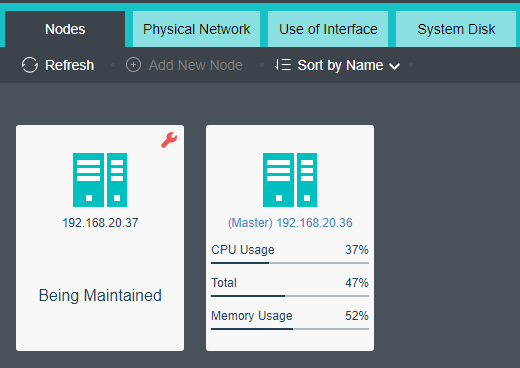
Step 2.Enter Host Maintenance Mode
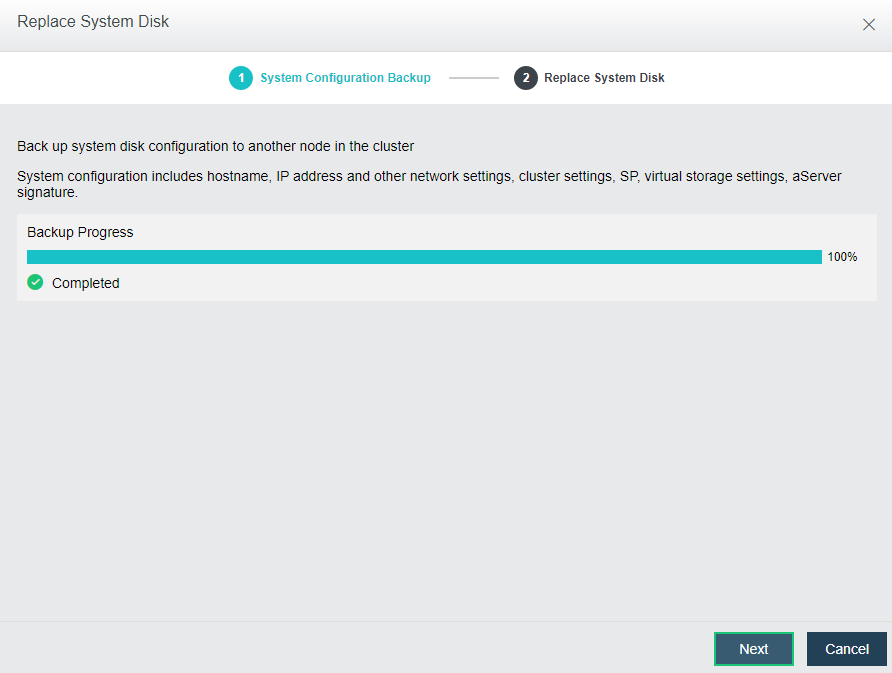
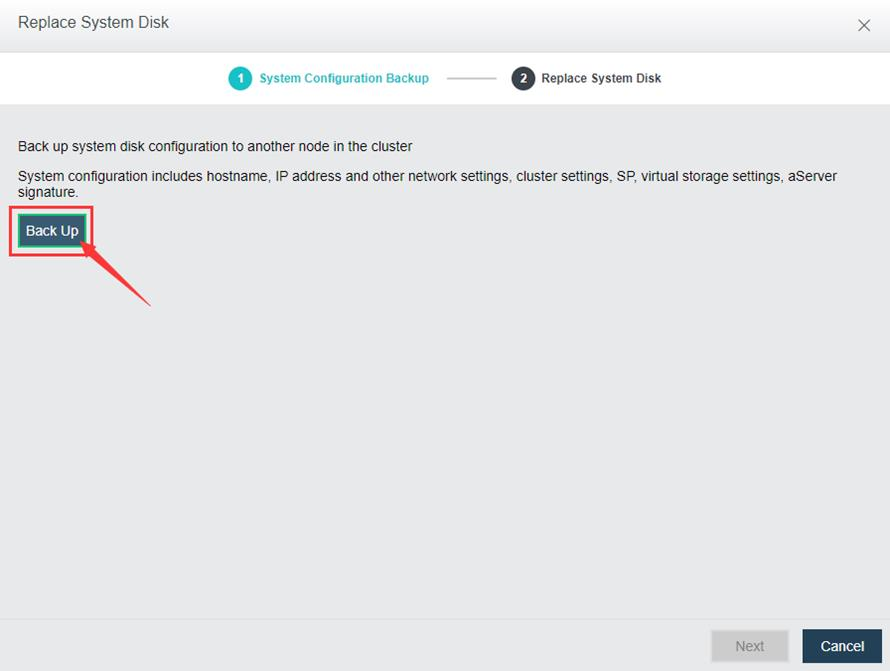
Step 3.System config backup
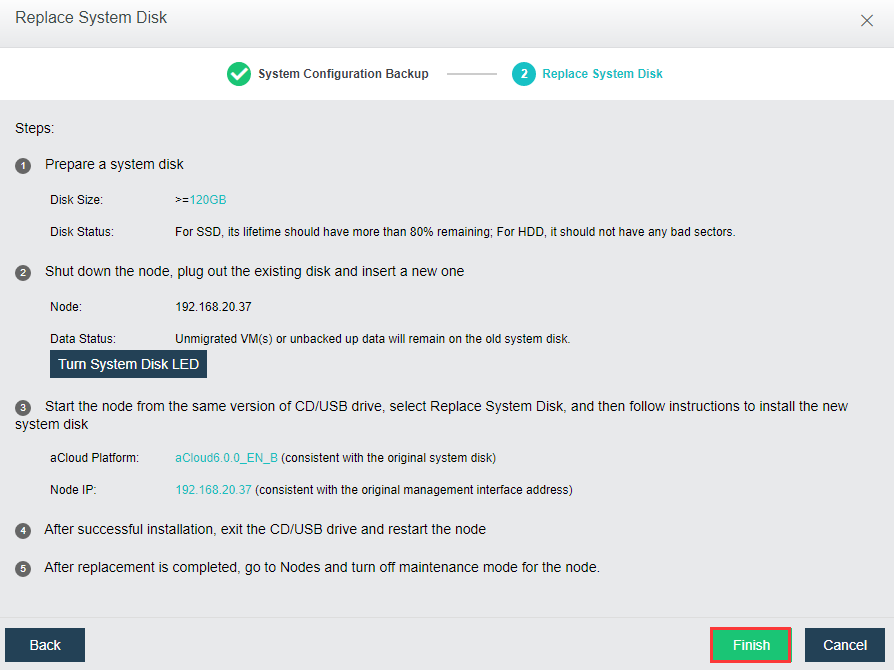
Step 4.Rebooting and proceed with OS disk replacement
Step 5.ISO guided OS re-installation

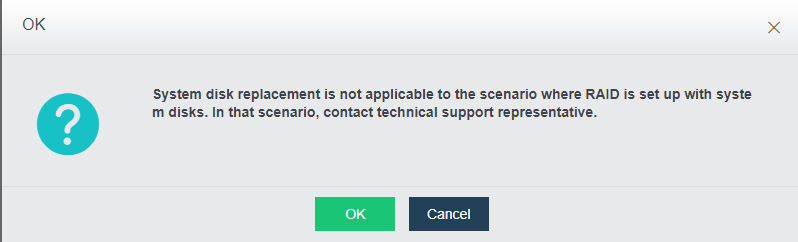

If there have RAID configuration done on the OS disk, kindly contact technical
support to assist you on your issue.
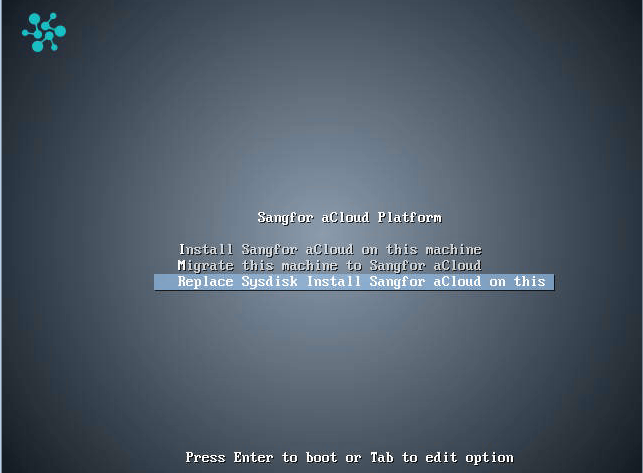
Local IP: Replacement node IP
Netmask: Network subnet mask
Master IP: Cluster IP address
Gateway: Default gateway for the IP
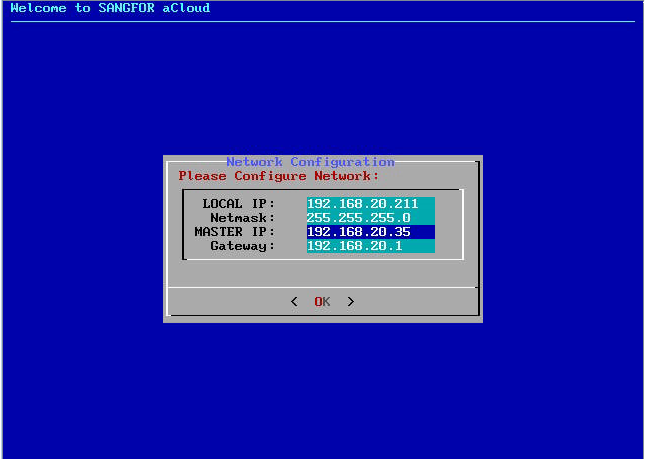
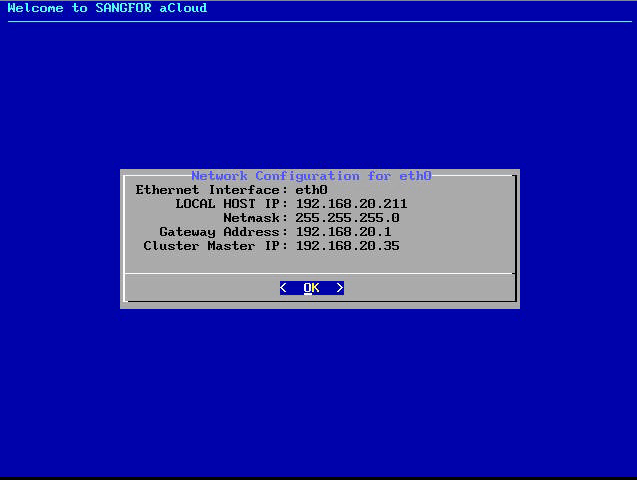
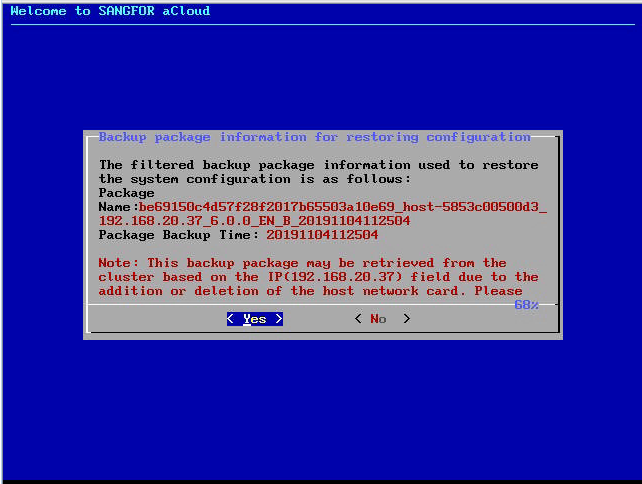
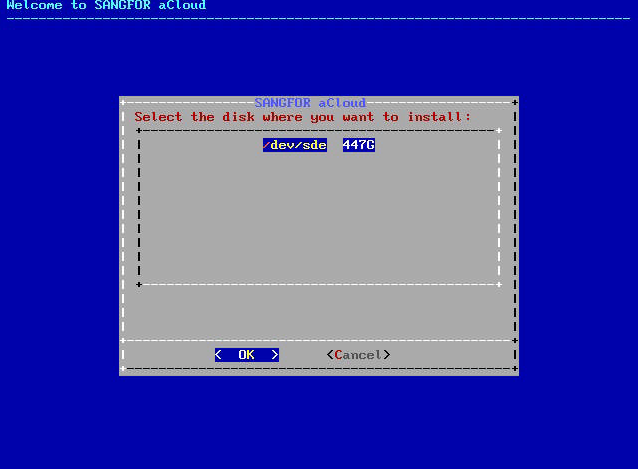
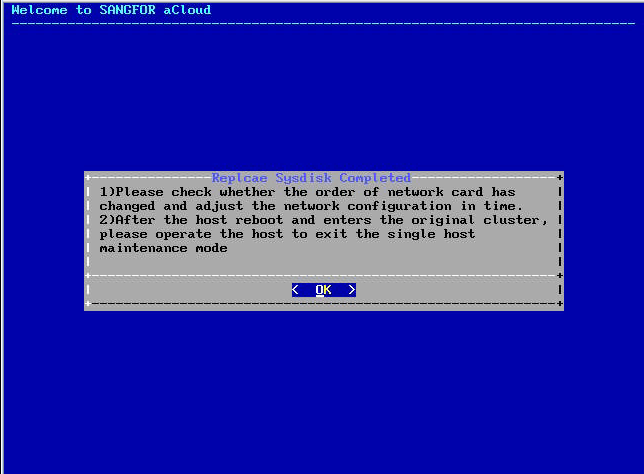
After click OK, it has to wait some time for aCloud firmware installation on this new OS disk.


 {{ $t('index.defaultHeader.chromeBrowserTip') }}