


{{ secondMenu.name }}






Starting from HCI6.2.0 version, it supports auto layout, saving layout changes, restoring and exporting topology, and selecting all pages.

 : Auto layout enables objects on the topology to be displayed in an optimal way based on specific algorithms.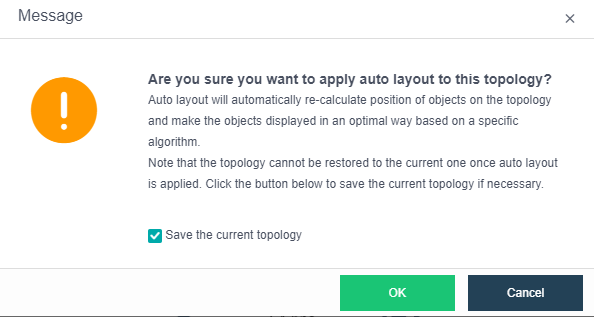
Before applying auto layout, you may save the current topology and then click OK to start applying auto layout. 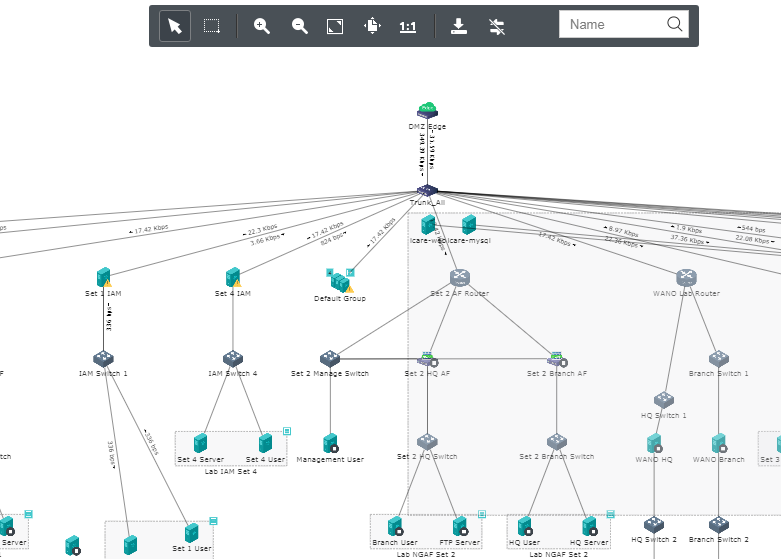
Topology can be saved, restored and exported.
 To save layout changes, you may click on
 To view topologies, you may click on
 To export the current topology, you may click on

Connections cannot be restored once deleted.
To select all object that are connected to edge, select All pages, as shown below. 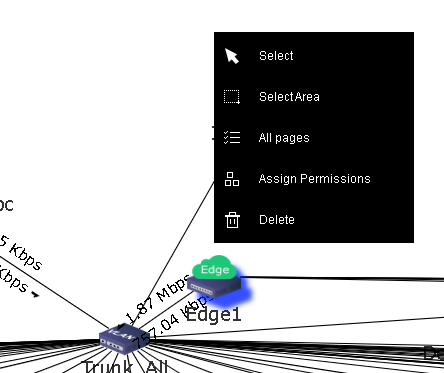


 {{ $t('index.defaultHeader.chromeBrowserTip') }}