


{{ secondMenu.name }}






Test Connectivity tool helps administrator to quickly and easily troubleshoot network issues, which just requires administrator to specify source and destination addresses. To test connectivity, specify a source virtual machine and destination IP address, then click Start, as shown below: 
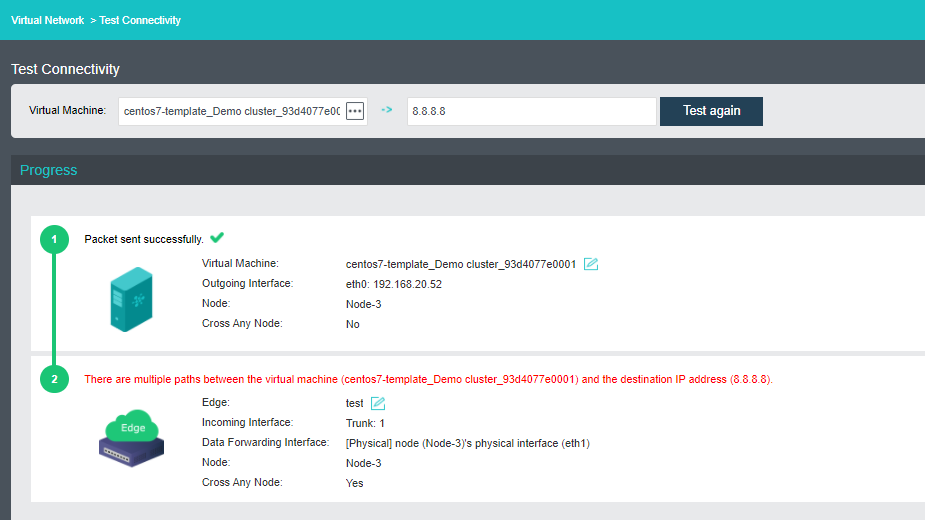

To test connectivity from a virtual machine, that virtual machine must be powered on and installed vmTools.


 {{ $t('index.defaultHeader.chromeBrowserTip') }}