


{{ secondMenu.name }}






On a virtual router, you can configure interfaces, VLAN subinterface, static route, NAT, access control, DHCP, DNS and high availability(HA).
To deploy a virtual router, go to Networking page, enter editing status, drag a virtual router onto the canvas and then click Apply Changes, as shown in the following page. To edit router’s name, select the router and edit its name on the right panel. 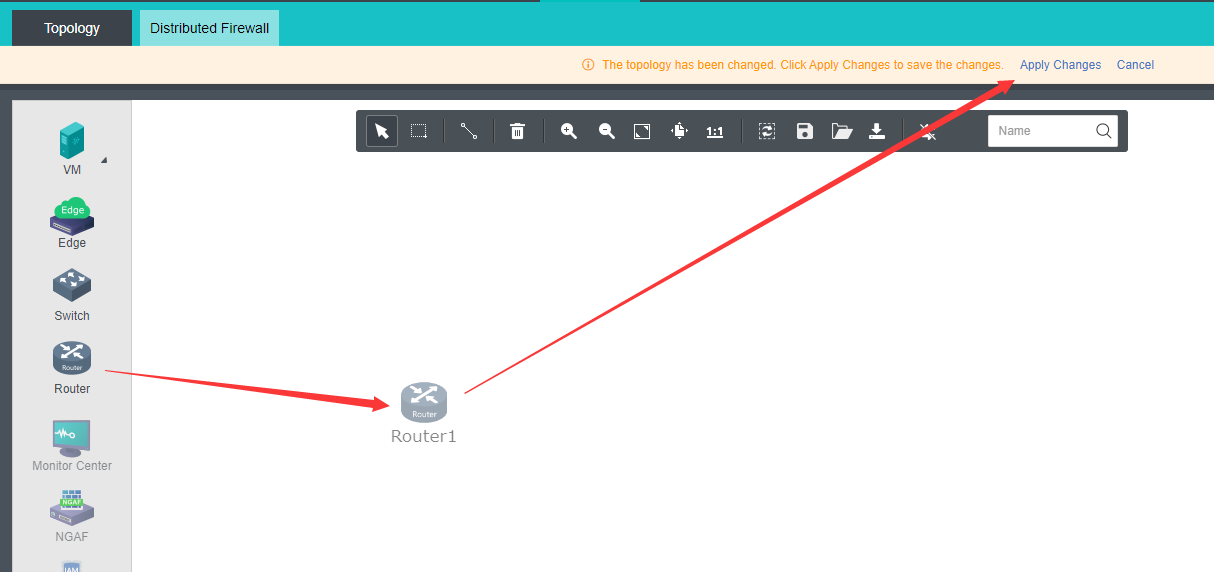


 {{ $t('index.defaultHeader.chromeBrowserTip') }}