


{{ secondMenu.name }}






On a virtual switch, you can add connection, and broadcast storm prevention.
First, you need to check whether overlay network interfaces(VXLAN) of each node are configured on a same network segment. If they belong to different subnets, nodes cannot communicate with each other through a virtual switch. To check overlay network interface settings, select a node in Nodes, click Communication Interface andthen click on the Overlay Interface tab to enter the following page: 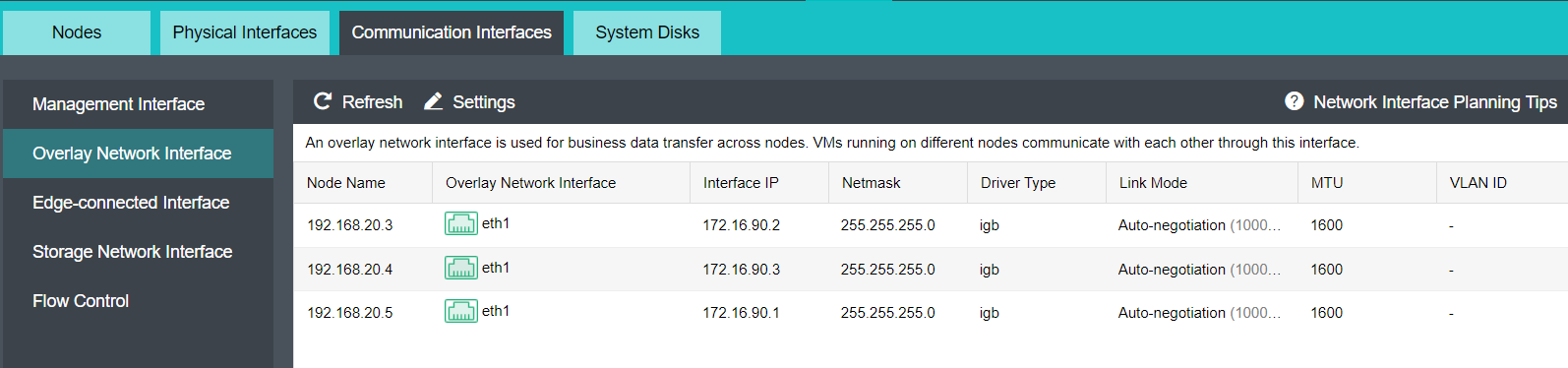
Navigate to Networking page and then drag a virtual switch onto the canvas. To make the changes take effect, click Apply Changes 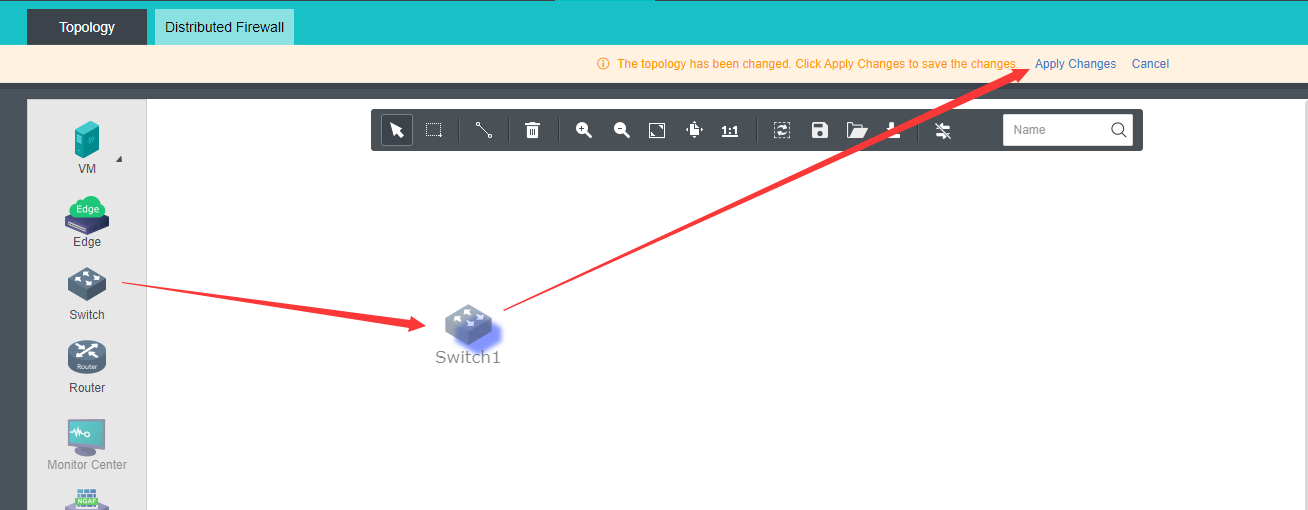


 {{ $t('index.defaultHeader.chromeBrowserTip') }}