


{{ secondMenu.name }}






Navigate to Compute and you will see the following toolbar, as shown in the following figure. On the toolbar, there are the following items: View By Group/Node/Datastore/Tag, Panel/List, Refresh, New, New Group, Select, Sort, Recycle Bin, VM scheduling, Export vm configurations and Advanced 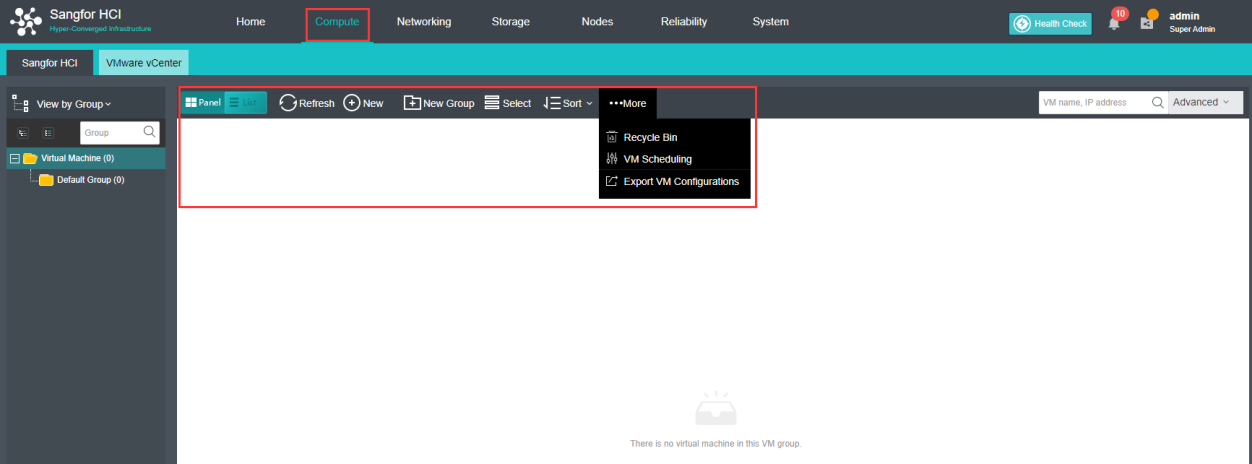
Virtual machines can be viewed by Group, Node, Datastore or Tag. 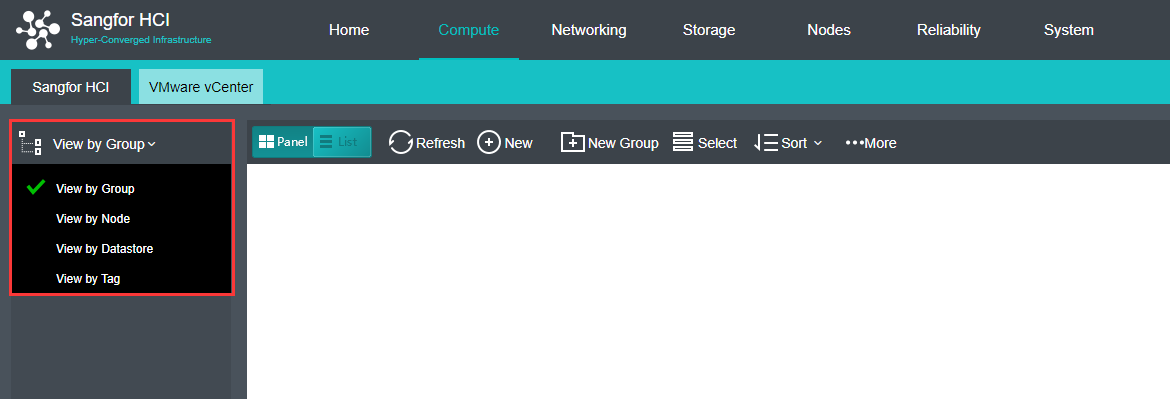
To view virtual machines by group, select View By Group in Compute, as shown below. 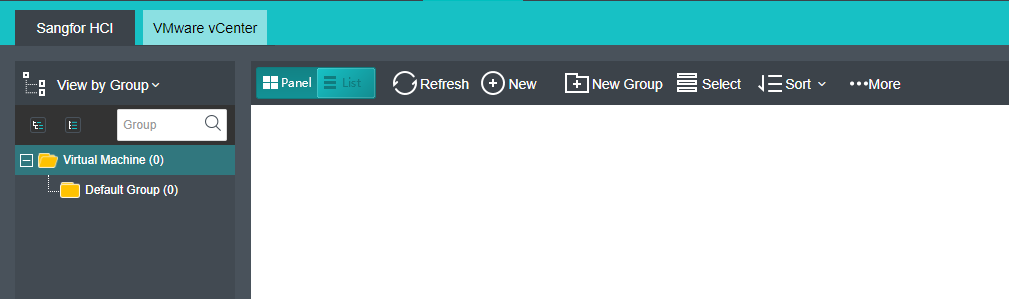
To view virtual machines by node, select View By Node in Compute, as shown below. 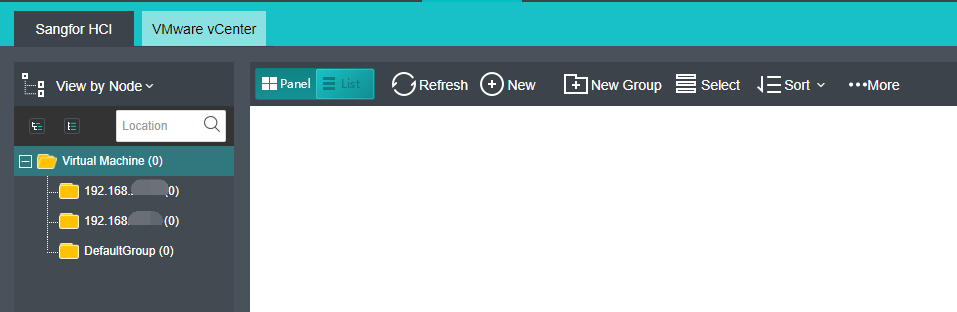
To view virtual machines by datastore, select View By Datastore in Compute, as shown below. 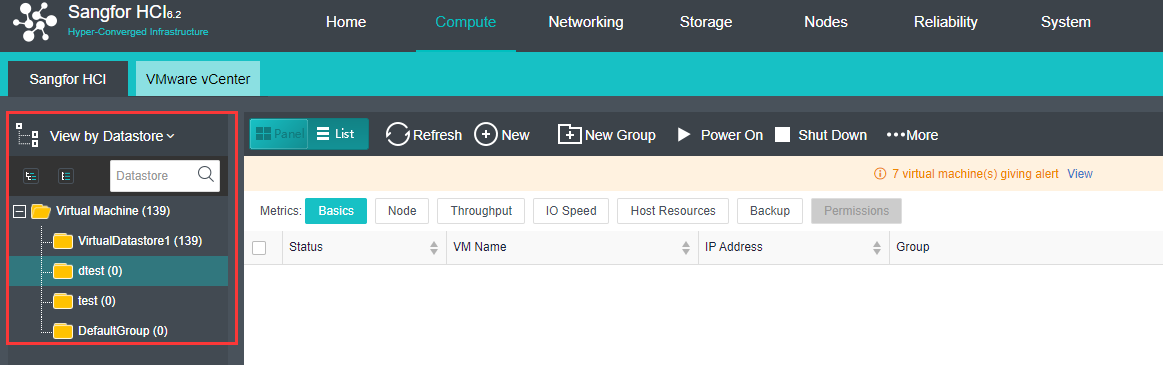


 {{ $t('index.defaultHeader.chromeBrowserTip') }}