


{{ secondMenu.name }}






Feature Description:
Tenants can set backup policies to customize the virtual machine's backup to protect the virtual machine's data.
Precautions:
Tenants must have sufficient backup repository quota.
Prerequisite
The backup repository is ready.
Steps:
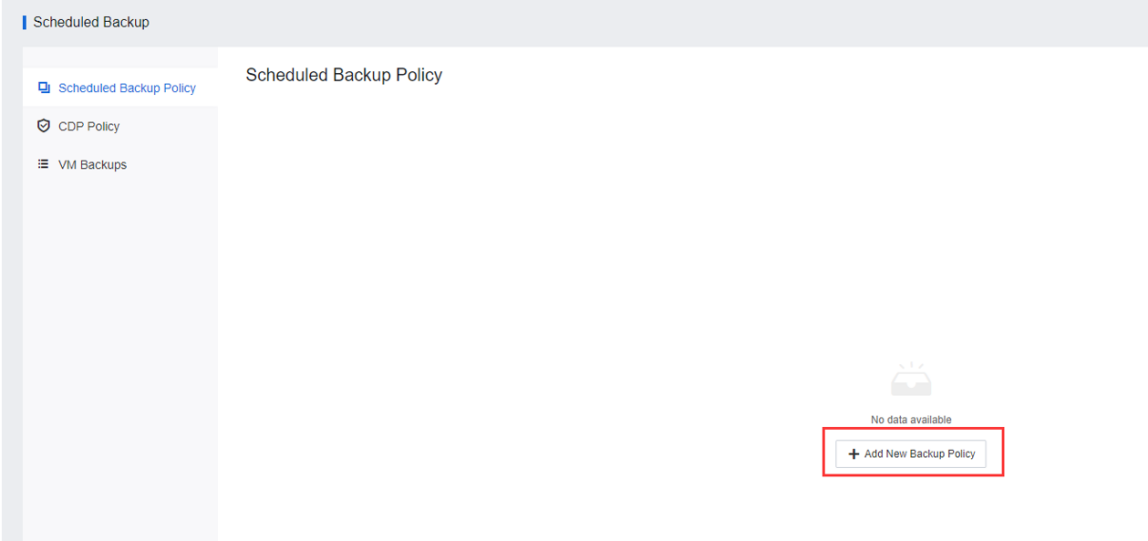
Step 1.Navigate to Reliability and select Scheduled Backup/CDP. Click Add New Backup Policy to create a backup policy.
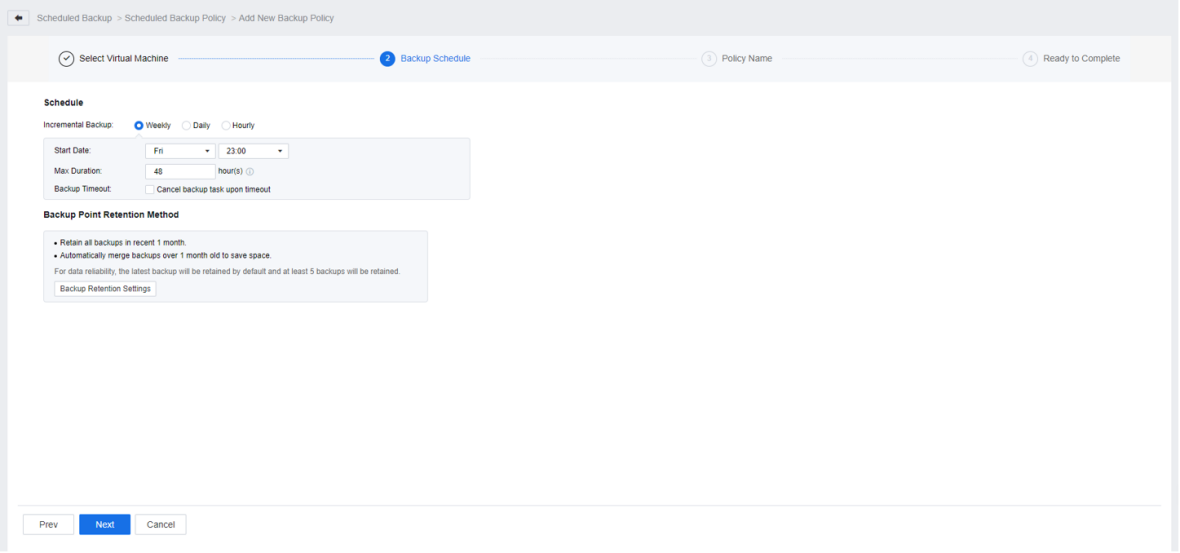
Step 2.Select the Virtual Machine that needs to be added to the backup policy. Next, set the Schedule and Backup Point Retention Method, Name of the backup policy, verify the information, then click OK to complete creating the backup policy.


 {{ $t('index.defaultHeader.chromeBrowserTip') }}