


{{ secondMenu.name }}






Function Description:
The admin can set the unit price for the resources of the platform. The current version supports basic pricing and tenant pricing. Different pricing can be set for different resource pools according to the actual needs of customers. Tenants can also be priced individually. Tenants can also be priced individually.
The SCP platform counts the tenant resource usage every 10 minutes, calculates the cost based on the usage and unit price, and updates the resource usage cost on the interface every 1 hour. Through billing management, resource management between tenants is quantified.
Precautions:
Prerequisite
None.
Steps:
Step 1.Log in to the SCP platform and click the Bills button in the upper right corner to enter the Pricing interface.
Step 2.You can set the price for the Public Resources: Elastic IP, Private VM Images, and Disaster Recovery. You can also set the price for Resource Pool resources: Virtual Machine, Backup Repository, and NFV Resources).
Step 3.Click Resource Pool > Individual Pricing to set separate pricing for resource pools with different performances.
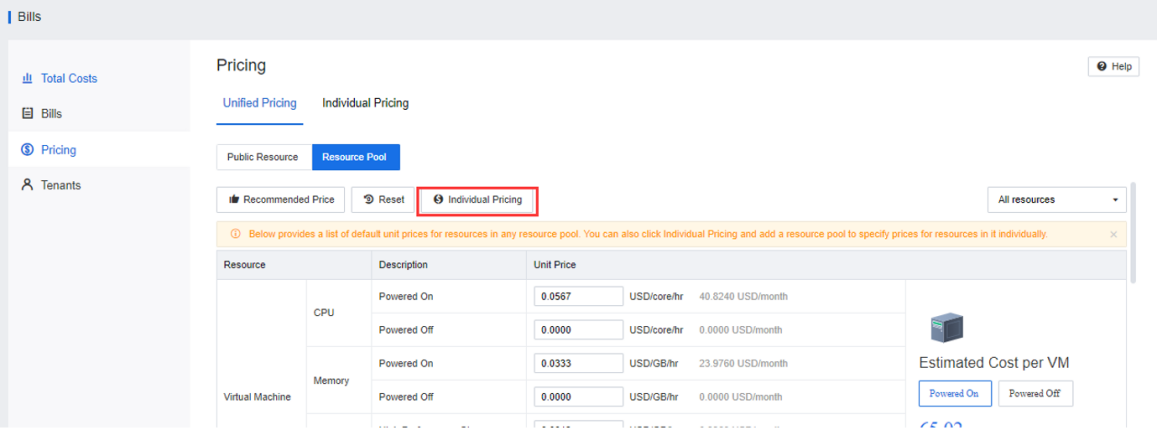
Step 4.Enter the Individual Pricing page to set the unit price for a tenant individually. Then, click Add, select the tenant whose unit price needs to be set and set the unit price.
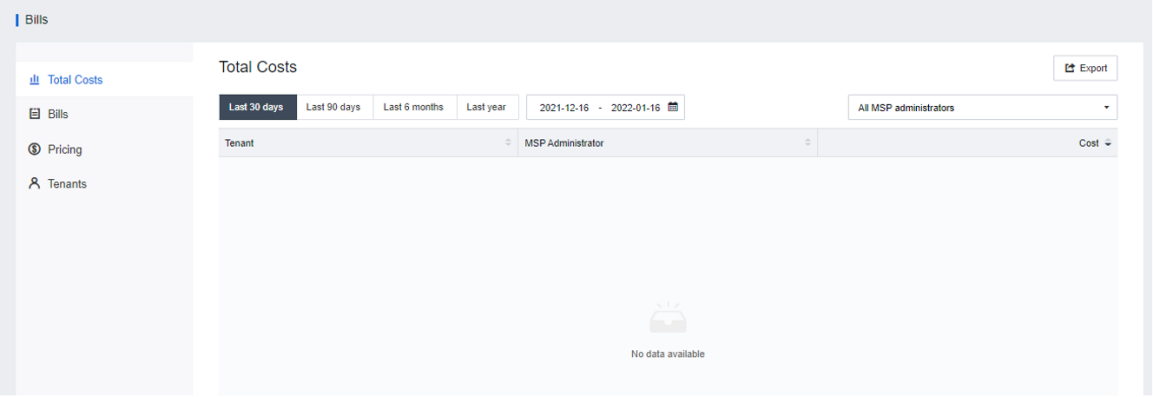
Step 5.Select Total Costs, and set the period for statistics. Then, you can view the consumption profiles of tenants in the selected period and export reports (excel documents).
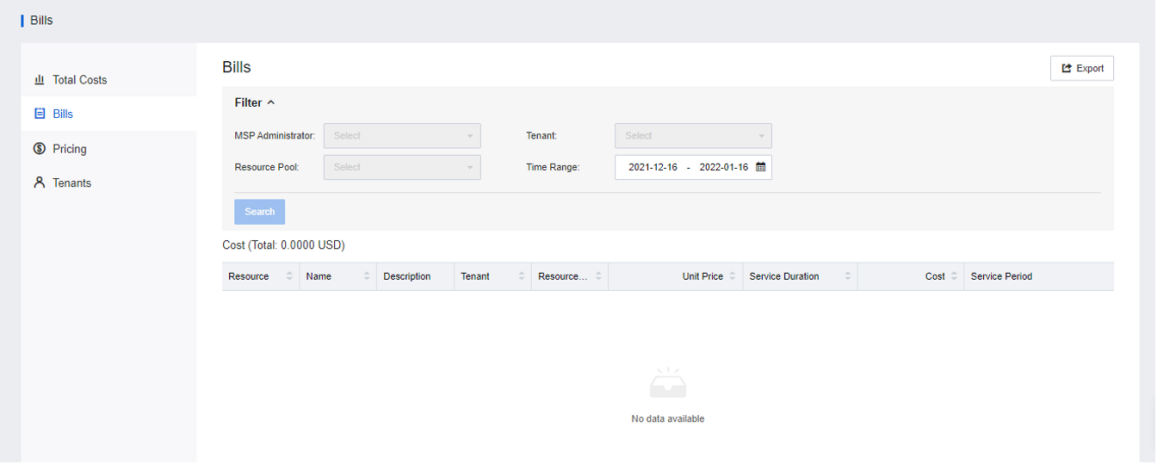
Step 6.Select Bills and set the Time Range. Then, you can query the consumption details of different tenants in the current period and export reports (excel documents).


 {{ $t('index.defaultHeader.chromeBrowserTip') }}