


{{ secondMenu.name }}






Function Description
You can configure upper limits for the CPU clock speed, disk I/O, and NIC QoS for the VM. Platform administrators can configure upper limits for the resources used by all VMs in a specific resource pool according to the business importance.
Precautions
Prerequisites
N/A
Steps
Go to Reliability > VM Resource Limit, select the target resource pool, and click Bulk Edit. Bulk configure the CPU clock speed, NIC traffic, and disk I/O of VMs in different storage pools within the resource pool. After the configuration is completed, newly created VMs in the storage pool inherit the QoS policy of the resource pool. You can edit the default QoS configurations on the VM editing page.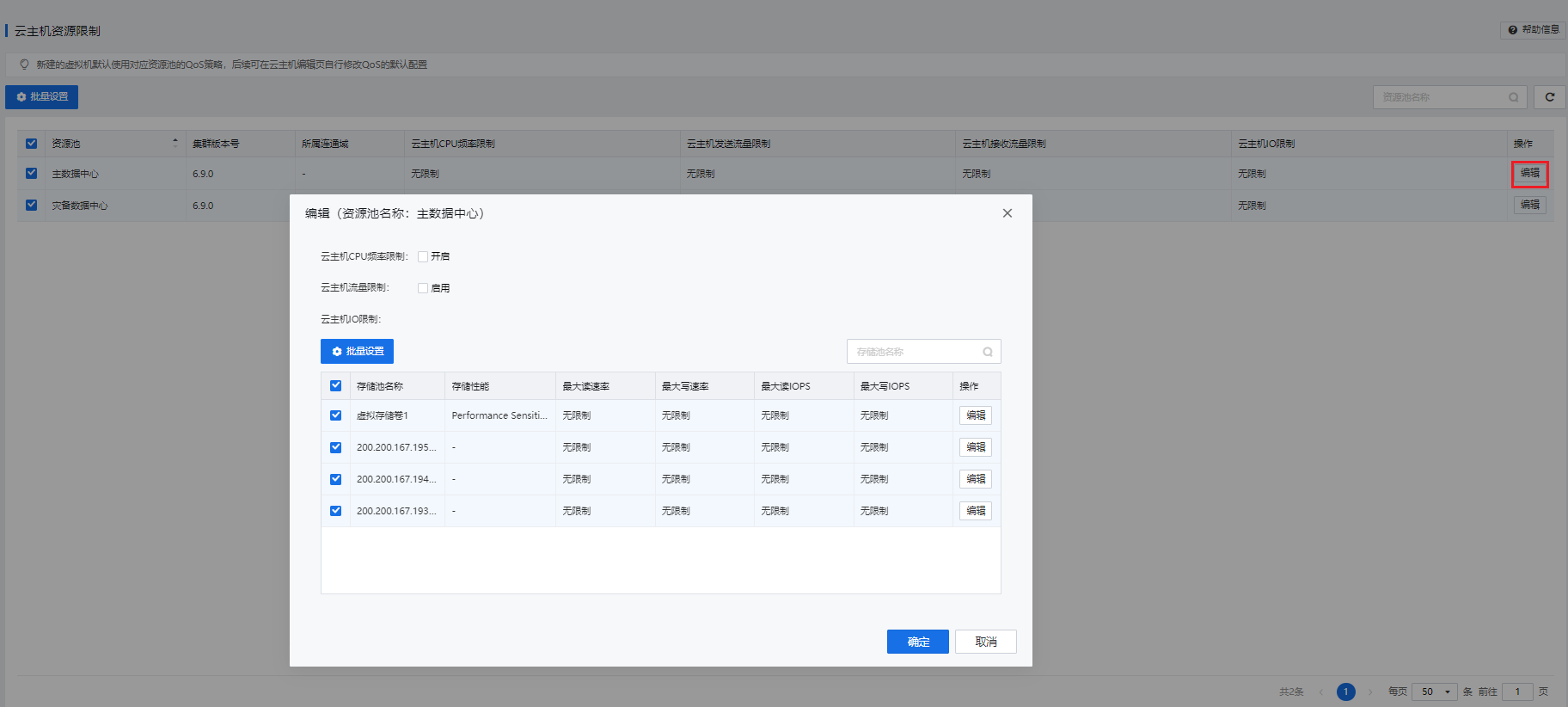 [9]
[9]


 {{ $t('index.defaultHeader.chromeBrowserTip') }}