{{ $t('productDocDetail.guideClickSwitch') }}
{{ $t('productDocDetail.know') }}
{{ $t('productDocDetail.dontRemind') }}
{{sendMatomoQuery("Sangfor Cloud Platform (SCP)","VPC Boundary Firewall")}}

VPC Boundary Firewall

{{ $t('productDocDetail.updateTime') }}: 2026-01-08

Function Description

You can configure access control policies for routers at the tenant VPC boundary to establish a secure network boundary between the inside and outside of the VPC.

Precautions

  1. One VPC tenant can create up to 1,000 access control policies.
  2. A resource pool can have up to 20,000 dropped packet logs.

Prerequisites

N/A

Steps

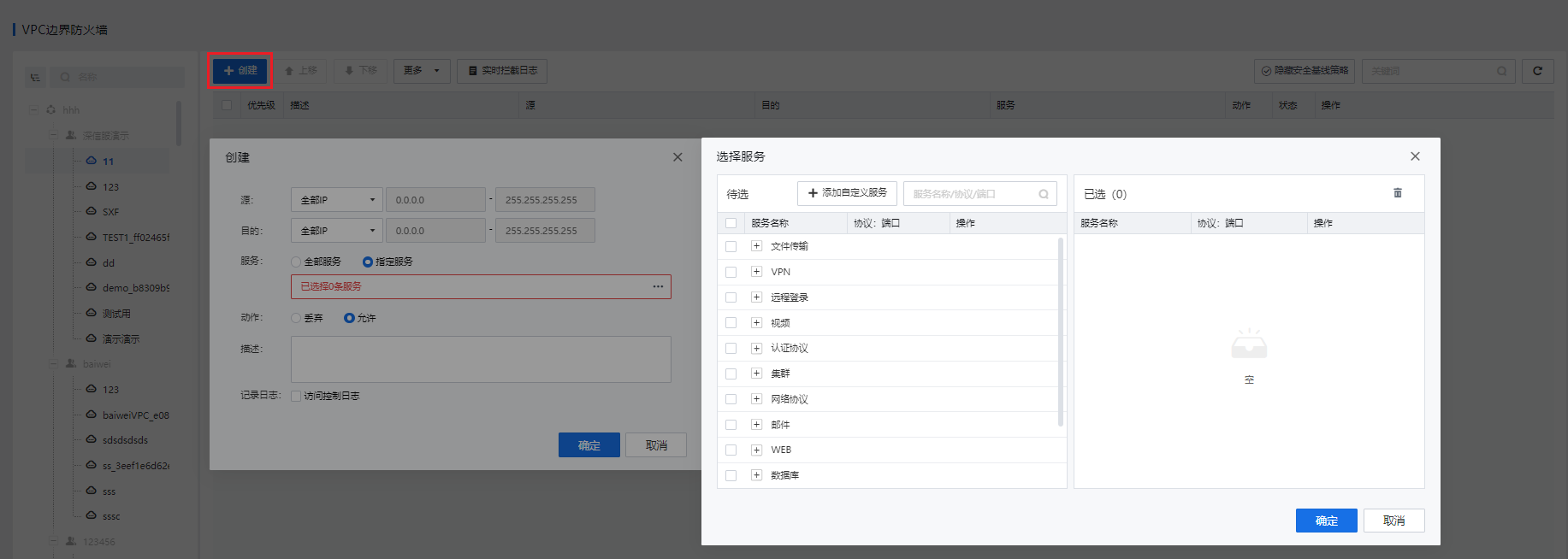
  1. Go to Security Services > VPC Firewall, select a VPC from the tree menu on the left, and click New.

Source/Destination: It can be set to Any IP, Specified IP, Specified subnet, or Specified IP range.

Service: It can be set to All, Specified, or Custom.

Action: It can be set to Drop or Allow.

Log: Select Access Control Log as needed.
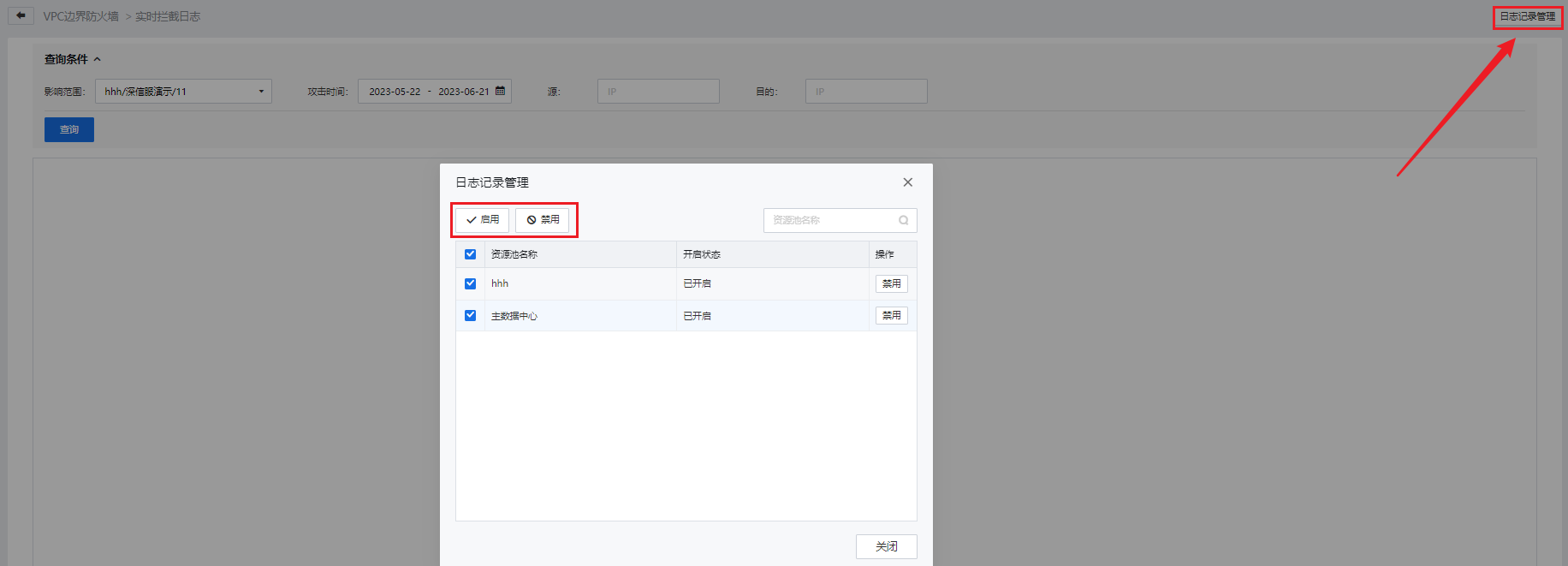
  1. Click Dropped Packet Logging at the top of the page. On the page that appears, select the target VPC network and attack time and enter the source and destination IP addresses to query logs. Click Log Management in the upper-right corner of the page to enable or disable dropped packet logging for a resource pool.