


{{ secondMenu.name }}






This section describes how to restore the factory settings of the NGAF device on the console page.
If you can normally log in to the device, you can restore it to the factory state directly on the Web UI console of the device.
Log in to the NGAF console, choose System > Maintenance > Backup/Restore, click Restore to Factory Defaults or Restore Configuration, and then operate as prompted.
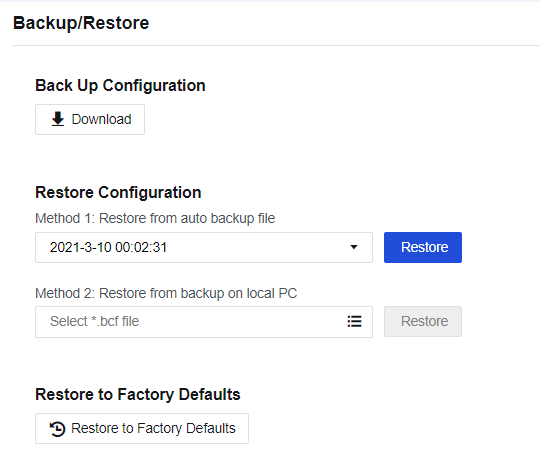

If you select Restore to Factory Defaults, the device will be restarted. Make sure whether the device can be disconnected from the Internet before restoring. We recommend that you restore the configuration when no services are running or in the low-peak period of services, avoiding impacts on normal services.


 {{ $t('index.defaultHeader.chromeBrowserTip') }}