


{{ secondMenu.name }}






To set the quick tab for a menu function. When clicking this tab, you can directly go to the configuration page of this menu function. This helps the administrator manage the console with ease.
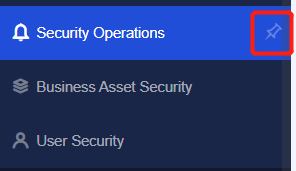
Step 1.Select a menu function for which you want to set the quick tab, such as Security Operations, and click the  icon next to the function, as shown in the following figure.
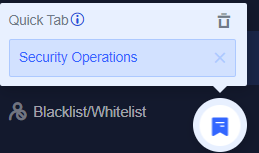
Step 2.The icon next to Security Operations changes from to  and Quick Tab is added to the console page, as shown in the following figure.
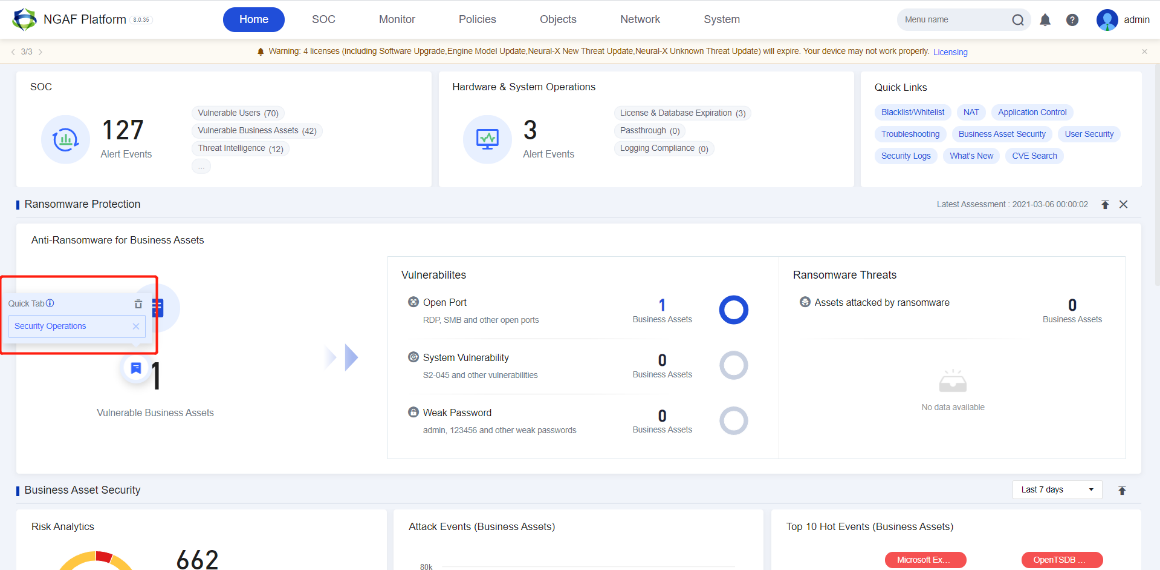
Step 3.After going to another page, such as Home, you can hover over the icon to view Quick Tab, as shown in the following figure.
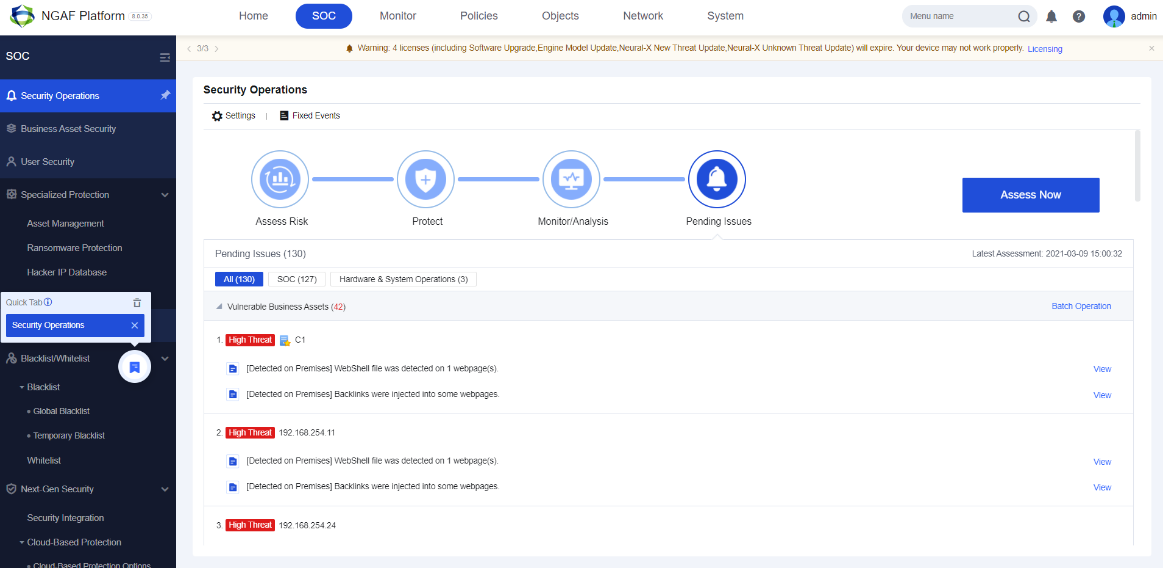
Step 4.Click Security Operations in the Quick Tab to go to the Security Operations page, as shown in the following figure.


 {{ $t('index.defaultHeader.chromeBrowserTip') }}