


{{ secondMenu.name }}






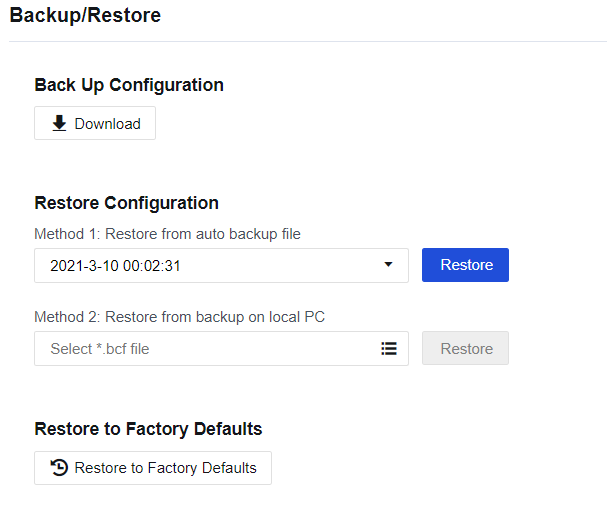
To ensure stable operation of the network, we recommend that you back up the configuration monthly to restore the NGAF system upon unexpected breakdown rapidly.
Method: Log in to the NGAF console, and choose System > Maintenance > Backup/Restore. Then click Download to download the configuration and save it properly, as shown in the following figure.
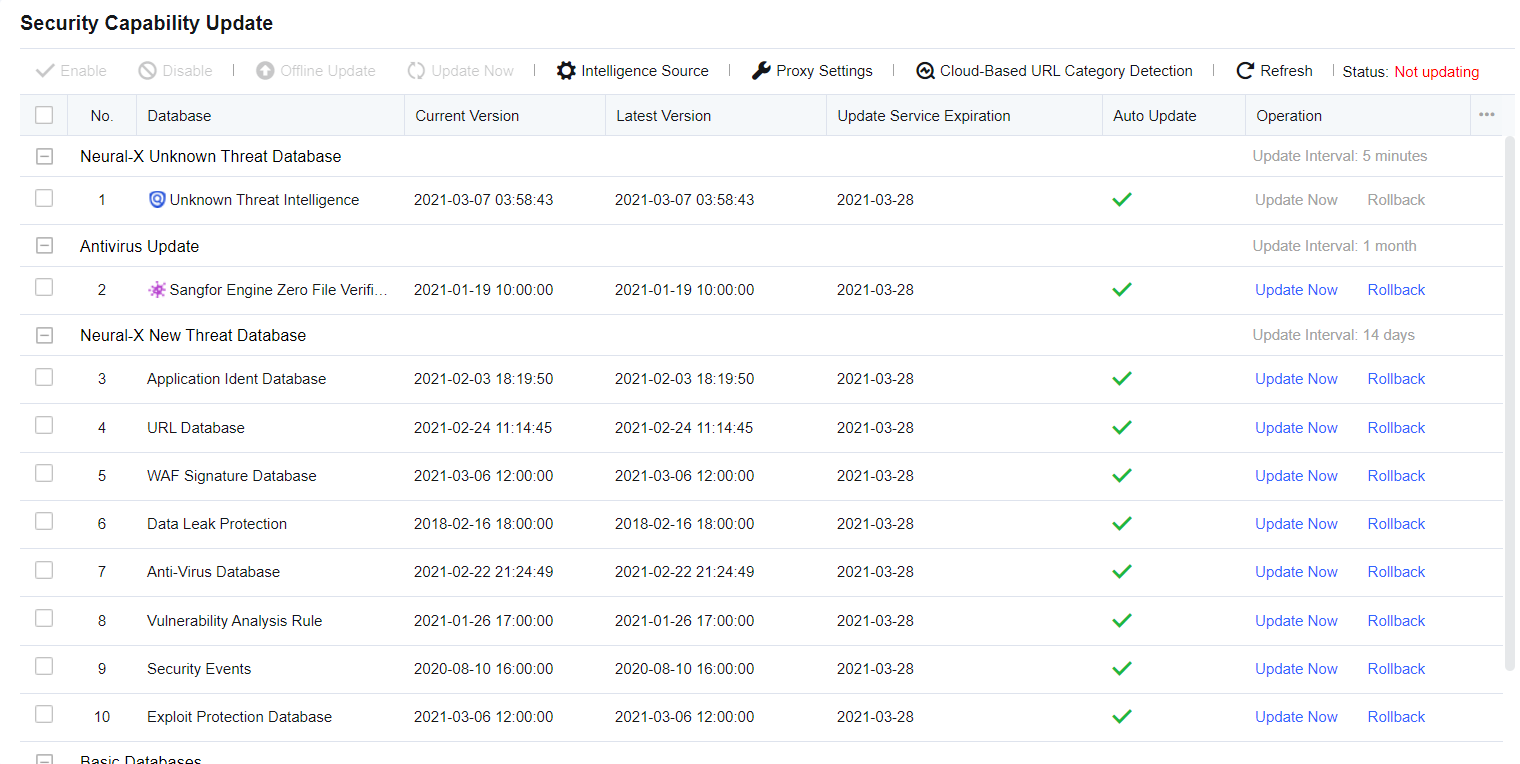
To ensure that the device can correctly identify the latest network applications, we recommend that you periodically check whether the rule database of the device is up to date. If the update is abnormal, check whether the device can access a public network.


 {{ $t('index.defaultHeader.chromeBrowserTip') }}