


{{ secondMenu.name }}






Session Ranking shows the number of sessions created when traffic flowing through the NGAF device. Session ranking and session querying can be performed according to IP addresses.
Session Details is to query the specified LAN IP address and count the number of sessions based on the peer IP address of the session, as shown in the following figure.
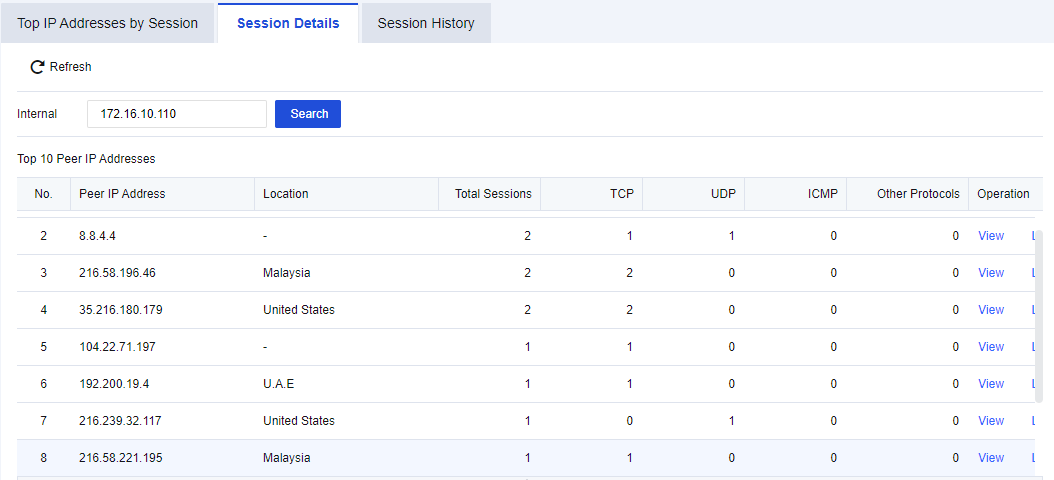
Click View to view session details, as shown in the following figure.

Click Lock to lock the session IP, as shown in the following figure.
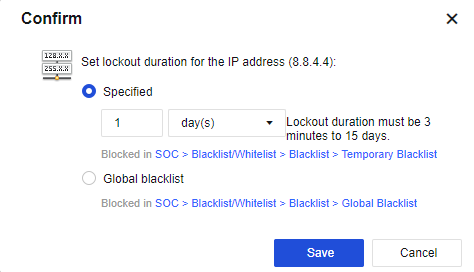
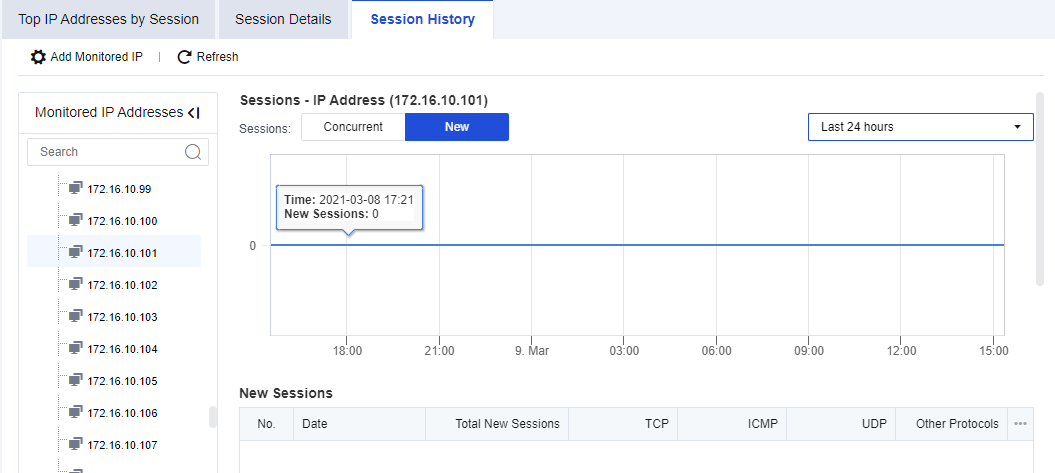
Session History presents the number of new and concurrent sessions made by an IP address. To use this function, you need to set the monitored IP group first.
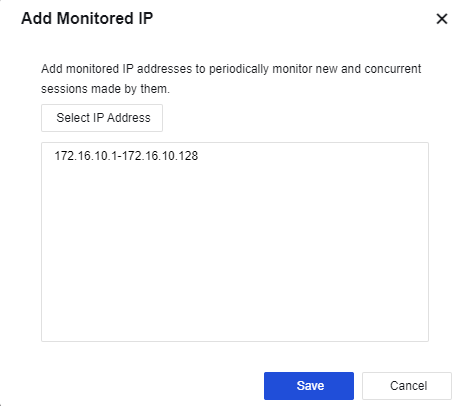
Click Add Monitored IP. You can manually enter the specified IP addresses or import an IP group, as shown in the following figure.


 {{ $t('index.defaultHeader.chromeBrowserTip') }}