


{{ secondMenu.name }}






NGAF protects against ransomware risks comprehensively by generating policies for protected objects automatically, identifies ransomware risks comprehensively and visually, provides disposal suggestions and ideas so that administrators can deal with ransomware risk events.
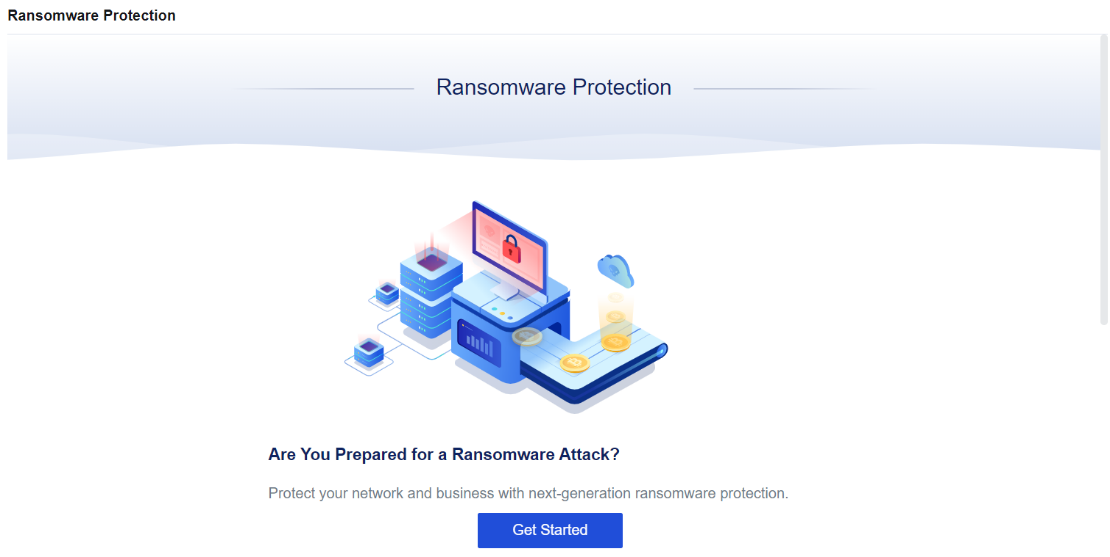
Click Get Started. The Settings page of ransomware protection is displayed as shown below.
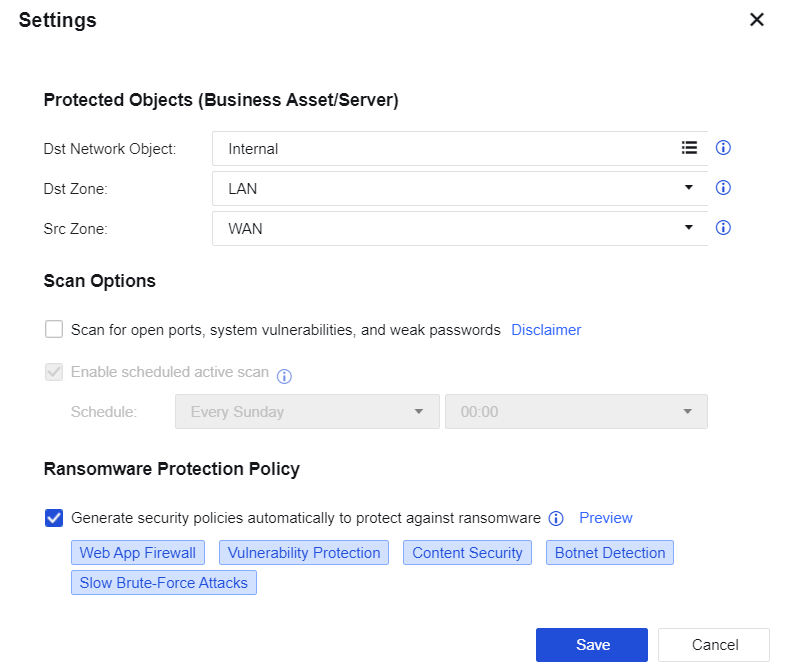
Dst Network Object: Select the IP address group of the business asset that needs ransomware protection on the LAN.
Dst Zone: Select the zone where the business asset needs ransomware protection.
Src Zone: Refers to the attack source of a ransomware attack.
Enable Scan for open ports, system vulnerabilities, and weak passwords: Authorize the NGAF device to actively scan open ports, system vulnerabilities, and weak passwords. This option is disabled by default.
Enable scheduled active scan: Set the time for the NGAF device to actively scan open ports, system vulnerabilities, and weak passwords. This option will be gray and not selectable until you enable Scan for open ports, system vulnerabilities, and weak passwords.
Generate security policies automatically to protect against ransomware: Generate security policies. Once the setting is saved, policies will be generated on the Security Protection Policy page. This option is enabled by default. It will also be automatically added to the top of the security policy list.
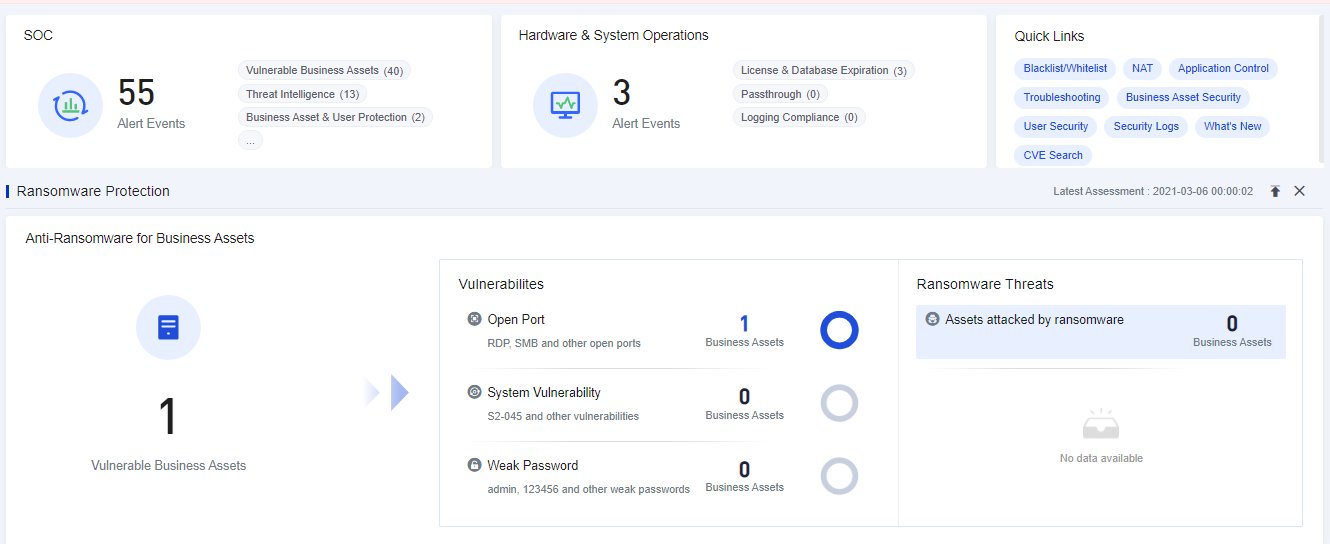
Click Save. The system will perform assessment automatically and display the ransomware protection data as shown below.
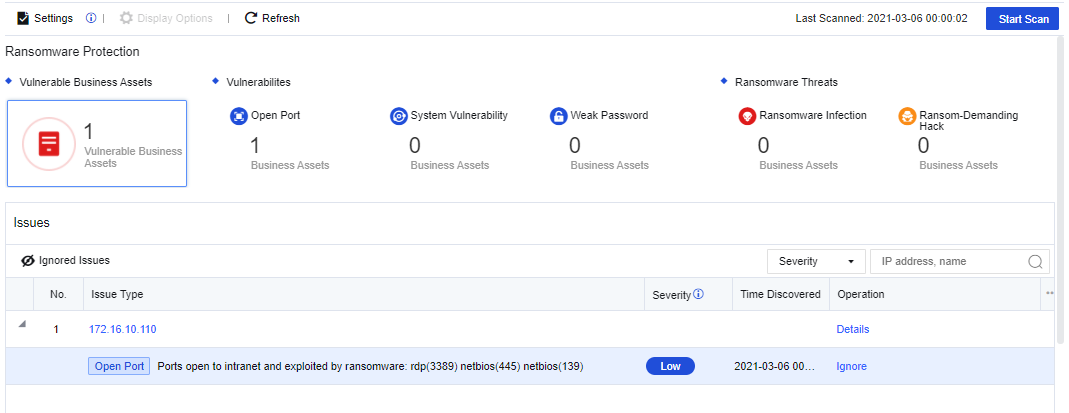
Click Module Display Settings. The Module Display Settings page is displayed. You can add the ransomware protection module to the Home.
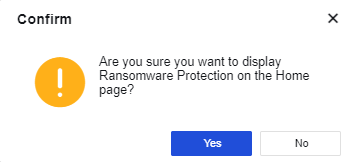
Click Yes. Then, you can see the Ransomware Protection data displayed on the Home.


 {{ $t('index.defaultHeader.chromeBrowserTip') }}