


{{ secondMenu.name }}






Asset management is the core functional module of refined management and control. In the Report Center scenario, the active scan is mainly used to detect the online status of servers and the usage of ports, help users sort out the access relationship of business assets, reduce the open ports of policies, and streamline the ACL policy.
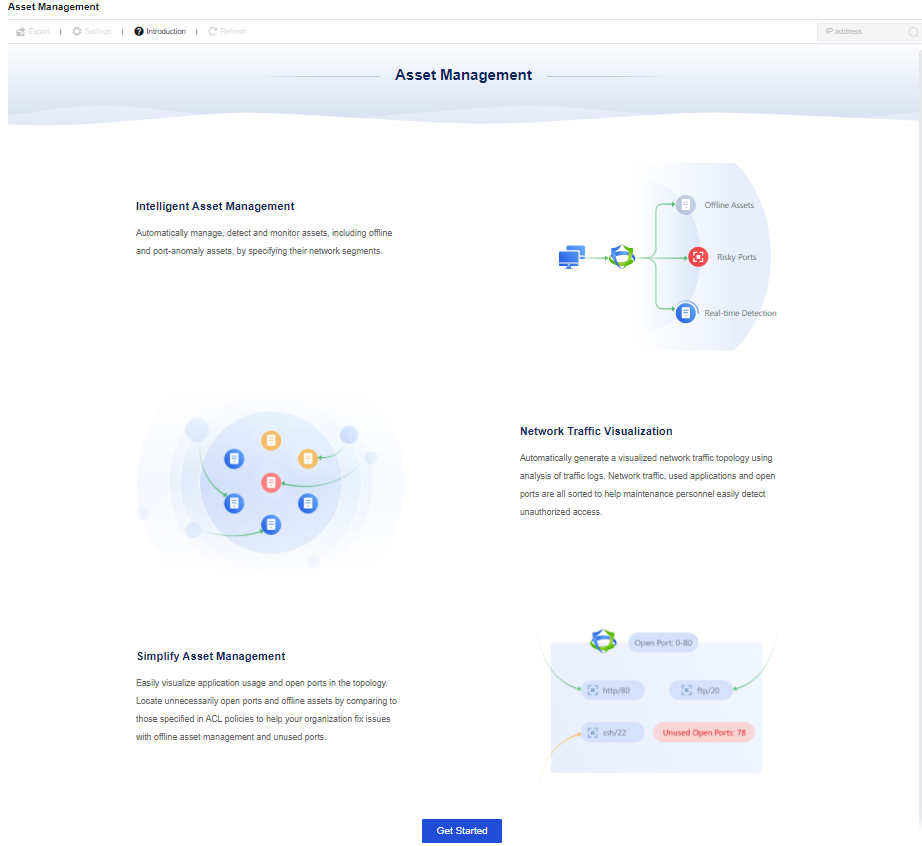
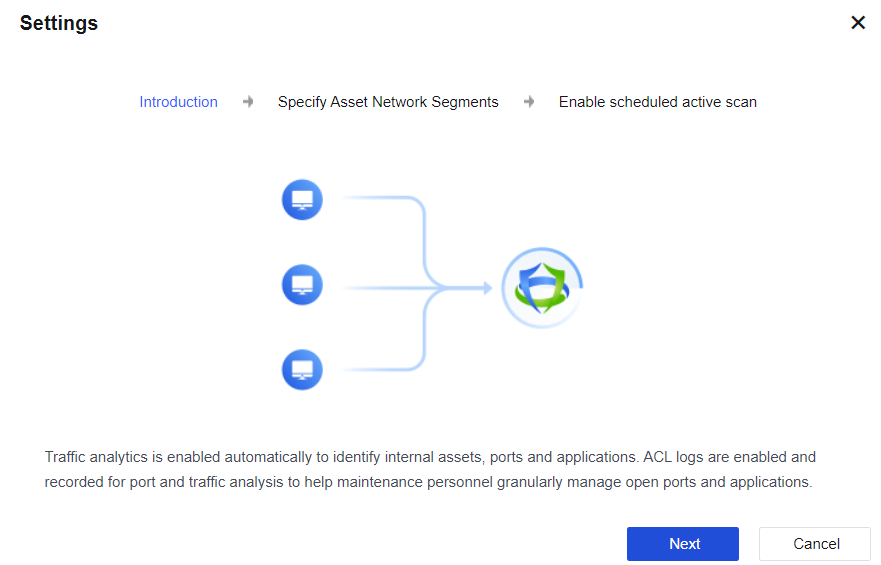
Click Get Started. The Configuration page will pop out, with function description displayed. See the figure below.
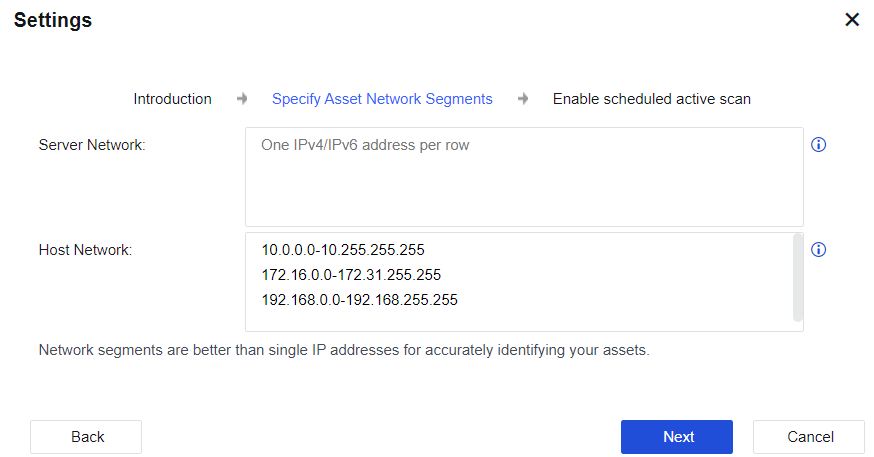
Click Next to go to the Settings page. Then, you can specify a single IPv4 or IPv6 address, range, and network segment of the LAN server network segment and LAN user network segment. For the active scan of asset management, the device will only scan the IP addresses filled in the field of "LAN server network segment". That is, as long as IP addresses are filled in the "LAN server network segment", they will be identified as server assets, and these IP addresses will be actively scanned. Internet network segments that are not within the range of these two network segments or private network segments should be configured as accurately as possible, otherwise scanning time will increase. See the figure below.
Click Next after setting. Go to the Enable active scan page. If the active scan is needed, check the Enable scheduled active scan and accept the Disclaimer option. After this option is checked, the device will periodically and actively scan the LAN server network segment to obtain the active status of the server, and the usage of ports and applications. To change the scan time and scan port, click Scan Schedule next to the Scheduled Active Scan option to edit it.
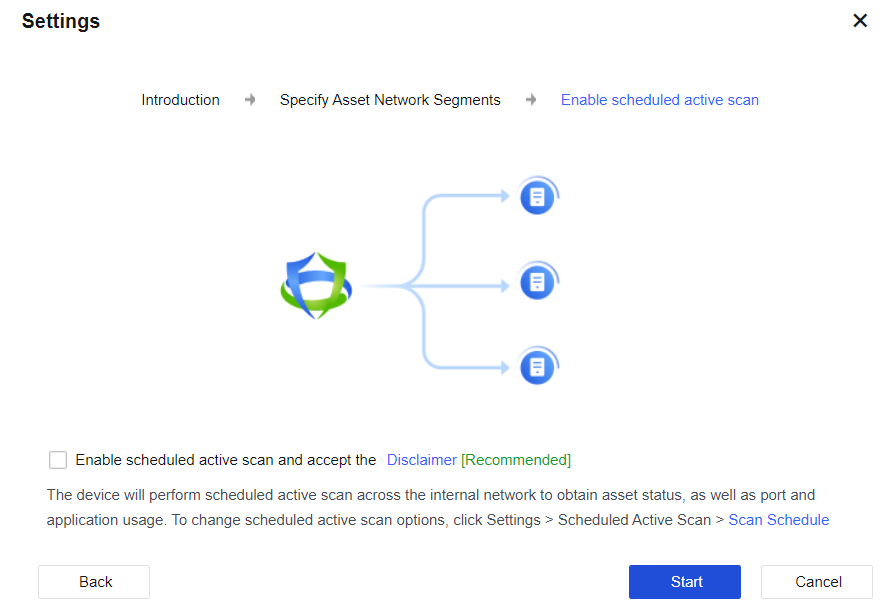
Click Start to complete the configuration.
After the Asset Management functional module is successfully enabled, click Settings on the Asset Management page to modify the configuration related to active scan. See the figure below.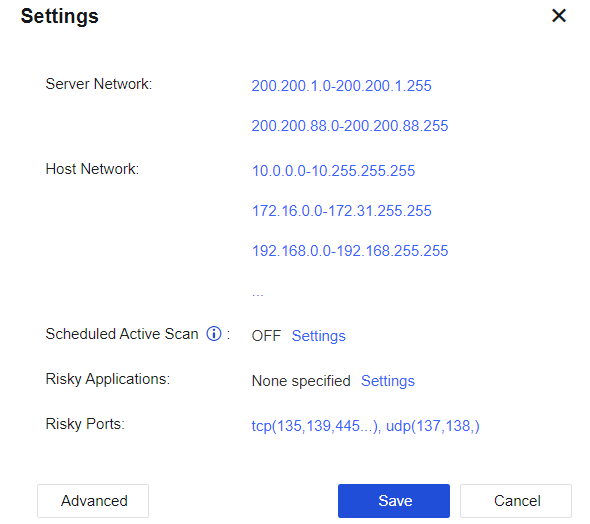
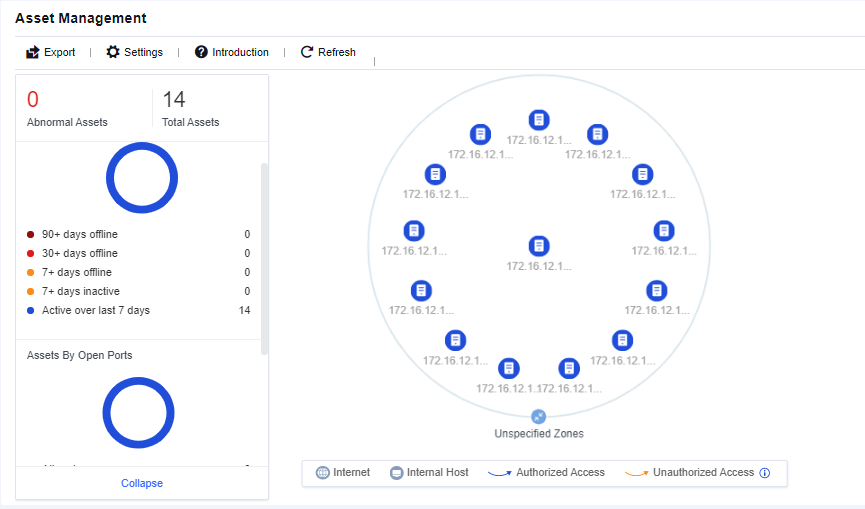
After asset sorting is completed, you can see the asset sorting results, including the online status of server assets, usage status of server asset ports, and topological diagram of access relationship between assets. Administrators can manage and optimize business assets in combination with the results of asset sorting.


 {{ $t('index.defaultHeader.chromeBrowserTip') }}