


{{ secondMenu.name }}






To set the trusted authority issuing the certificates. You can import or delete certificates in the certificate database.
On the Navigation Menu page, choose Objects > Trusted CA. Then, the Trusted CA page appears on the right.
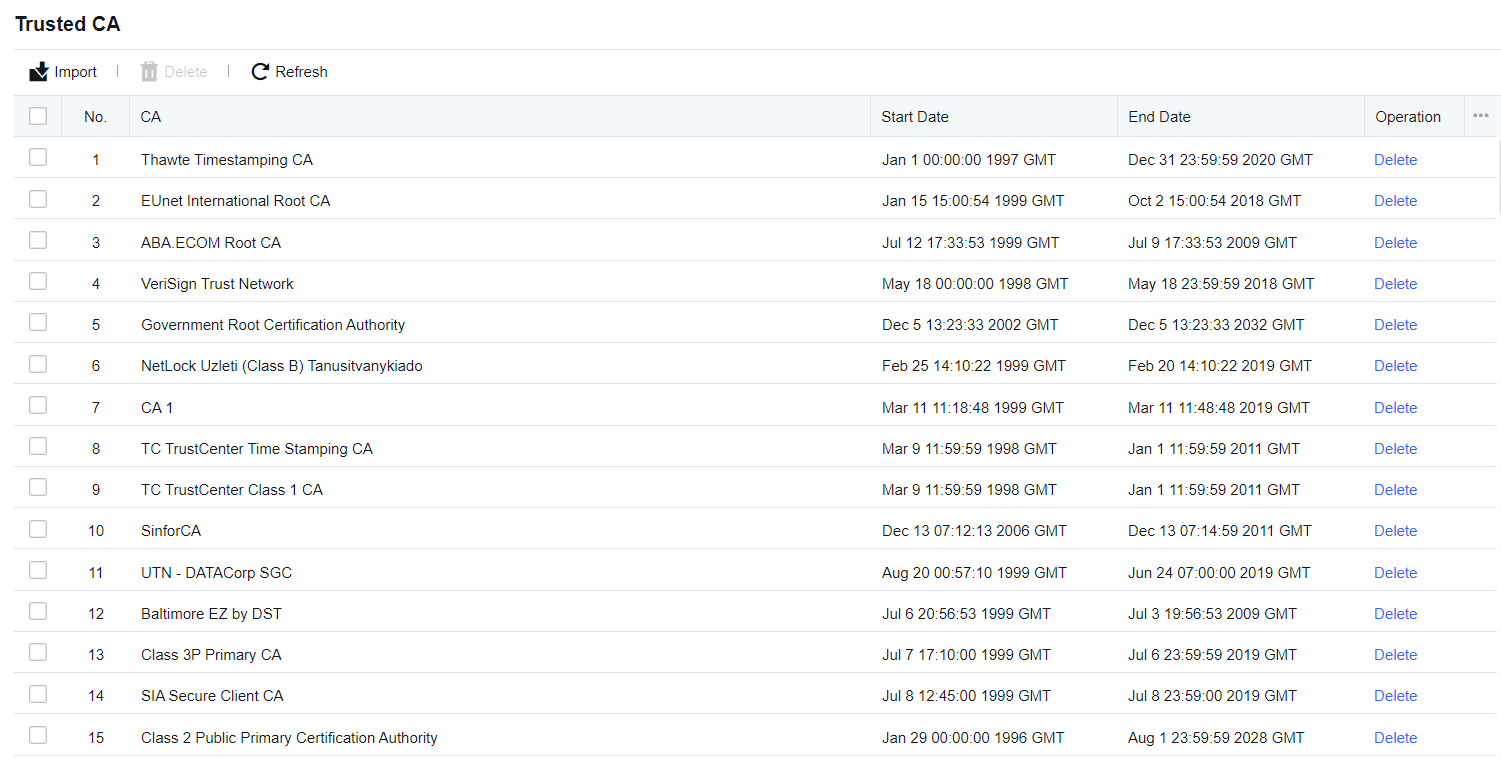
On the Trusted CA page, click Import and select and import the certificate. You can import only the certificate suffixed with .crt or .cer from a local PC.
The MD5 checksum value judges certificate difference. A different MD5 checksum value means a different certificate. The same certificate cannot be imported repeatedly.

Generally, the name of the certificate subject is the common name (CN) mapping to the certificate subject in Internet Explorer (IE). If the certificate subject does not have a CN, the name of the subject's last field is used. The sequence of the subject fields may be different from IE.


 {{ $t('index.defaultHeader.chromeBrowserTip') }}