


{{ secondMenu.name }}






It pushes some hot security events in real-time and can scan and prevent such hot events through this page. The NGAF will detect whether the assets in the user's network environment have any exploit. If yes, the exploit will be fixed according to the vulnerability fix guide, and the vulnerability protection policy on the NGAF will be optimized to enhance intrusion prevention. If no, you can ignore them.
For the first use, the Disclaimer page will pop out. You need to agree to the Disclaimer to go to the functional interface.
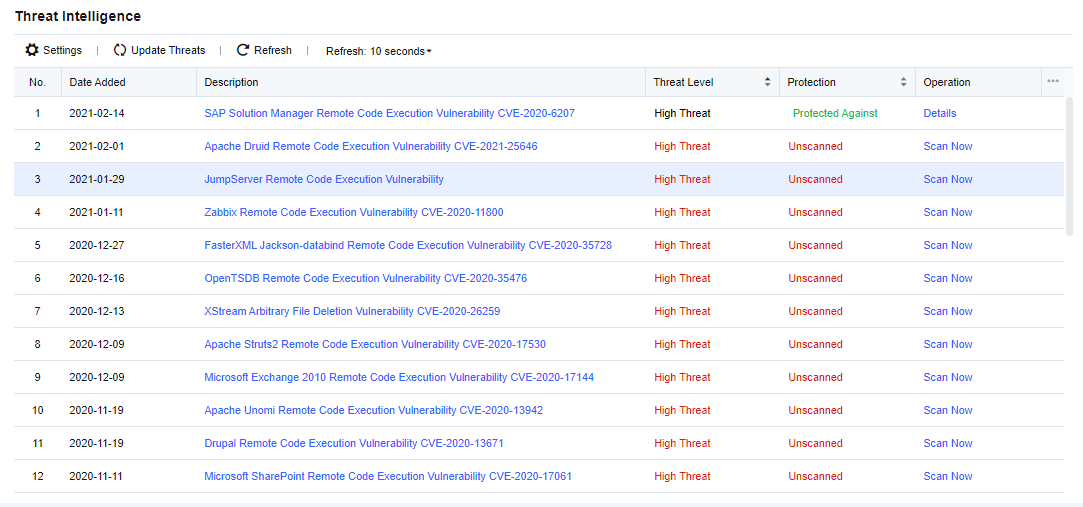
The page displays the latest hot security events and information such as threat level, protection, and operation.
Click Settings. The following page is displayed.
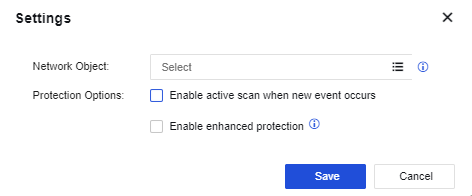
Select the network objects to be protected. The device can detect whether those objects have the same security risks when hot security events occur.
Check Enable active scan when new event occurs. The device will automatically scan the IP address group under protection when a new event occurs.
Check Enable enhanced protection. The action of the weak rule will also be Reject.
Click Get the latest intelligence to connect with the SANGFOR server and get the latest hot security events. You need to ensure NGAF can access the Internet before using this function.
For unprotected security events, click Protect now. The following page will display.
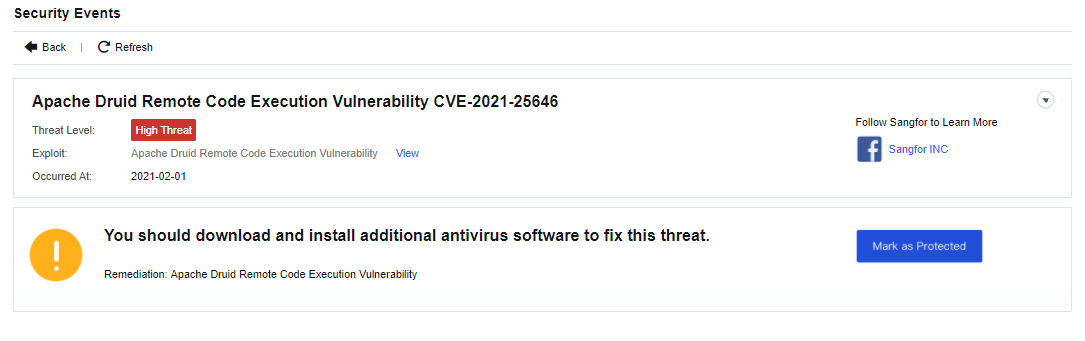
This page displays the date of occurrence and penetration mode of exploit.
Click Mark as Protected. The displayed page shows the policies to be added automatically and the rules to be enabled automatically by the NGAF.
Click Save after confirmation. Some types of vulnerability protection will prompt you to update the latest rule database.
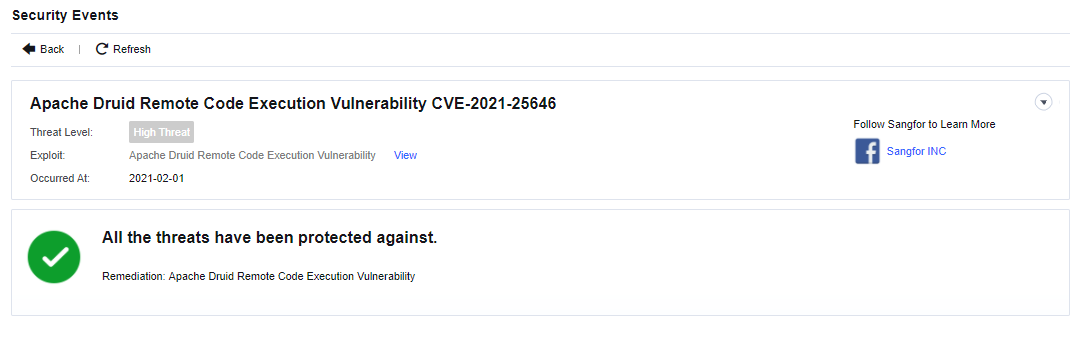
For protected security events, you can also click View to view the details of this security event.


 {{ $t('index.defaultHeader.chromeBrowserTip') }}