


{{ secondMenu.name }}






Step 1.Go to System > Maintenance > Upgrade. You can perform firmware upgrade or view Upgrade History.
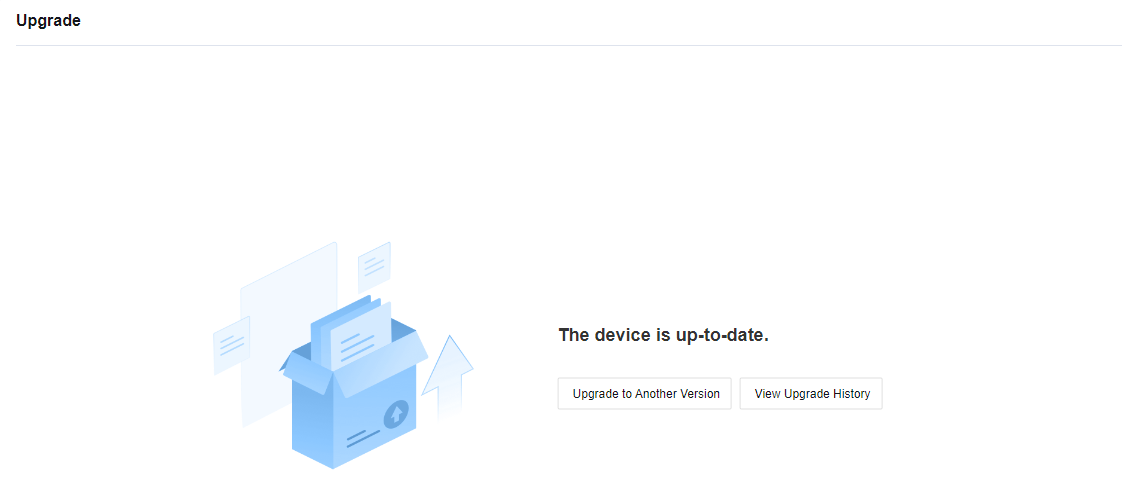
Step 2.Click the Upgrade to Another Version button and you will move to the Get Files Ready section.
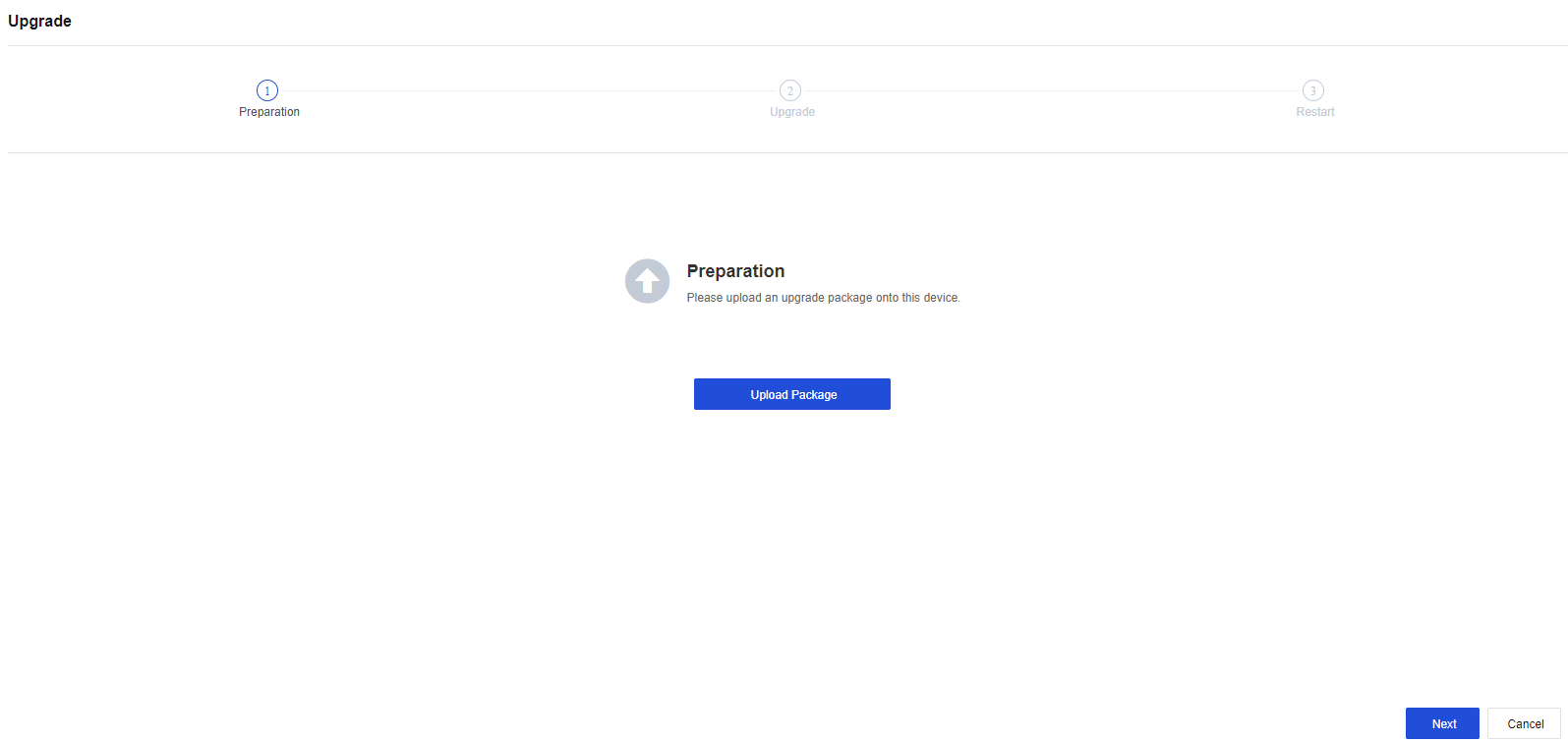
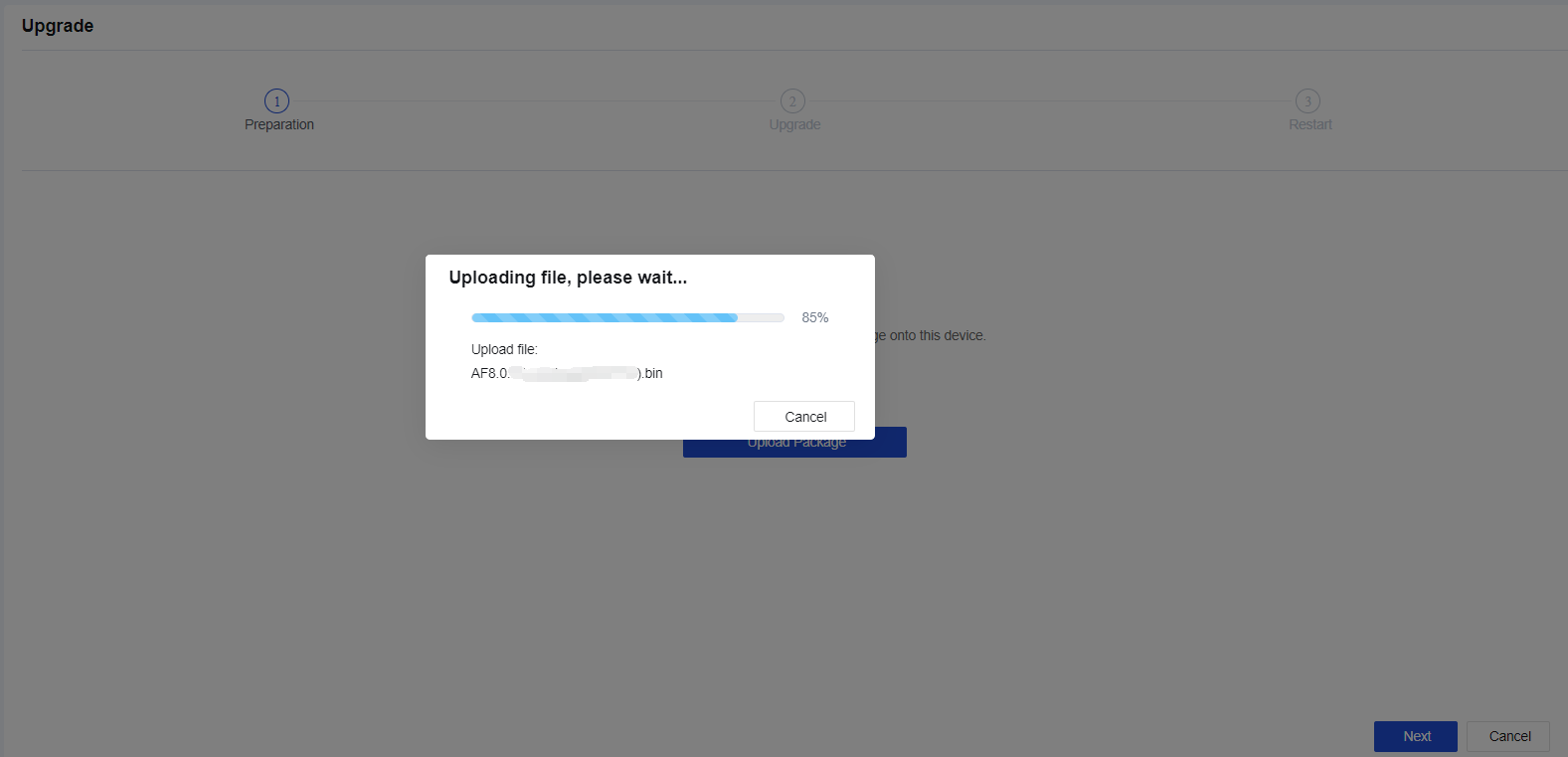
Step 3.Click the Upload Package button to upload the upgrade package from the local PC.
Step 4.After the upgrade package is uploaded, click Next to complete the configuration backup to start the upgrade. After the upgrade is completed, the device will reboot automatically. After the reboot is completed, log in to the device console and check the status of the device.
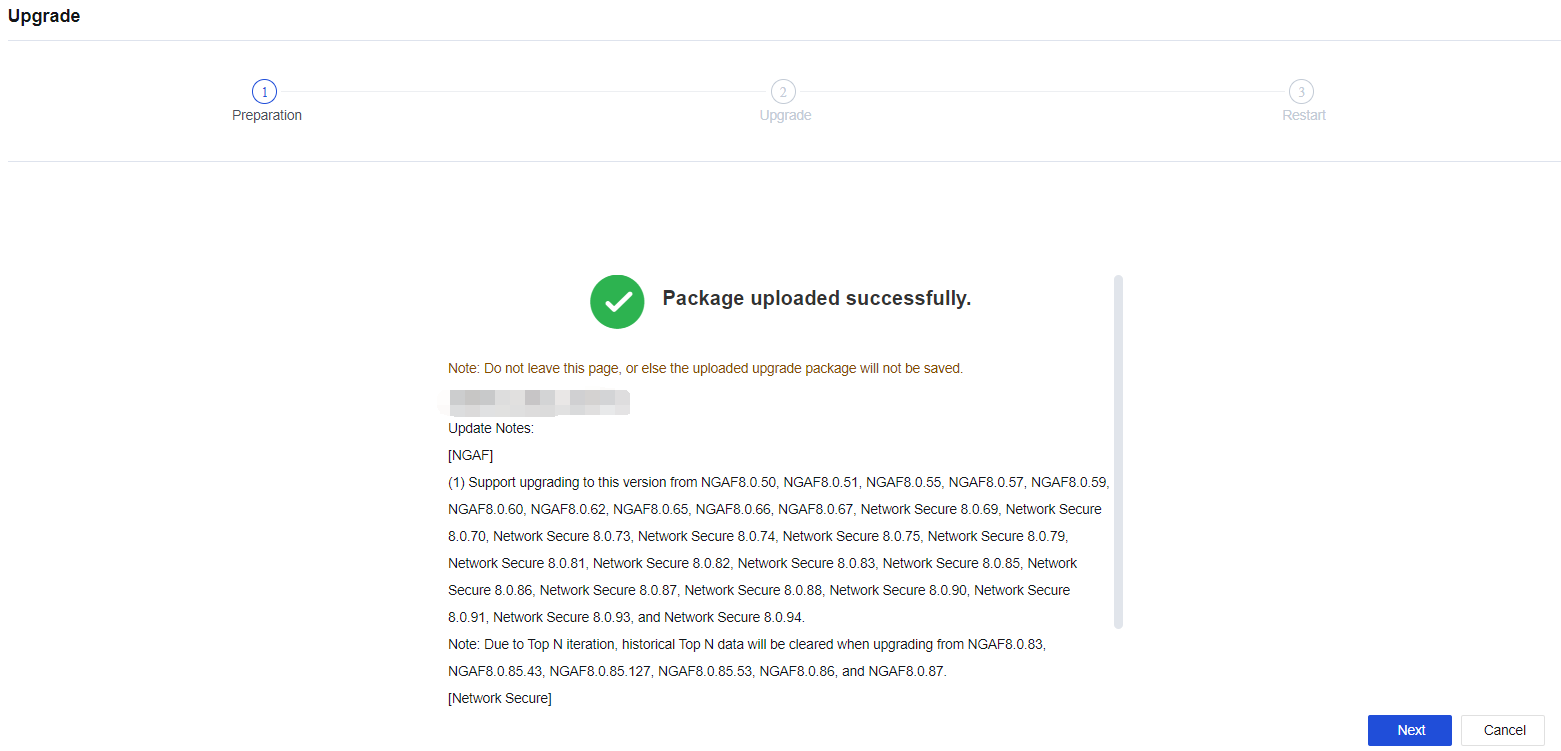
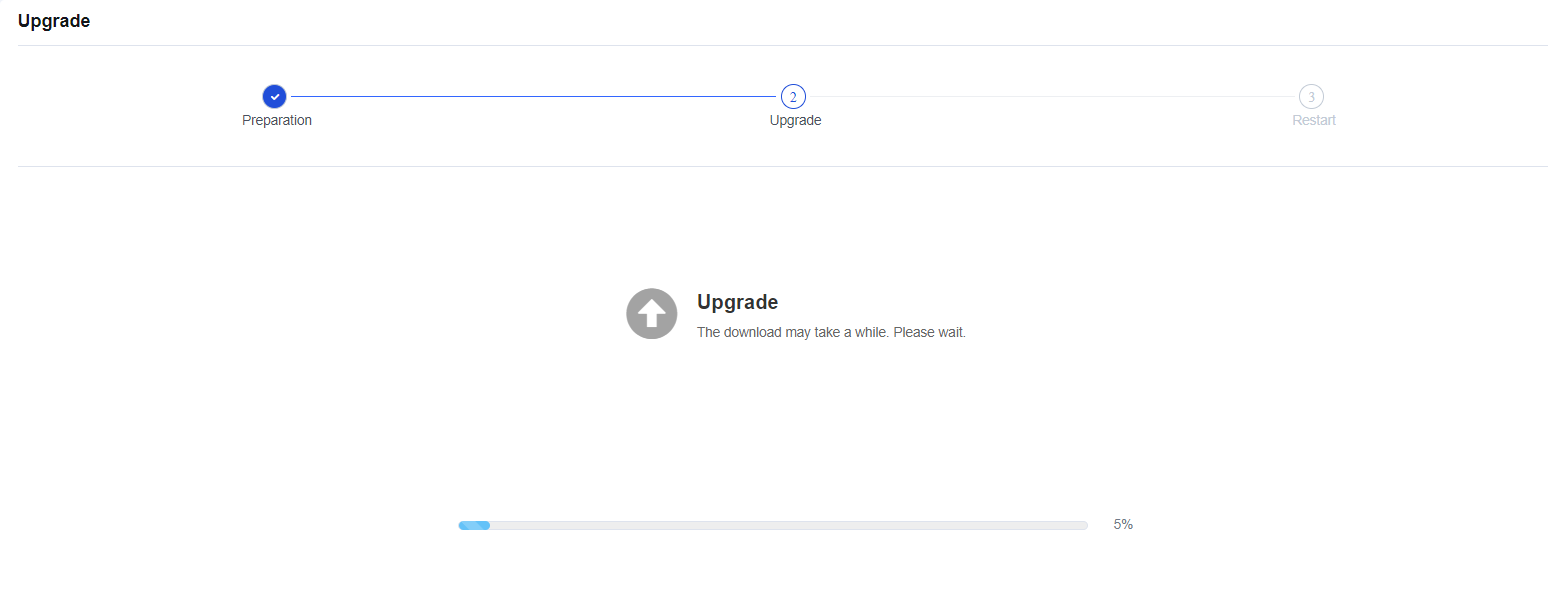
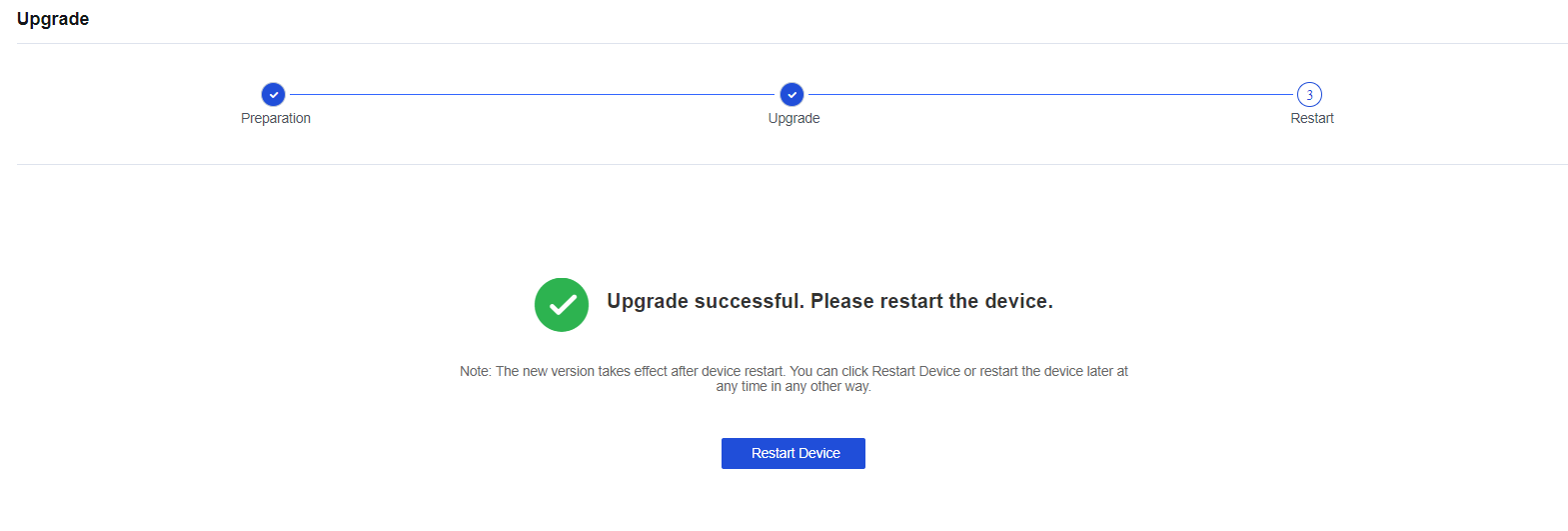

During the uploading, backup, or upgrade process, you cannot close the page. Otherwise, you need to re-enter the page and perform the upgrade operation again.


 {{ $t('index.defaultHeader.chromeBrowserTip') }}