


{{ secondMenu.name }}






Navigate to System > Troubleshooting > Logs to view the operating status logs of each module of the device. With these logs, you can determine whether the modules of the device are running normally.
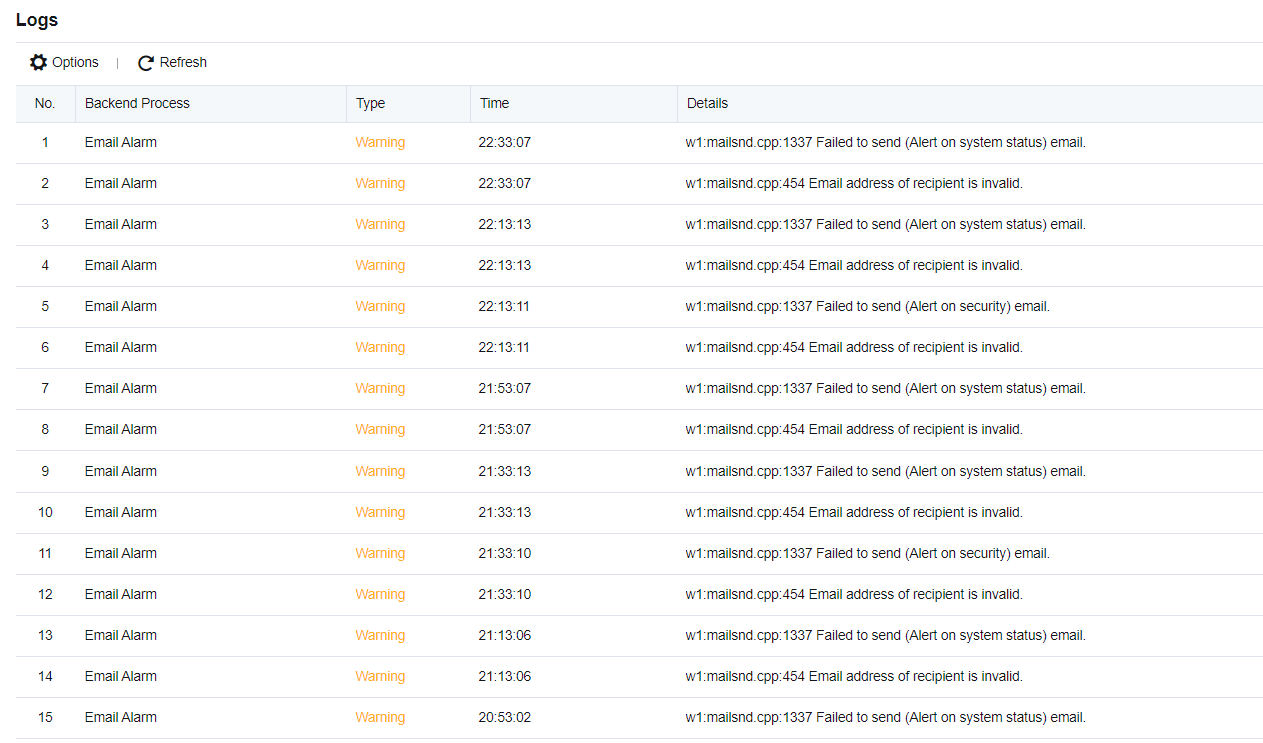
The system logs include three types: Info, Warning, and Error. On the Logs page, click Options to enter the Settings dialog box. Select the checkboxes under Logging Options to filter the type and the module to be displayed.
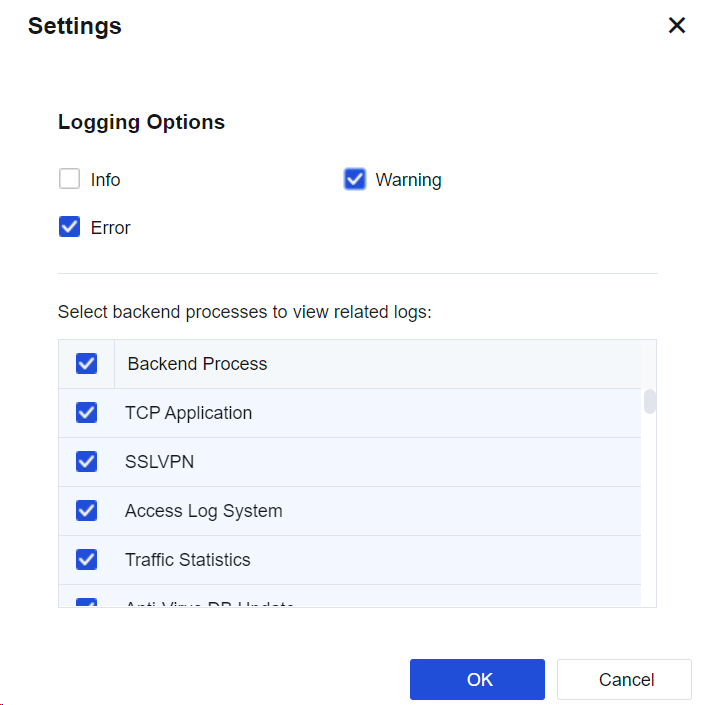
If a large number of logs in the Error and Warning types exist in the system logs, contact Sangfor Technical Support in time to check the programs of the device for failures.


 {{ $t('index.defaultHeader.chromeBrowserTip') }}