


{{ secondMenu.name }}






Advanced capturing of packets is to capture packets by running the tcpdump command and storing the captured packets in the console interface of the device. You must install the packet capturing software, such as Wireshark or Sniffer, on the computer to open the packets for analysis. In advanced capturing mode, you can capture all data transmitted through the device's NIC.
Navigate to System > Troubleshooting > Tools > Packet Capture and click Create Capture Task and select either Non-rolling or Rolling. In the Settings dialog box, set the number of packets captured and port, and set packet capture conditions, as shown in the following figure.
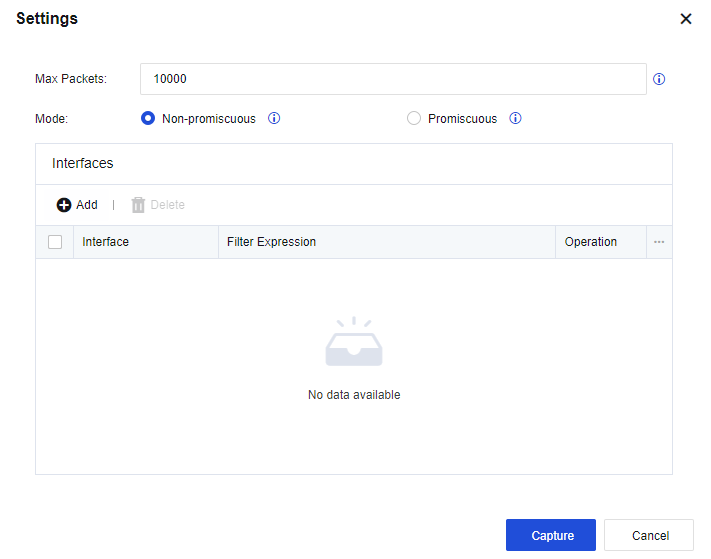
The Filter Expression is the same as the tcpdump command. If you capture packets at the IP address 192.168.1.100, the filter expression for the packets at port 80 is as follows:
host 192.168.1.100 and port 80
Click Capture. Then, the device starts to capture packets, and the captured packets can be downloaded from the Packet Capture tab.



 {{ $t('index.defaultHeader.chromeBrowserTip') }}