


{{ secondMenu.name }}






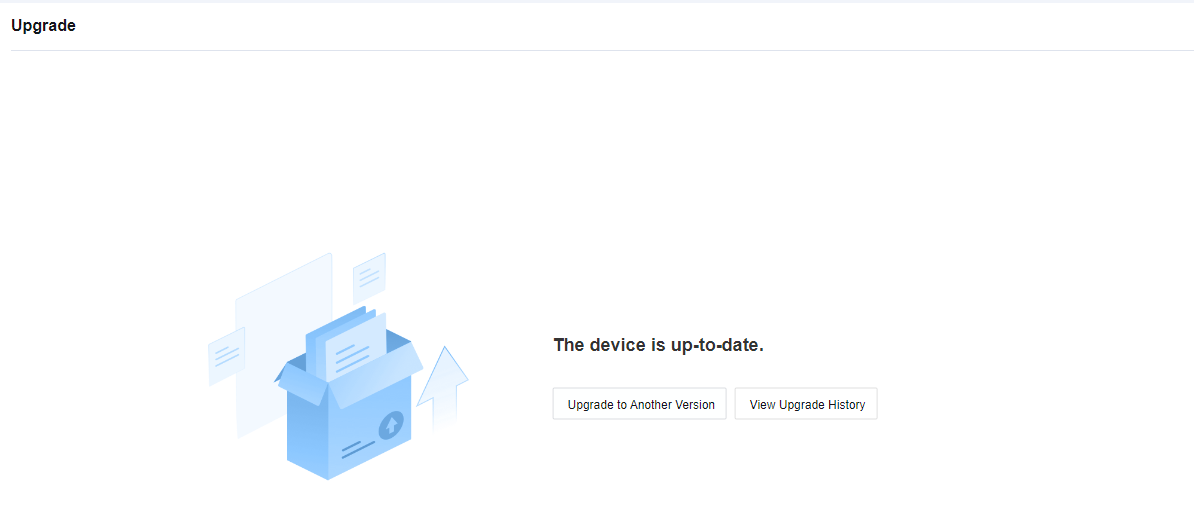
Upload an upgrade package on the device interface to upgrade the system version. After a new version is released, if you determine that the system meets the conditions required for an upgrade and requires a version upgrade, click Update to Another Version. The Upgrade page appears. Click Upload Package to upload the local upgrade package to upgrade the system. See the figure below.
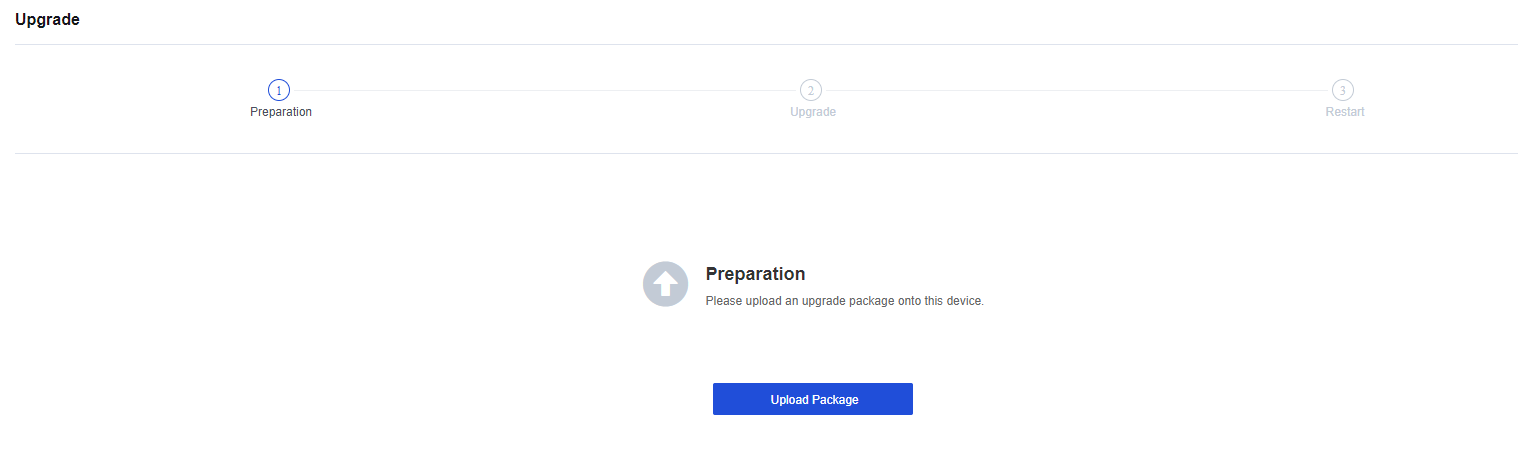
For more detailed steps, see Chapter 11 Product Upgrade Guide.
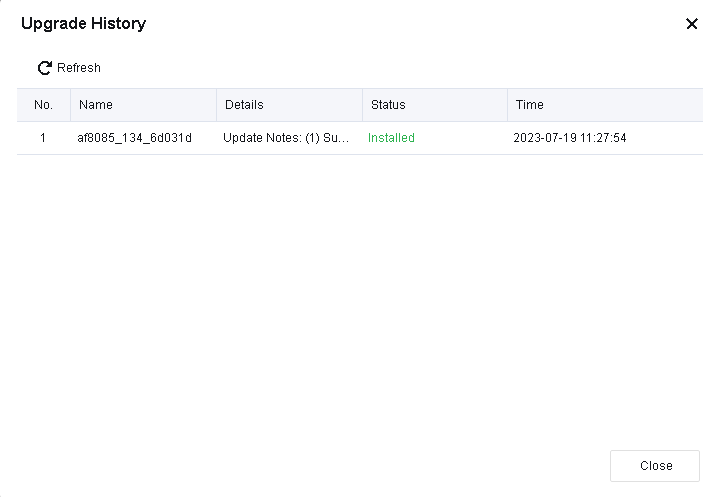
To view upgrade records, click View Upgrade History. See the figure below.
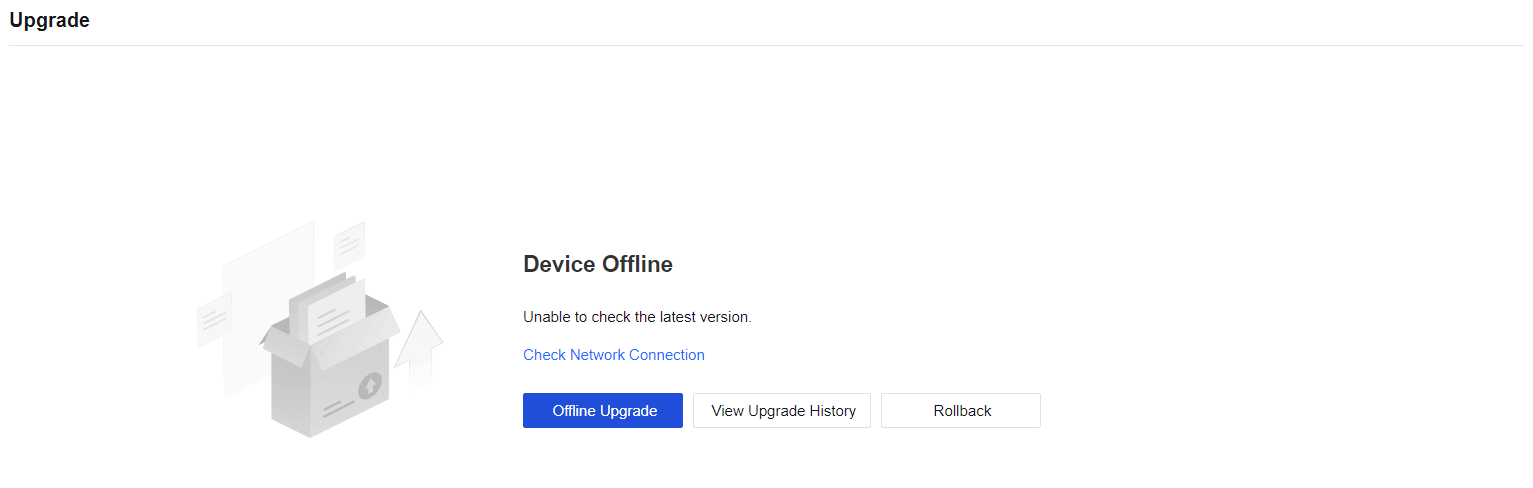
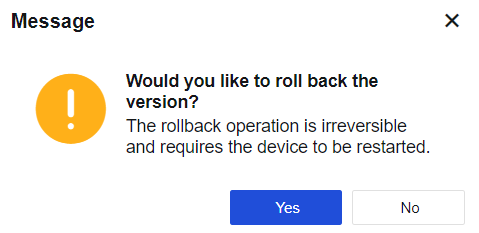
To roll back to the previous version before the upgrade, click Rollback. This high-risk operation will restart the device and restore the configurations to their pre-upgrade state. Perform this operation only when the issues for the upgraded version cannot be resolved.


 {{ $t('index.defaultHeader.chromeBrowserTip') }}