


{{ secondMenu.name }}






To set an IP address range of the ISP. The IP address range can be called when being deployed in route mode.
On the ISP tab, click Add. Then, the Add ISP dialog box appears. To add an ISP address range, enter the name, IP address range, and WHOIS flag, as shown in the following figure.
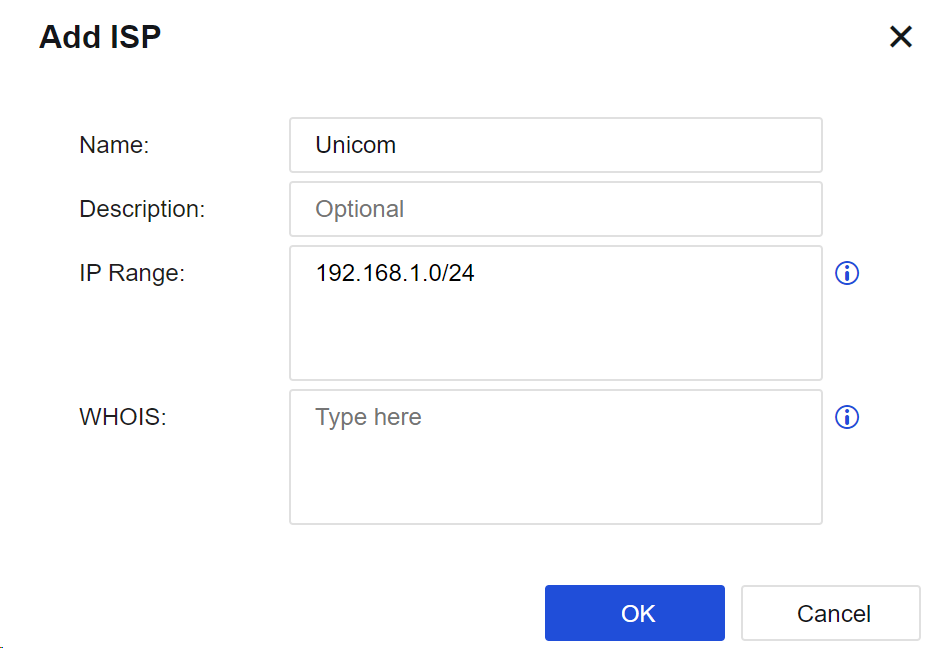
Name: Specify the name of the ISP.
IP Range: Manually set the network IP address range for the ISP.
WHOIS: Set the WHOIS flag mapping to the ISP IP address range. You can identify the addresses of different ISPs according to the flag.
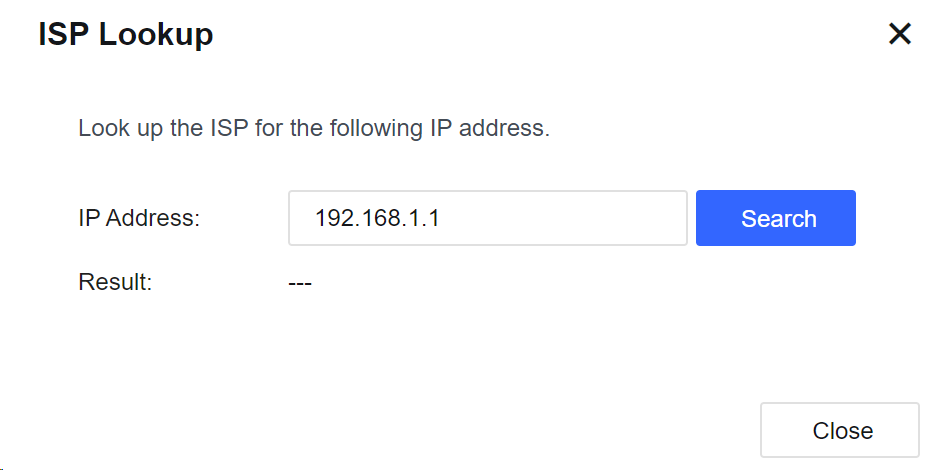
Click ISP Lookup. Then, you can enter the IP address to query its corresponding ISP, as shown in the following figure.


 {{ $t('index.defaultHeader.chromeBrowserTip') }}