


{{ secondMenu.name }}






The Certificate contains certificate requests and a certificate list used to generate and import the RSA signature certificate. The configuration is as shown in the figure below:
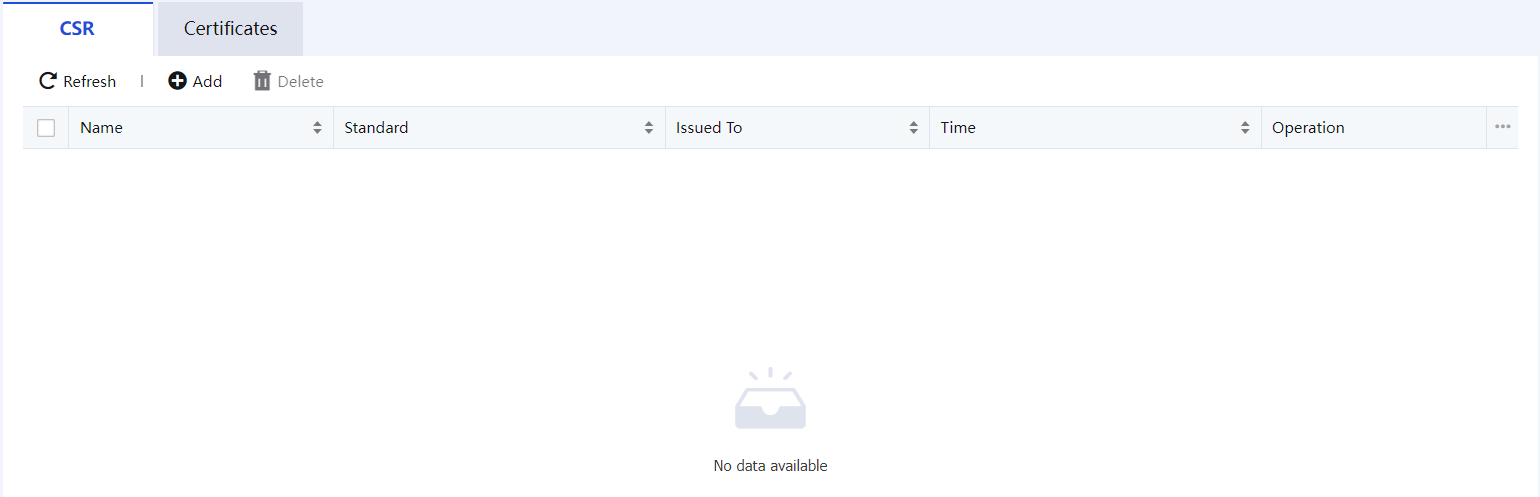
To create a CSR file when requesting a certificate from a certificate provider, click Add to add the configuration as the figure below:
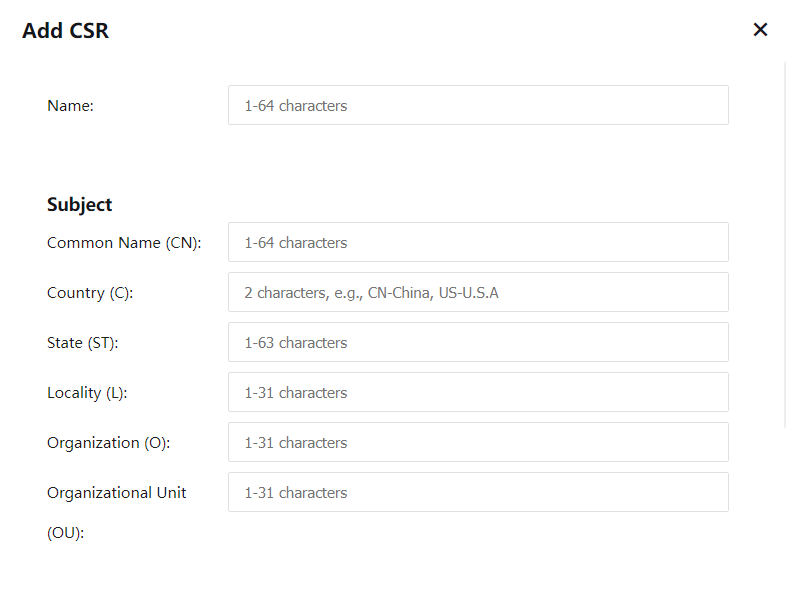
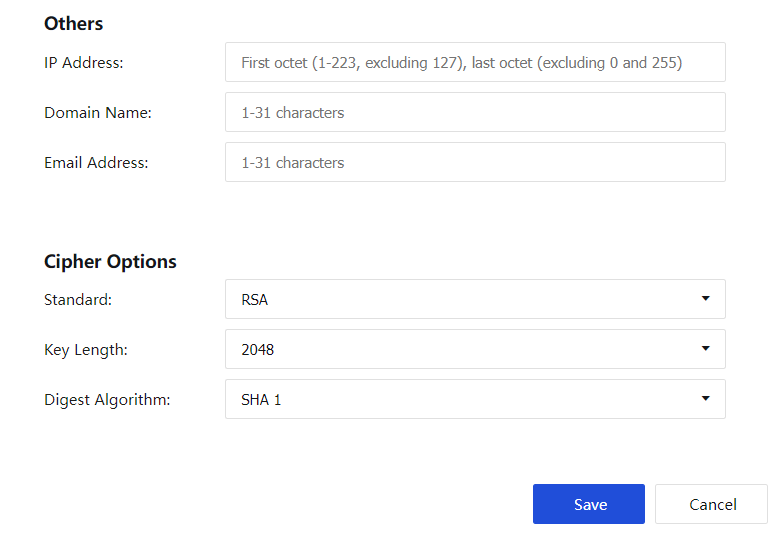
Description of the configuration item:
The name and subject, as well as the information of the expanded identification information module, should be filled in according to the actual situation.
Standard: You can choose the International Commercial Key Standard (RSA).
Key Length: Optional 1024, 2048, 4096.
Digest Algorithm: Optional sha1, sha2.
After saving the request, a certificate application file and a key file will be generated. Click Download to download the application file. Only supports offline certificate applications.
Certificate can see the certificate management page, as shown in the figure below: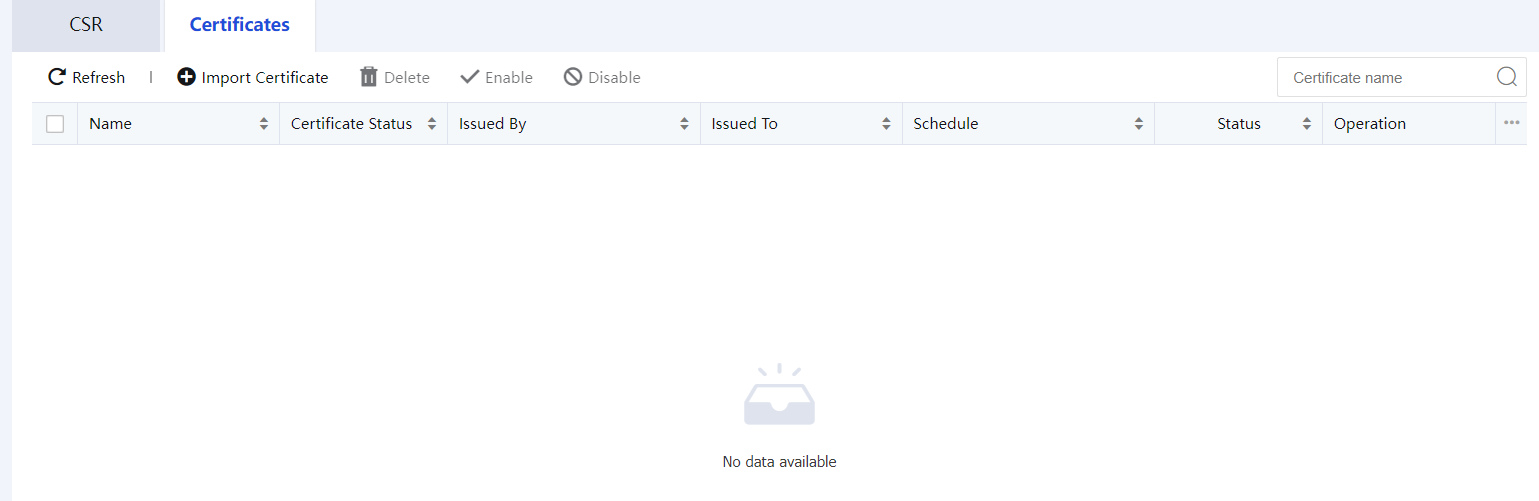
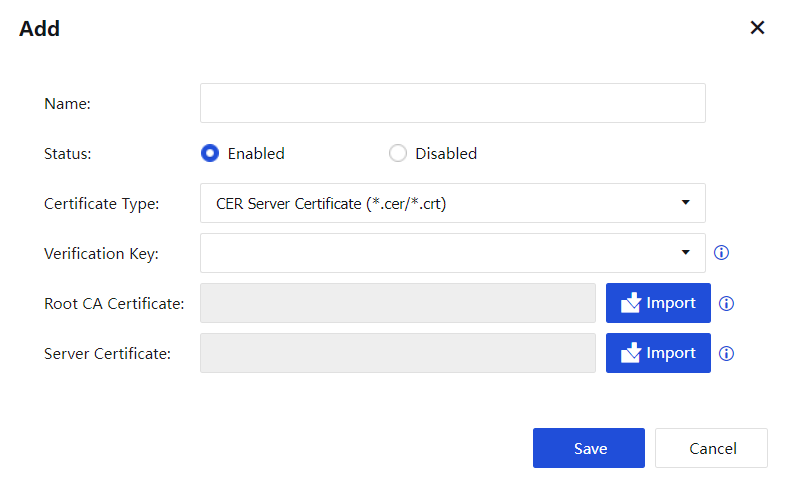
Click Import to import the certificate. See the figure below:


 {{ $t('index.defaultHeader.chromeBrowserTip') }}